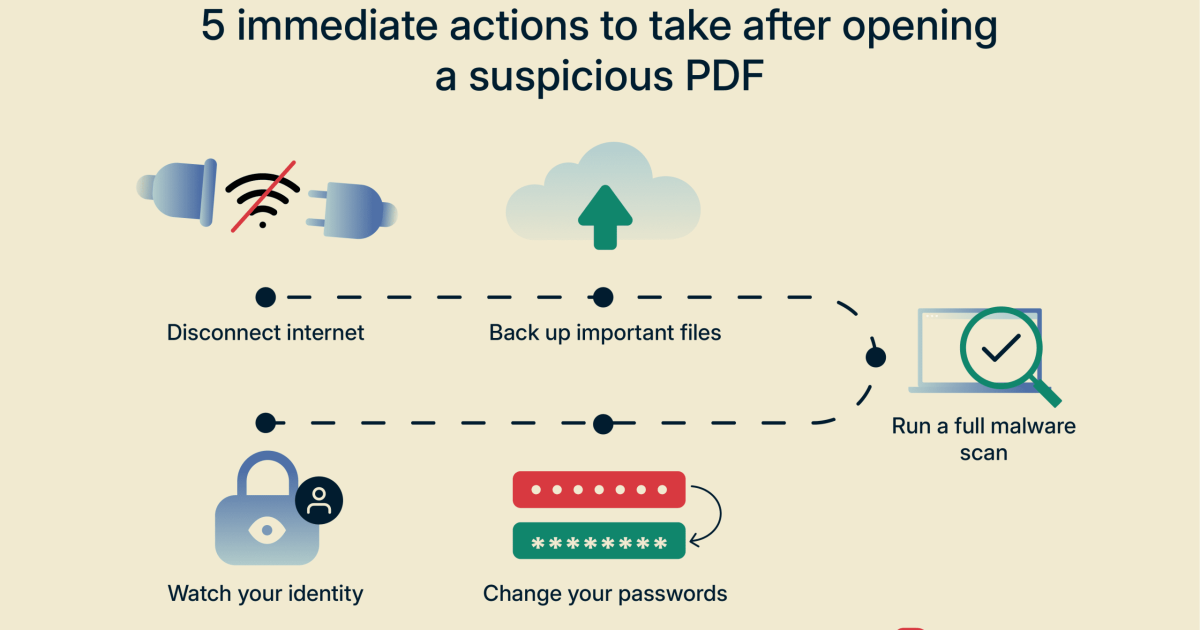
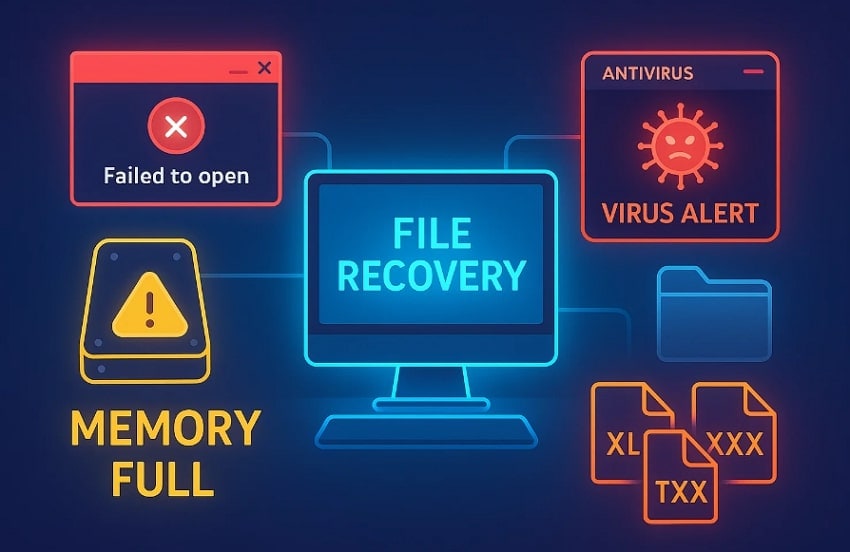
If your computer got hit by a virus and your PDFs are now acting weird — won’t open, show garbage characters, or crash your viewer — you’re in the right place. This guide is for anyone who needs to rescue important documents from malware damage. By the end, you’ll have a clean, working PDF file that you can safely open and use again.
We’ll go step-by-step: first, make sure the virus is gone. Then we’ll back up the original, try quick online fixes, use command-line tools like qpdf repair, and finally extract text and images from the wreckage if needed. No advanced tech skills required — just follow along.
What You’ll Need
- A computer with internet access
- An up-to-date antivirus or malware scanner
- The corrupted PDF file (or a backup if available)
- A text editor (like Notepad or VS Code) for inspecting the PDF
- Optional: qpdf command-line tool (free, works on Windows, Mac, Linux)
Step 1: Scan for Malware
Before touching the PDF, make sure the active malware is gone. Run a full system scan with your antivirus. If you don’t have one, use a free scanner like Malwarebytes or Windows Defender. Quarantine or delete any threats found. This prevents the virus from further damaging files or re-infecting your cleaned PDF.

Step 2: Backup the Original File
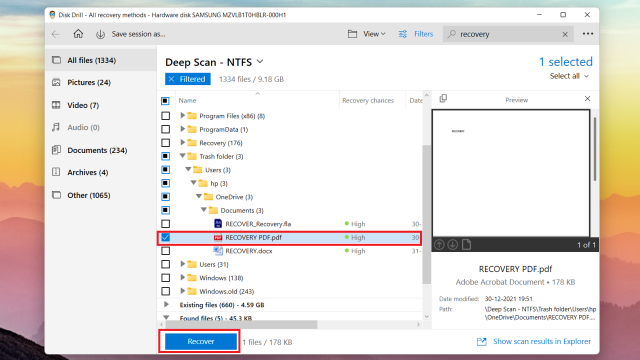
Copy the corrupted PDF to a separate folder or external drive. Never work on the only copy — repairs can sometimes make things worse. If you have a backup from before the infection, even better. This step is a key pdf recovery tip: always preserve the original until you’re sure the fix worked.
Step 3: Try Online Repair Tools
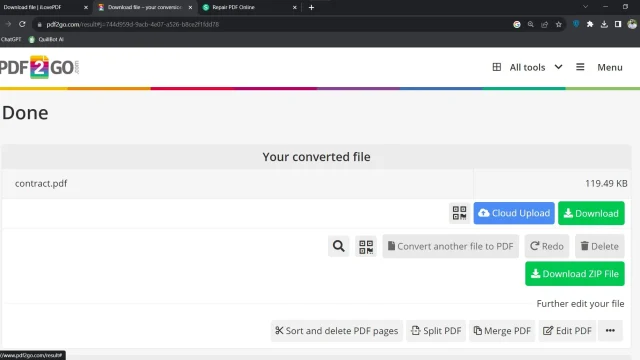
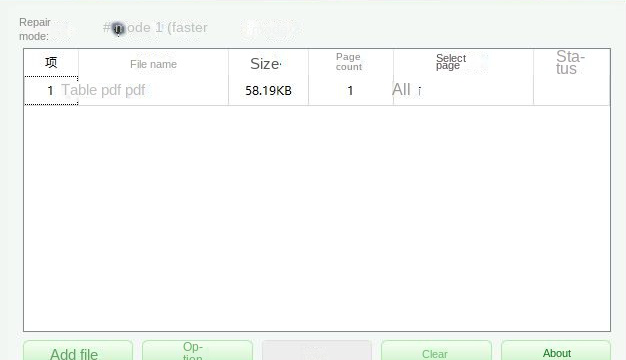
If you want a quick fix without installing anything, try an online repair without watermark. Upload your PDF to a trusted free service like iLovePDF or PDF24. These tools can often fix minor corruption caused by viruses. They’re not perfect, but they’re fast and worth a shot before moving to advanced methods.

Step 4: Use qpdf to Fix Syntax
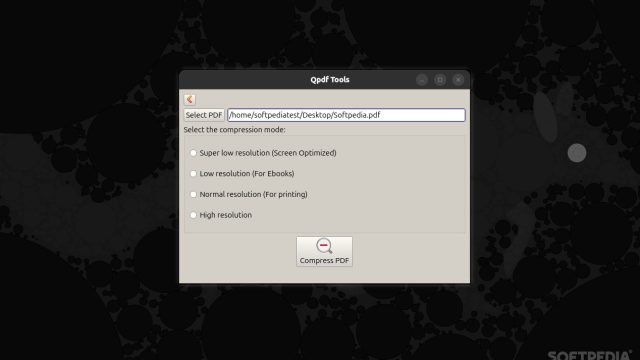
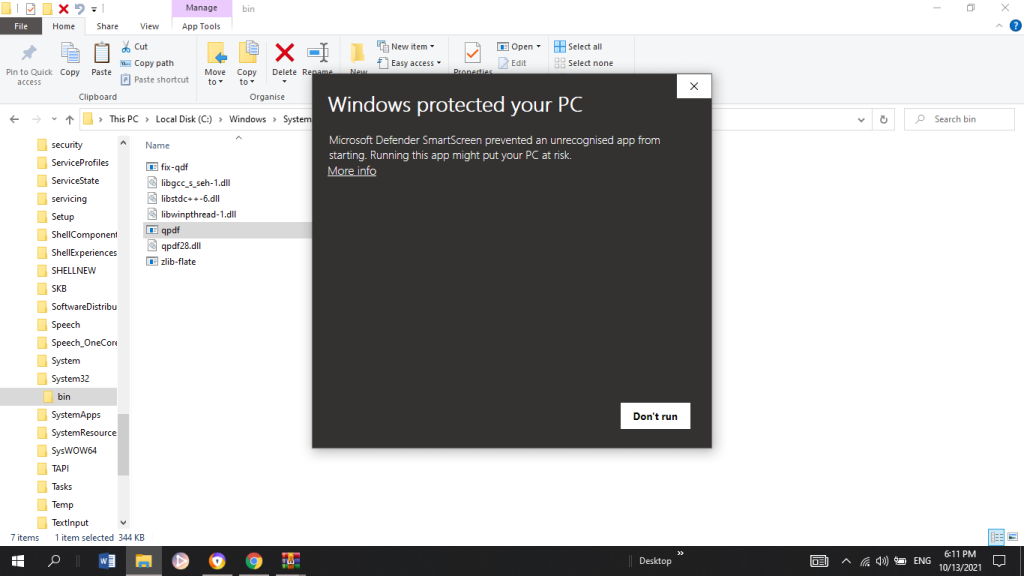
For more stubborn corruption, the command-line tool qpdf is your best friend. Download it from the official site. Open a terminal or command prompt and run: qpdf --linearize input.pdf output.pdf. This rewrites the PDF, stripping out malicious or malformed objects. If that doesn’t work, try qpdf --repair input.pdf output.pdf. This performs a pdf syntax repair that can fix headers, cross-reference tables, and streams. For a deeper dive, check out our full qpdf repair guide.
Step 5: Extract Content from Corrupted PDF
If the PDF is still unreadable after repair, you can still salvage the text and images. Use a tool like pdftotext (from Poppler) to extract plain text: pdftotext input.pdf output.txt. For images, try pdfimages. This won’t give you a perfect PDF, but it recovers the data. Then you can rebuild a new PDF from the extracted content. This technique is outlined in our repair a damaged PDF article.
Common Pitfalls
- Trying to open the infected PDF before scanning — this can spread the malware to your PDF reader. Always quarantine the virus first.
- Using online tools without checking privacy — sensitive documents should never be uploaded to unknown sites. Stick to well-known services.
- Overlooking the backup step — if your repair goes wrong, you lose everything. Always keep the original file untouched until you have a working copy.
Where to Next
Now that your PDF is fixed, take steps to prevent future issues: keep your antivirus updated, avoid opening suspicious email attachments, and regularly back up important files. For more advanced scenarios, explore our other guides like online repair without watermark and pdf recovery tips. Stay safe!