If you’ve ever clicked a link in a PDF only to get a ‘page not found’ error or nothing at all, you know how frustrating broken hyperlinks can be. This guide is for anyone dealing with PDFs where the links don’t work—whether you’re a student, professional, or just someone trying to navigate a document. By the end, you’ll have a fully functional PDF with all hyperlinks working properly, using either free online tools or Adobe Acrobat.
We’ll cover two main methods: using a free online PDF repair website for a quick fix, and using Adobe Acrobat Pro for more control. Both are straightforward and can save you from manually retyping every URL. Let’s get your PDF links back in action.
What You’ll Need
- A PDF file with broken or dead hyperlinks
- Computer with internet access
- Optional: Adobe Acrobat Pro (paid version) for manual editing
- Optional: A free online pdf repair website (we’ll link to one below)
Step 1: Identify the Broken Links
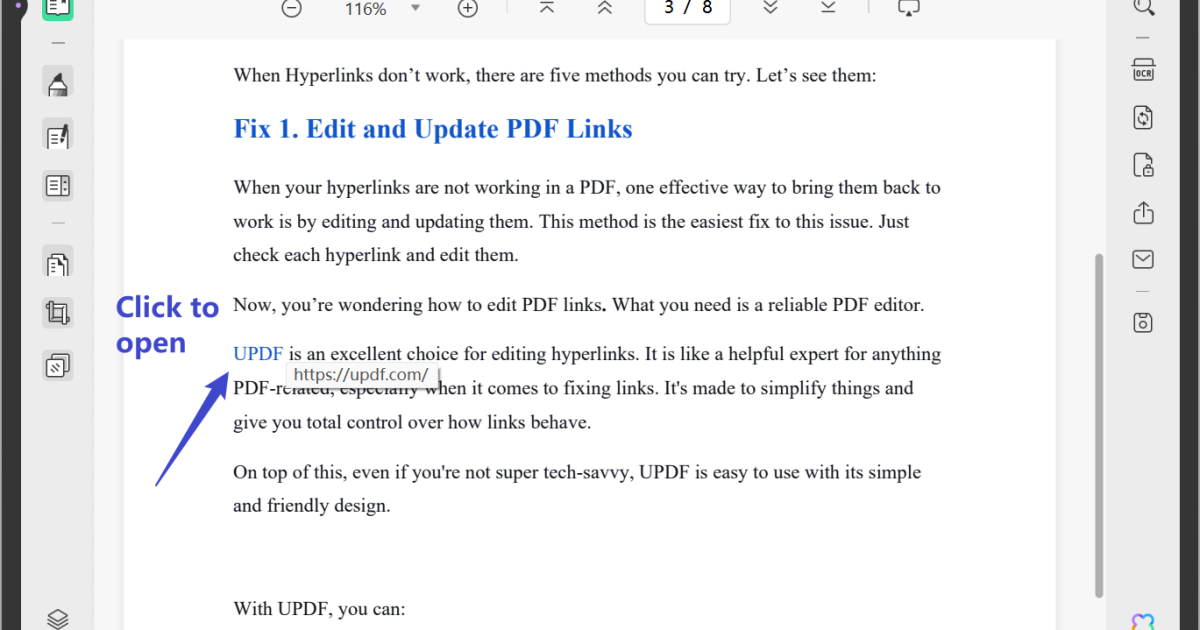
Before fixing anything, you need to know which links are broken. Open your PDF in any viewer (Adobe Reader, browser, etc.) and click each link. If a link leads to an error page or does nothing, note its location. Common signs: the link text looks plain (no underline or color) or you get a message like ‘Cannot open this link.’

Take a screenshot or make a list of the broken links. This step saves time later. If you have many links, you can use a PDF link checker tool online, but manual testing works fine for a few.
Step 2: Use a Free Online Tool to Repair Links
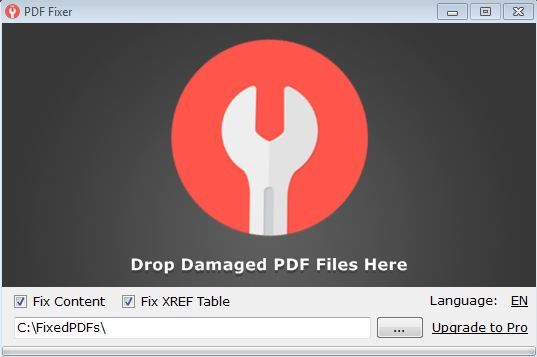
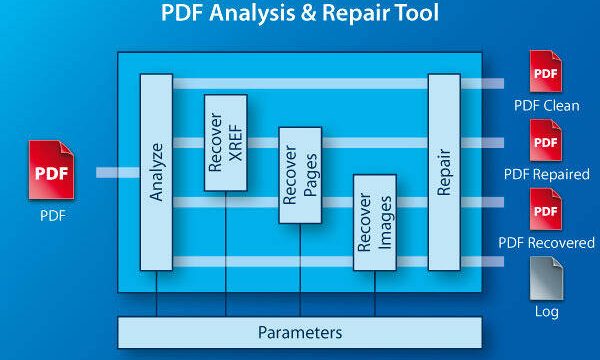
The quickest way to fix all links at once is to use a free online service. Head over to a reputable pdf repair website and upload your PDF. These tools scan the document and attempt to repair or restore hyperlinks automatically. Look for a repair option labeled ‘Fix broken links’ or ‘Repair PDF.’
After uploading, click the repair button. The tool will process your file and give you a download link for the repaired PDF. This method works for most common link issues, like incorrect URLs or missing link actions. It’s a good first step before trying more manual methods.
Step 3: Fix Links in Adobe Acrobat Pro
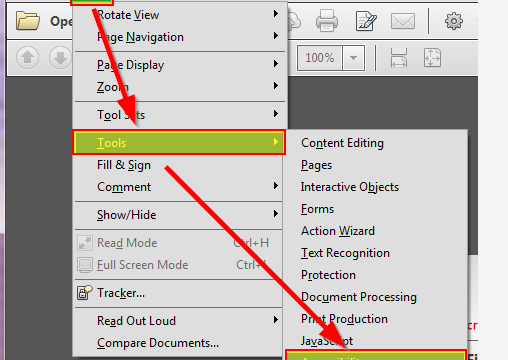
If the online tool didn’t fully fix your links, or you prefer hands-on control, Adobe Acrobat Pro is your best bet. Open the PDF in Acrobat Pro. Go to the ‘Tools’ tab, then click ‘Edit PDF’. In the toolbar, select ‘Link’ > ‘Add/Edit Web or Document Link’. This opens a panel where you can see all existing links.
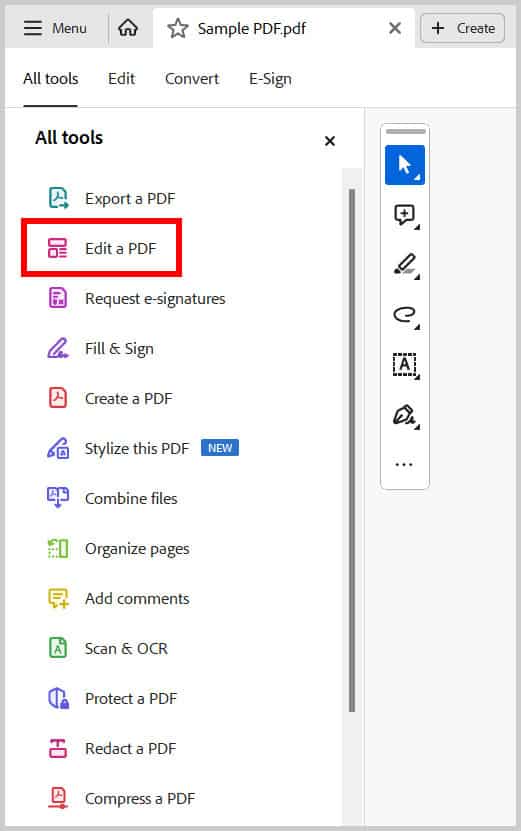
Click on each broken link. A dialog box appears where you can modify the link action. For a web link, enter the correct URL. For a document link, browse to the file. Apply the changes and repeat for all broken links. Save the file with a new name to keep the original intact.
Step 4: Test All Links After Repair
Once you’ve repaired the links, test every single one. Open the repaired PDF and click each link. They should now take you to the correct destination. If any still fail, go back to Step 3 or try a different tool. A quick test saves embarrassment later.

Step 5: Save and Backup
Finally, save your repaired PDF with a clear filename (e.g., ‘report_with_links_fixed.pdf’). Keep a backup of the original in case something goes wrong. If your PDF had other issues like broken images, check out our guide on damaged pdf repair. For persistent link problems, a repair malformed pdf tutorial might help.
Common Pitfalls
- Links still broken after repair: If the free tool doesn’t work, try a different online service or use Adobe Acrobat Pro. Some links may be malformed beyond simple repair.
- File too large for online tool: Many free tools have file size limits (e.g., 50 MB). For large PDFs, use Adobe Acrobat Pro or a desktop repair tool.
- Forgetting to test all links: It’s easy to assume all links are fixed, but always verify each one. A single broken link can frustrate readers.
Where to Next?
Now that your PDF links work, you might want to tidy up other aspects of your document. Check out our guides on how to repair pdf for free online and fix pdf text encoding. If you’re dealing with a severely corrupted file, the damaged pdf repair article covers more advanced scenarios. Happy linking!