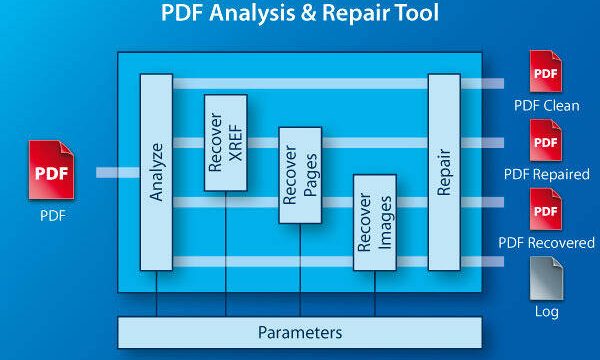
If you’re a doctor, nurse, or healthcare administrator, you’ve probably run into a corrupted medical PDF at the worst possible time—maybe a patient report won’t open, or a fillable consent form keeps crashing. This guide is for you. By the end, you’ll have a clear, repeatable process to restore your corrupted medical PDF, recovering text, images, and even fillable fields.
Medical PDFs can corrupt for many reasons: interrupted downloads from EHR systems, virus scans that break file structures, or simple glitches during saving. No matter the cause, the fix is usually straightforward. We’ll start with the least invasive methods (online tools) and move to more powerful offline options if needed. You won’t need to be a tech wizard.
What You’ll Need
- Your corrupted medical PDF file (make a backup copy first)
- A computer with internet access
- A PDF viewer like Adobe Acrobat Reader or browser
- Optional: Adobe Acrobat Pro, PDFtk, or a trusted online repair service
Step 1: Diagnose the Damage
Before you repair, figure out what’s broken. Try opening the PDF. Common symptoms: a blank page, garbled text, missing images, or an error like ‘PDF is damaged’ or ‘XREF table not found.’ This will guide your approach.
If the error mentions ‘downloading incomplete’ or ‘file is too small,’ you might have a partial download—try a fresh download first. If it’s clearly a structural issue (like XREF errors), move to Step 2.
Step 2: Try an Easy PDF Repair Online
For quick fixes, use a reputable online service. Look for one that doesn’t expose your data—medical PDFs are sensitive. A good option is an easy PDF repair online tool that respects privacy. Upload your file, let it process, and download the result. This works for most corruption types and is completely free.
If you prefer a repair PDF free without watermarks, check the service’s terms. Many free tools add watermarks unless you pay—avoid those for medical documents. The link above offers watermark-free recovery.
Step 3: Use Offline Tools for Stubborn Files
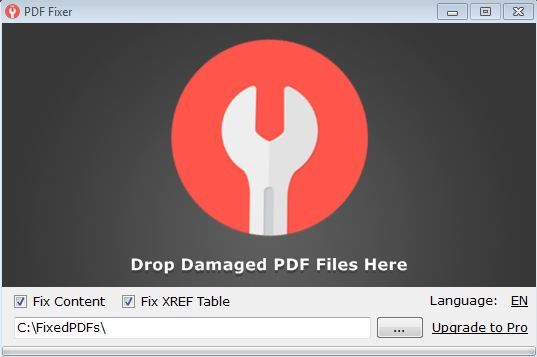
If online repair fails, go offline. One powerful tool is PDFtk (PDF Toolkit). It’s command-line but simple. For example, to fix an XREF table issue, run: pdftk corrupted.pdf output fixed.pdf. This can rebuild the internal structure. For a full guide, check out our dedicated post on how to repair PDFs with PDFtk.
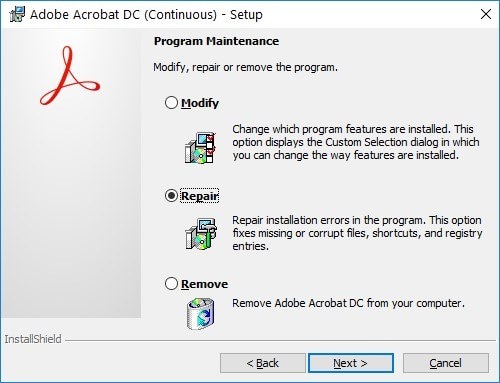
Another robust option is Adobe Acrobat Pro’s ‘Save As’ trick: open the corrupted file in Acrobat (if possible), then save it as a new PDF. Sometimes that’s all it takes.
Step 4: Recover Fillable Forms
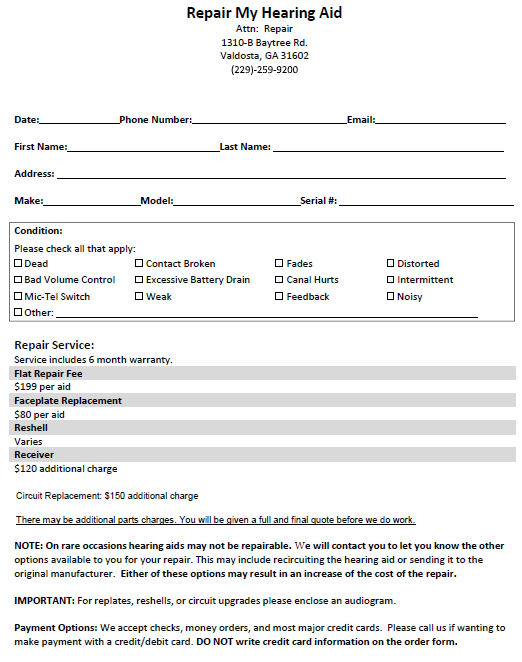
Medical PDFs often rely on fillable forms. If your file opens but forms are blank or unclickable, try PDF recovery techniques. One method: open the file in a PDF editor, export it as a static PDF, then re-import to a form tool. Alternatively, use a dedicated form recovery service.
For more detailed steps, see our guide on how to fix PDF errors online—it covers form repair too.
Step 5: Restore Lost Images
If your medical PDF has missing X-rays or diagrams, image restoration tools can help. Some online services specifically extract and re-embed images. You can also try renaming the file to .zip and extracting the image folder manually—though this is technical.

If nothing works, consider a full PDF recovery approach that targets both text and media.
Common Pitfalls
- Using shady online services that steal your medical data or add watermarks. Stick to trusted platforms.
- Forgot to back up the original file before attempting repairs. Always keep a copy.
- Overlooking encryption or password protection—some medical PDFs are secured. Remove protection first before repairing.
Where to Next
You’ve now got a reliable workflow to repair medical PDFs. For deeper issues, explore our guides on PDF recovery and fix PDF errors online. And if you’re on mobile, check out how to repair PDF on Android or repair PDF on Mac—these principles apply everywhere.
Remember: keeping a backup of critical medical documents is your best defense. Happy repairing!