You open a PDF, and instead of the crisp text and images you expect, you see a jumble of characters, strange symbols, or just a blank white page. It’s frustrating, especially when you can’t even tell if the file is truly corrupted or if it’s a software glitch. This guide is for anyone who’s ever stared at an unreadable PDF and wondered what to do next. By the end, you’ll have several working methods to restore that file to readable condition, whether it’s a critical work document or a personal file.
We’ll cover everything from quick online fixes to more advanced manual techniques. You don’t need to be a tech wizard—just follow the steps in order, and you should be able to recover most unreadable PDFs. The techniques here apply to any platform: Windows, Mac, and Linux. We’ll also point you to related resources like how to understand why pdf says damaged and the best way to recover pdf files in more detail.
What You’ll Need
- The unreadable PDF file
- A computer with internet access
- A PDF reader (Adobe Acrobat Reader, Foxit, or built-in browser reader)
- Optional: A backup copy of the file before attempting repairs
- Optional: A text editor like Notepad++ (for manual fixes)
Step 1: Try a Different PDF Reader
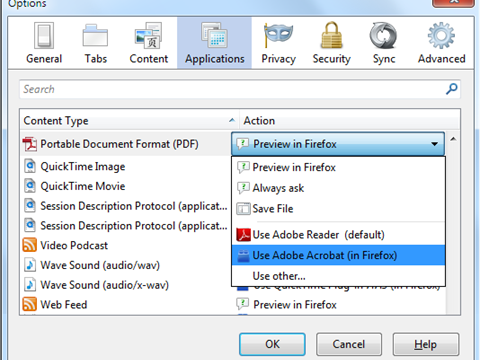
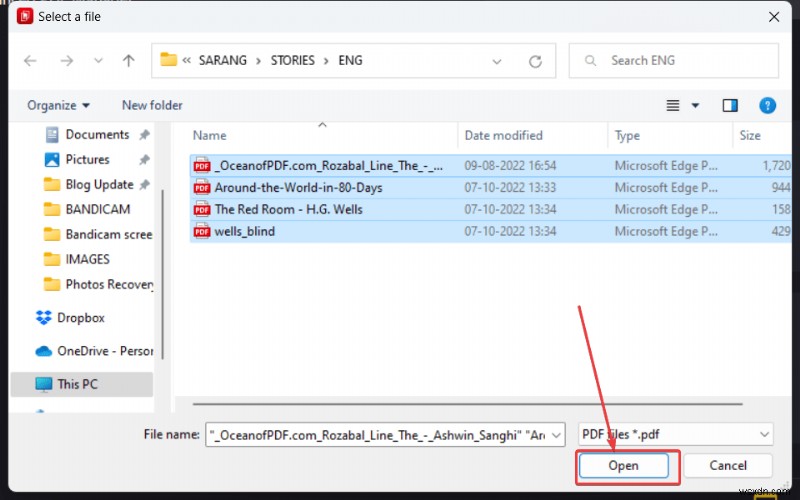
Sometimes the issue isn’t the PDF itself, but the reader you’re using. Different PDF readers handle minor corruption differently. Start by opening the file in another application. For example, if you normally use Adobe Acrobat, try opening it in your web browser (Chrome, Edge, or Firefox all have built-in PDF viewers) or a free alternative like Foxit Reader. If the file displays correctly, you’ve saved yourself a lot of trouble. If not, move to the next step.
Step 2: Use an Online PDF Repair Tool
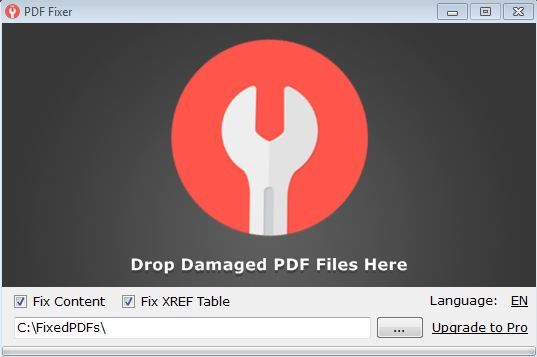
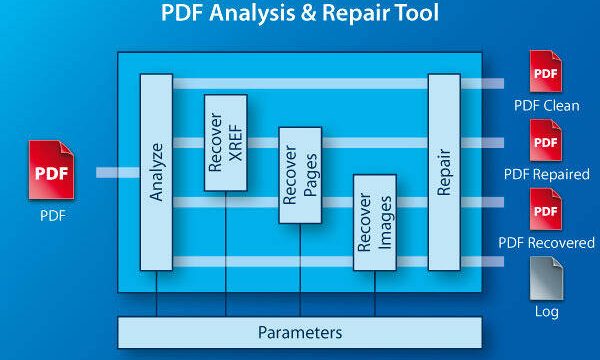
Online repair tools are the easiest fix for many corruption issues. They work by re-analyzing the PDF structure and rebuilding a clean version. A great option is pdf repair online no watermark—these services don’t add any unsightly watermarks to your recovered file. Simply upload your unreadable PDF, let the service process it, and download the repaired version. This method works best for files that are not severely damaged. For a more comprehensive list, check out our guide on free damaged pdf recovery.
Step 3: Re-save the PDF from Another Program
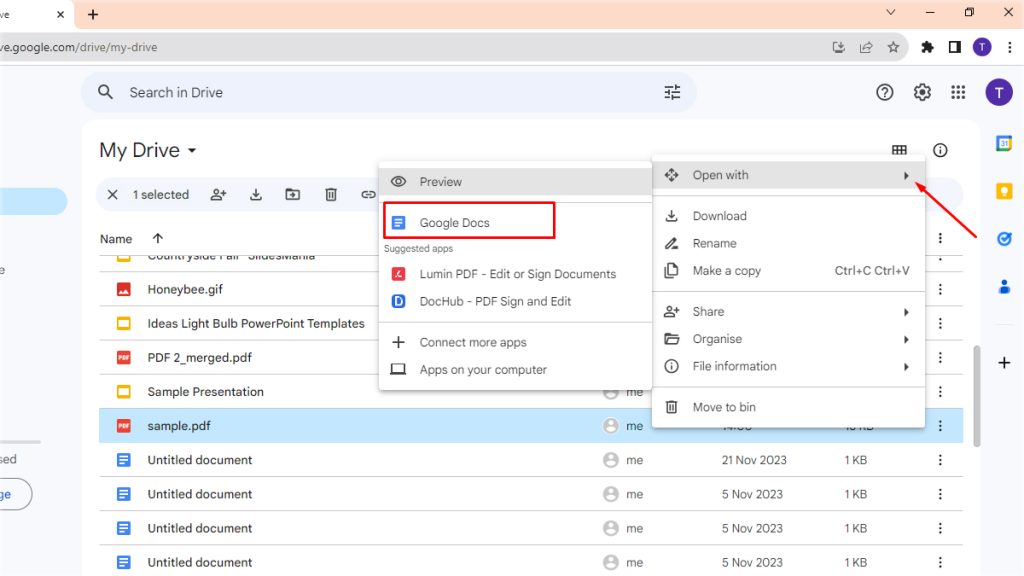
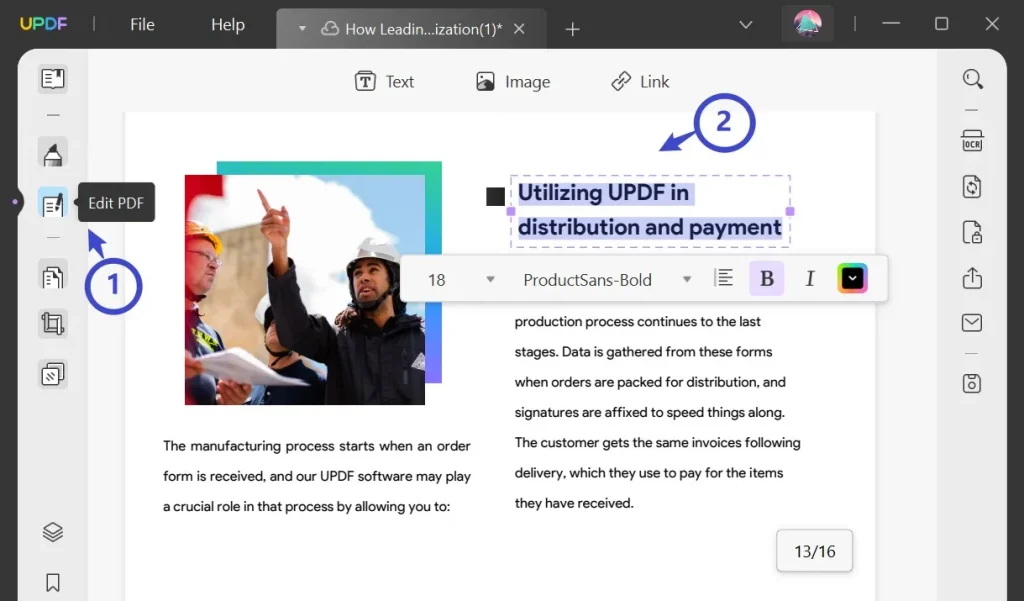
If you have access to the original source file (like a Word document or image), you can simply re-export it as a PDF. But even if you only have the unreadable PDF, you might be able to open it in a program like Google Docs or LibreOffice Draw. These programs often ignore corruption and import the raw content. Once imported, export it as a new PDF. This trick can fix display issues caused by minor encoding problems.
Step 4: Repair the PDF Structure Manually (Advanced)
For tech-savvy users, manually editing the PDF’s underlying code can fix common structural errors. You’ll need a text editor that can handle large files (like Notepad++ or VS Code) and a basic understanding of PDF syntax. The most common issue is a corrupted xref table (cross-reference table). Open the PDF in the text editor and look for lines like “xref” or “trailer.” If the xref table is missing or garbled, you can rebuild it using a tool or script. We have a dedicated guide on pdf xref stream repair that walks you through this. Alternatively, if the file starts with an invalid header (like “%PDF” missing), refer to our pdf file starts with invalid header fix article.
Step 5: Recover from a Backup or Previous Version
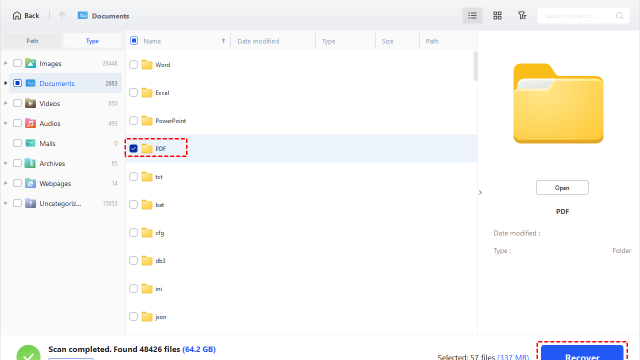
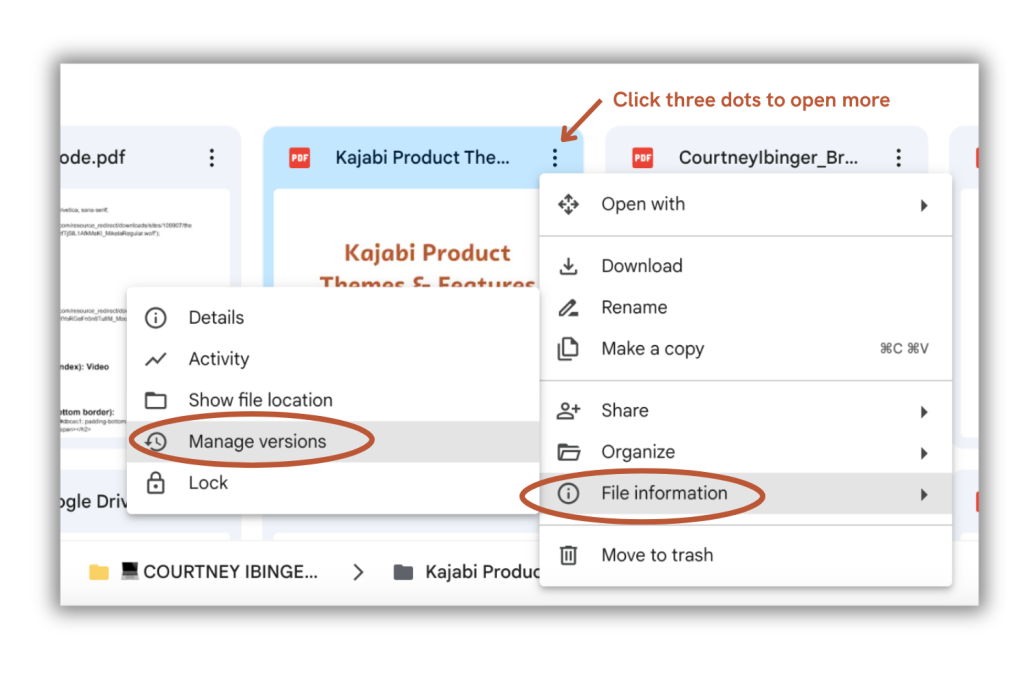
If all else fails, the simplest recovery might be from a backup. Check your cloud storage (OneDrive, Google Drive, Dropbox) for version history. Many services keep previous versions for 30 days. Also check your recycle bin or trash folder. If you have a habit of saving incremental versions, try the second-to-last save. For future prevention, learn how to test pdf file integrity before relying on a file.
Common Pitfalls
- Opening the PDF directly from email without saving first—this can cause incomplete downloads. Always save to your computer first.
- Using a PDF reader that doesn’t support the file’s encoding (e.g., an older version of Acrobat). Update your reader or try a different one before assuming the file is corrupt.
- Repairing without making a backup—if your repair tool overwrites the original file and makes it worse, you lose the original. Always keep a copy.
Where to Next
Congratulations! You’ve successfully brought your unreadable PDF back to life. Now that you know the basics, dive deeper into related topics: explore the best way to recover pdf for truly corrupted files, or understand the why pdf says damaged message to prevent issues in the future. Also, consider setting up automatic backups to avoid this headache altogether. Happy reading!