Ever opened a PDF only to see garbled text, missing images, or an error message? You’re not alone. PDFs can get corrupted during download, transfer, or saving. This guide is for anyone who wants to quickly check if a PDF file is intact before relying on it. By the end, you’ll be able to test a PDF’s integrity using free tools and simple manual checks.
We’ll cover five methods: checking file metadata, using an online validator, opening in multiple readers, using Adobe Acrobat’s Preflight (if you have it), and a command-line check with qpdf. No expensive software required. Let’s dive in.
What You’ll Need
- A PDF file you want to test
- A computer (Windows, Mac, or Linux)
- Internet connection (for online tools)
- Optional: Adobe Acrobat Pro or qpdf command-line tool
Step 1: Check File Size and Metadata
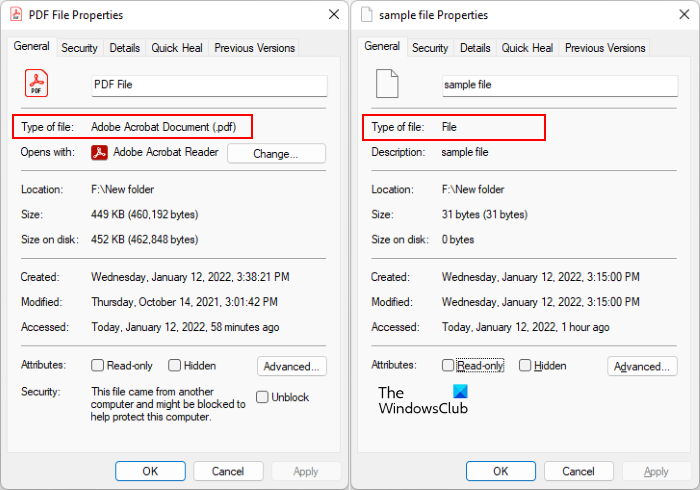
Before using any tool, look at the file’s basic properties. A suspiciously small file (e.g., a 500-page PDF that’s only 10 KB) is likely corrupted. Right-click the PDF, select Properties (or Get Info on Mac), and note the size and date. If the size looks off, it’s a red flag.
Step 2: Use a Free Online PDF Integrity Checker
Several websites can validate PDF structure without uploading the file (they read the file locally in your browser). One reliable option is PDFTron’s free online validator. Go to their page, select your PDF, and run the check. The tool will report any structural issues like missing cross-reference tables or invalid objects.

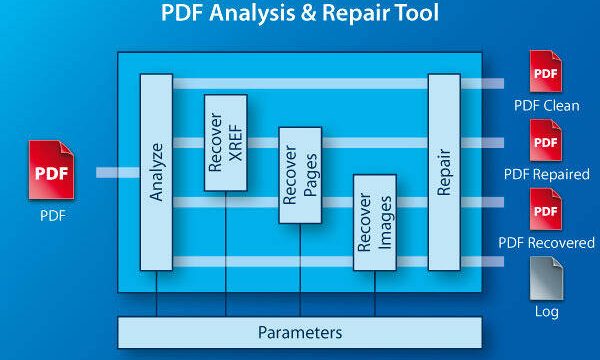
If you find issues, you might need a full pdf corruption recovery process. For minor problems, how to repair pdf for free tools can often fix them automatically.
Step 3: Open in Multiple PDF Readers
Different PDF readers handle errors differently. Try opening the file in Adobe Acrobat Reader, a web browser (Chrome, Edge), and an alternative like SumatraPDF or Foxit Reader. If one fails but another succeeds, the PDF might have minor corruption. Note any error messages – they often hint at the problem location.
If all readers fail, the file likely has serious corruption. At that point, you can attempt corrupted pdf file recovery techniques to salvage the content.
Step 4: Use Adobe Acrobat’s Preflight Tool (Pro Only)
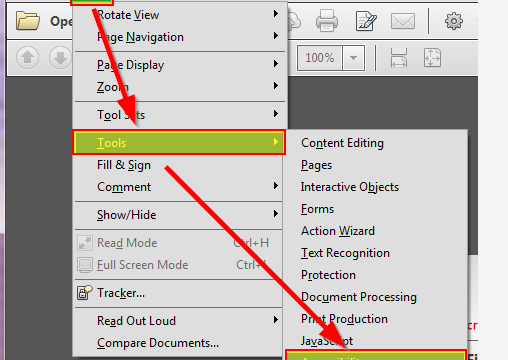
If you have Adobe Acrobat Pro, use the built-in Preflight tool. Go to Tools > Print Production > Preflight. Click the ‘Verify compliance with PDF/X-4’ profile, then click ‘Analyze’. It will list errors like missing fonts, invalid annotations, or broken links. For a simpler check, run the ‘List PDF structure issues’ profile.
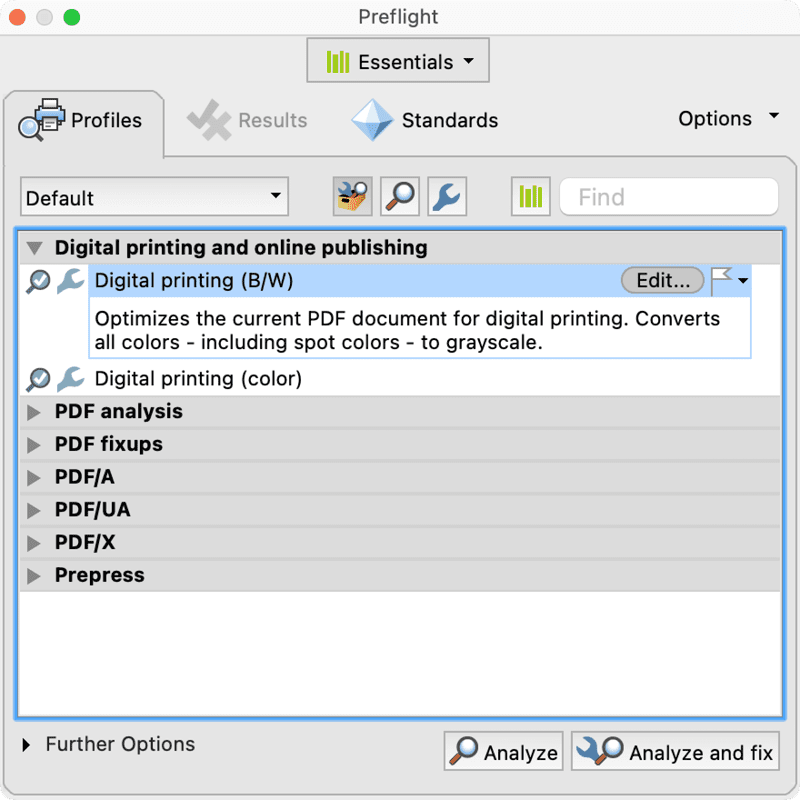
Preflight can sometimes fix issues automatically. If you need manual guidance, see our guide on repair pdf structure for more advanced techniques.
Step 5: Command-Line Integrity Check with qpdf (Advanced)
For nerdy types, qpdf is a free, open-source command-line tool that thoroughly checks PDF structure. Install qpdf (available for all platforms), then run: qpdf --check input.pdf. It will output any warnings or errors. A clean result means the file is structurally sound. To test linearization (web optimization), use qpdf --linearize input.pdf output.pdf and compare performance.
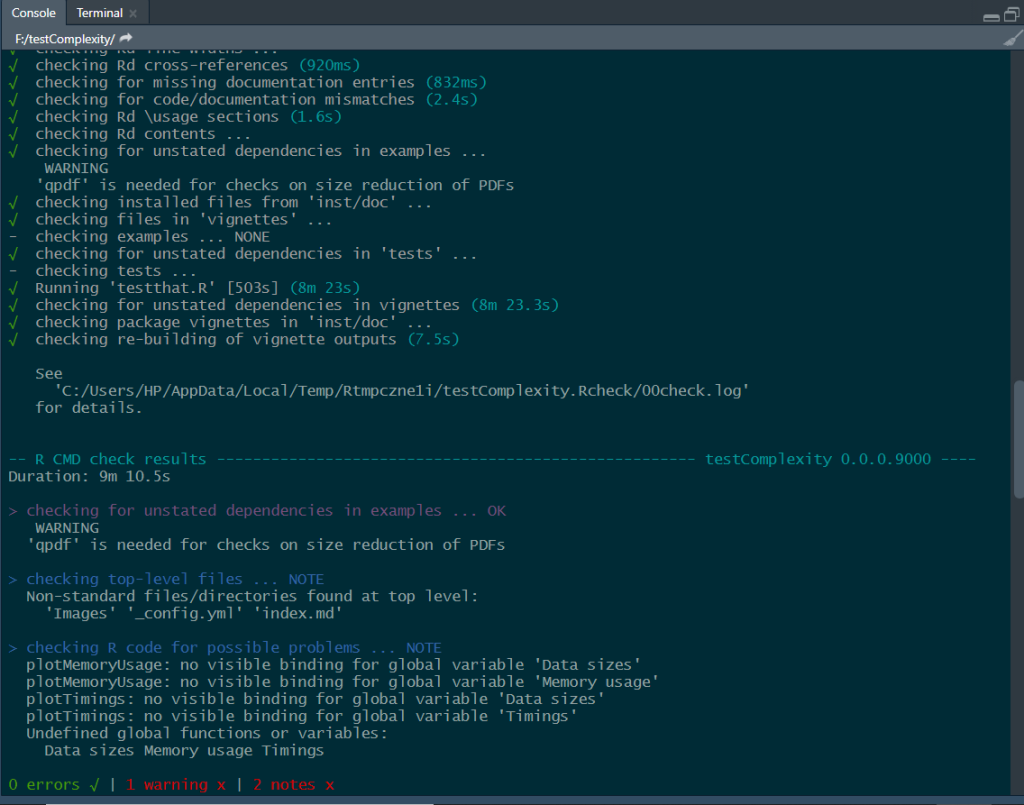
If qpdf reports errors, you can often recover partially corrupted pdf by using qpdf’s repair mode (qpdf --repair input.pdf output.pdf).
Common Pitfalls
- Relying on only one reader – a file that opens in Chrome may still be corrupted. Always test in multiple readers.
- Ignoring metadata – a corrupted file can still have a normal-looking size. Combine size check with other methods.
- Trusting online tools with sensitive documents – use tools that process files locally in the browser, not uploads to a server.
Where to Next?
Now you know how to test PDF integrity. If you found corruption, don’t panic – many issues are fixable. Check out our detailed guides on how to repair pdf for free or pdf corruption recovery to get your file back in shape. For bulk tests, we have a post on repairing multiple files at once.