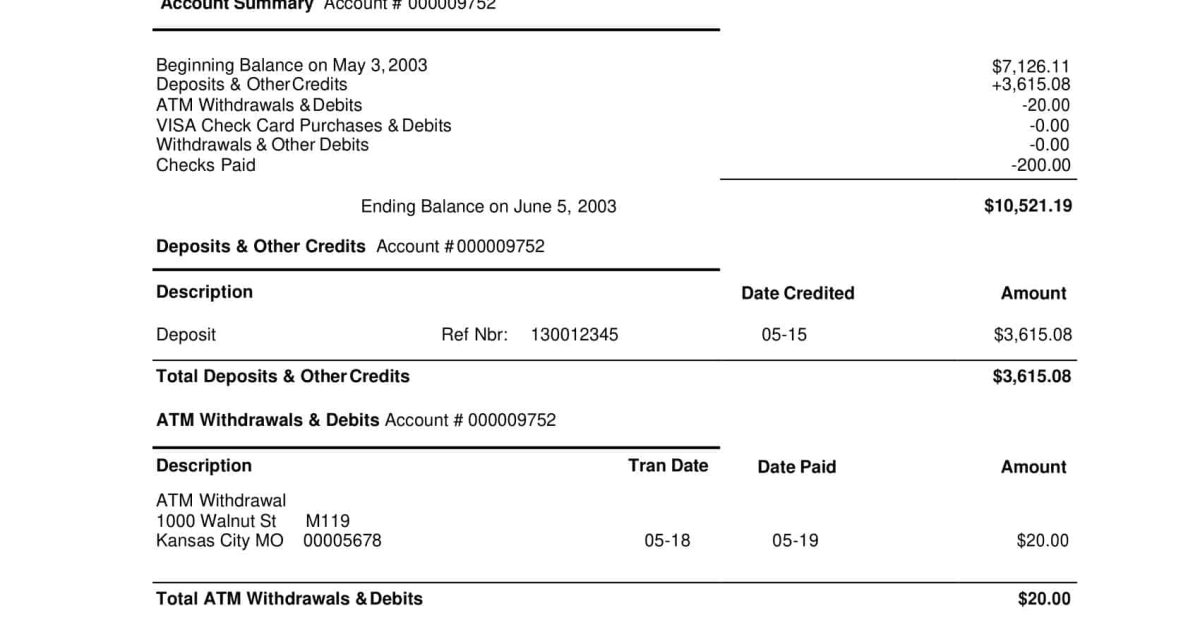
This guide is for anyone who has lost or accidentally deleted a bank statement PDF. Whether it vanished from your downloads folder, got buried in an email, or disappeared after a system crash, we’ll walk you through the most reliable recovery methods. By the end, you’ll have your statement back and know how to prevent this headache in the future.
No fancy software required—we’ll cover free options and built-in tools first. You don’t need to be a tech wizard; just follow the steps in order. Let’s get your bank statement PDF recovered.
What You’ll Need
- A computer (Windows, Mac, or Linux)
- Access to the email account where the statement was sent (if applicable)
- Your online banking login credentials (if downloading fresh)
- A USB drive or external storage if recovering from a damaged hard drive
- Optional: a free file recovery tool like Recuva (Windows) or PhotoRec (cross-platform)
Step 1: Check Your Email and Downloads
Most banks send statements as email attachments. Open your email and search for the bank name or “statement”. Also check your browser’s download history. Often the file is still there, just forgotten.
Step 2: Look in the Recycle Bin or Trash
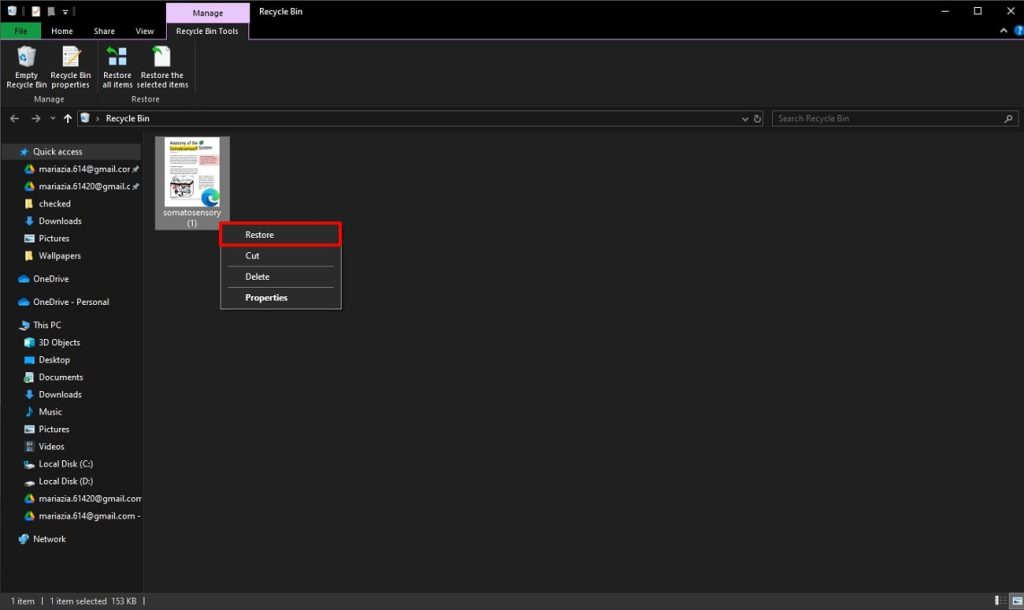
If you accidentally deleted the file, it might be in the Recycle Bin (Windows) or Trash (Mac). Open it, locate the PDF, right-click, and select “Restore”. If it’s not there, proceed to the next step.
Step 3: Use a File Recovery Tool
For permanently deleted PDFs, use free recovery software. Download Recuva (Windows) or PhotoRec (cross-platform). Run it, select the drive where the file was stored, and scan for deleted PDFs. Preview and recover your bank statement. This works even after emptying the recycle bin. For recovery from a damaged hard drive, see our guide on recover pdf from hard drive.
Step 4: Download from Online Banking
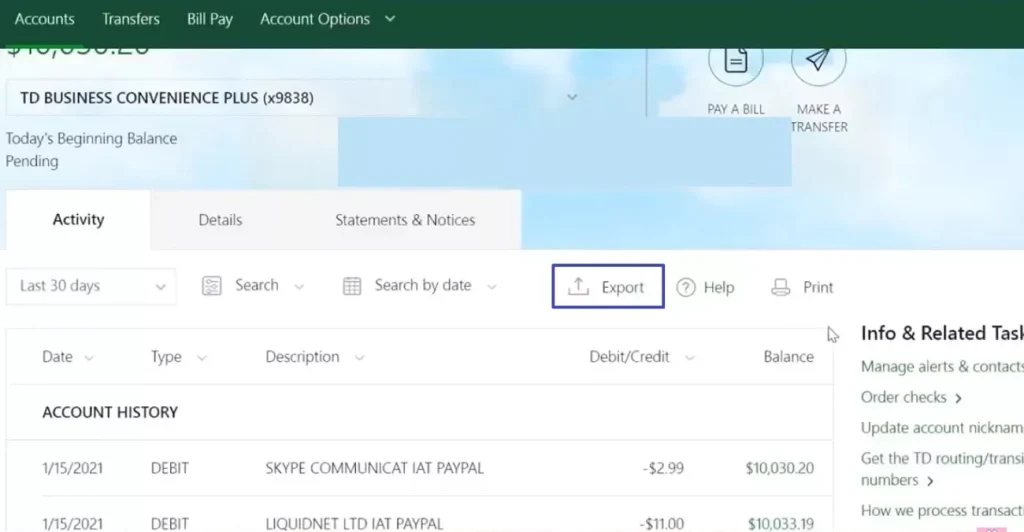
If you can’t recover the file, get a fresh copy. Log into your online banking portal, navigate to “Statements” or “Documents”, select the statement period, and download the PDF. Most banks offer up to 7 years of statements.
Step 5: Contact Your Bank (Last Resort)
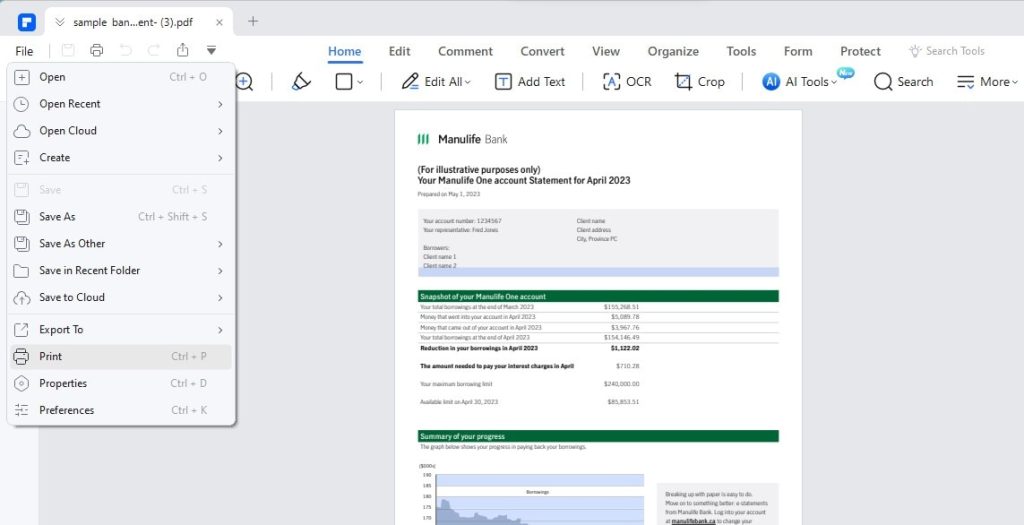
If all else fails, call your bank’s customer service. They can often re-send the statement or provide a copy. Have your account details ready.
Common Pitfalls
- Using the wrong recovery tool: Some tools only recover photos or documents. Make sure to use one that supports PDF. Recuva or PhotoRec are safe bets. Also, avoid installing the recovery tool on the same drive where the PDF was lost—it might overwrite the data.
- Forgetting to check other locations: The PDF might be in a different downloads folder, email spam folder, or a cloud backup. Don’t skip Step 1 thoroughly.
- Waiting too long: The longer you wait, the higher the chance the file gets overwritten. Act quickly if you deleted it recently.
Where to Next?
You’ve got your bank statement back. Now consider making regular backups to avoid future panic. If your PDF is damaged or corrupted after recovery, check out our guides on repair pdf invalid header or fix damaged pdf. For more advanced recovery, our open source pdf repair guide can help. And if malware caused the loss, see repair pdf after malware. Stay organized and stay safe!




