Ever downloaded an ebook only to find it won’t open, shows garbled text, or has missing pages? You’re not alone. Corrupted PDFs are frustrating, especially when you’re eager to read. This guide is for anyone who’s hit that error message and wants a simple, no-fuss fix. By the end, you’ll have a working ebook PDF and know how to tackle corruption again in minutes.
We’ll cover both automatic repair tools and manual methods—all free or low-cost. No tech degree required. Just follow along, and you’ll be back to reading before you know it.
What You’ll Need
- The corrupted ebook PDF file
- A backup copy of the original file (just in case)
- A PDF repair tool (we’ll recommend a couple)
- Optional: Adobe Acrobat Reader or another PDF viewer
- Optional: an online repair service (stable internet required)
Step 1: Diagnose the Problem
First, figure out what’s wrong. Open the PDF in your usual reader. Does it give an error? Are pages missing? Is the text scrambled? Note the symptoms—this helps choose the right fix. For example, if you see “file is damaged” but can see some pages, a simple repair might work. If nothing opens, you might need a deeper fix. Check out our guide to fix missing pdf pages if pages are gone.
Step 2: Use a Dedicated PDF Repair Tool
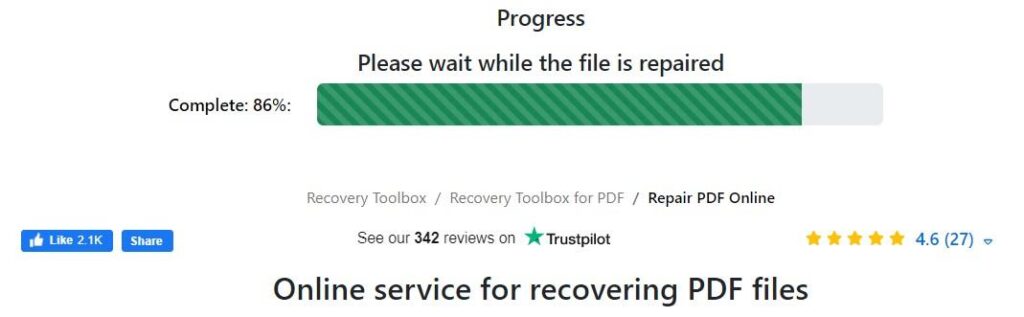
The quickest way to repair an ebook PDF is with a dedicated tool. We recommend pdf repair tool like PDF Repair Kit or RecoveryToolbox for PDF. These scan the file structure and rebuild it. Open the tool, select your corrupted PDF, and start the repair. Most tools offer a preview after repair—check if it looks right. If the file is badly damaged, try a more powerful option. For a general overview, see our how to repair pdf guide.
Step 3: Try an Online Repair Service
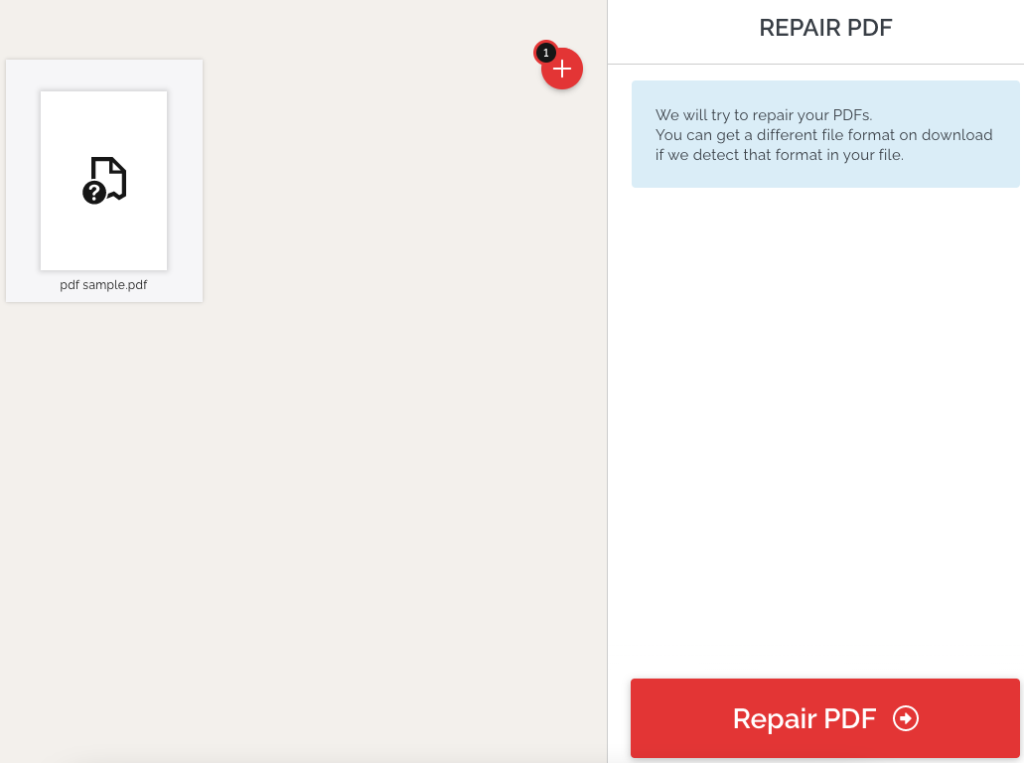
Don’t want to install software? Online services can work too. Use a trusted site like Smallpdf or ILovePDF. Upload your ebook PDF, let them process it, and download the repaired version. This method is great for simple corruption, but be cautious—never upload sensitive content. For more on safe online repair, check our pdf file repair tips.
Step 4: Manual Reconstruction (Last Resort)
If automatic tools fail, you can manually reconstruct the PDF. Open the corrupted file in a text editor like Notepad++ (on Windows) or TextEdit (Mac). You’ll see raw PDF code—look for readable text between streams. Copy what you can into a new document and save as .txt, then convert back to PDF using a tool like LibreOffice. This is tedious but works for text-heavy ebooks. For images, you might need to extract them first—see our guide on unreadable pdf repair for more.
Common Pitfalls
- Not making a backup first—always save a copy before trying repairs.
- Using online tools with sensitive ebooks (e.g., purchased books) that might violate terms.
- Forcing a repair when the file is actually a different format (e.g., EPUB renamed to PDF)—check the extension.
Where to Next
Your ebook PDF should be readable now. If not, consider re-downloading from the source—sometimes the corruption is on their end. For future issues, regularly back up your ebooks. And if you run into problems after a download, check out our guide on repair pdf after failed download. Happy reading!




