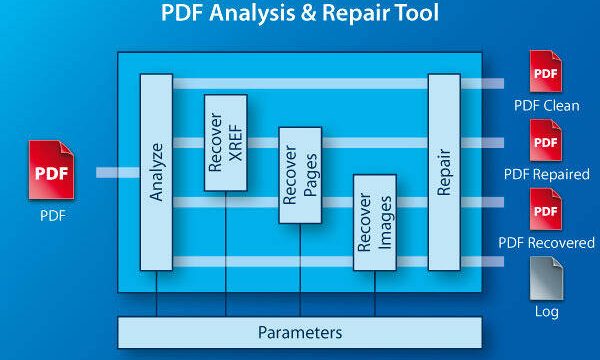
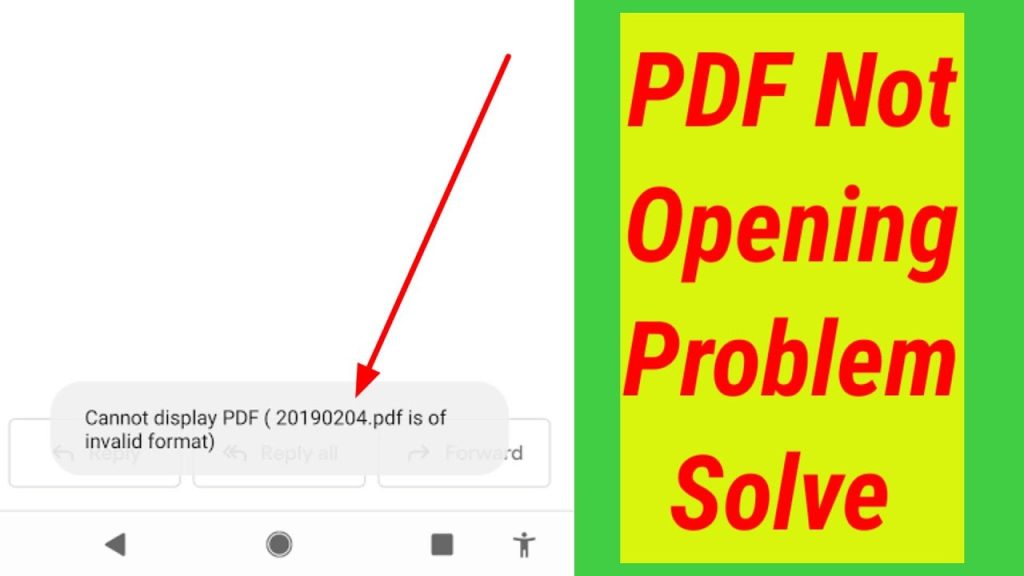
Ever tried opening a PDF only to get slapped with an ‘Invalid PDF format’ error? It’s frustrating, especially when you need that file now. This guide is for anyone who’s hit that wall — whether you’re a student, a freelancer, or just someone trying to open an attachment. By the end, you’ll have a working PDF (or at least a solid attempt) using simple, free tools and a bit of patience.
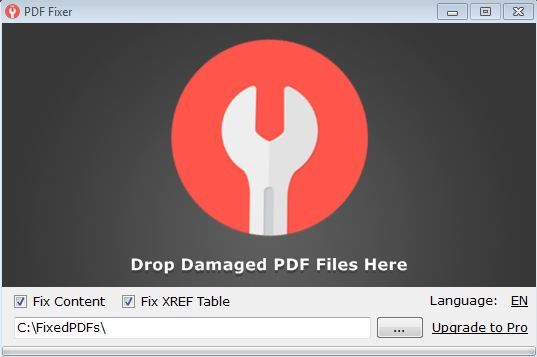
The ‘invalid format’ usually means the PDF’s internal structure is busted — maybe from a bad download, an interrupted save, or a software crash. Don’t worry, though: most of these issues can be fixed without shelling out for expensive software. We’ll walk through several methods, from quick online repair to command-line fixes and dedicated tools. Let’s get your PDF back in shape.
What You’ll Need
- A computer with an internet connection
- The corrupted PDF file (keep a backup!)
- Free tools: an online PDF repair service, PDFtk (optional), and a PDF viewer like Adobe Reader or Chrome
- Optional: dedicated repair software like Recovery Toolbox for PDF Free
Step 1: Confirm It’s Really an Invalid PDF Format
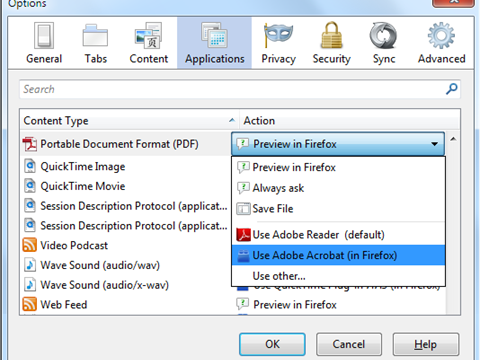
Before diving into repair, double-check the error. Try opening the PDF in different viewers — Adobe Reader, your browser, or a lightweight reader like SumatraPDF. If you get a consistent error, it’s likely corrupted. You can also use an online PDF validator to see what’s broken. This step saves time if the file is actually fine but just needs a specific viewer.
Step 2: Use a Free Online PDF Repair Service
Online tools are the quickest fix for minor corruption. Try a reputable service like iLovePDF or Smallpdf. Upload your file, let it process, and download the repaired version. These services often fix structure issues and let you preview the result. Pro tip: avoid uploading sensitive documents to random sites — use a trusted name or the next method instead.
Step 3: Repair with PDFtk (Command Line)
If you’re comfortable with the command line, PDFtk (PDF ToolKit) is a powerful free tool. Download it from the official site, then open your terminal or command prompt. Navigate to the folder with your PDF and run: pdftk corrupted.pdf output repaired.pdf. This command rebuilds the PDF structure, often fixing invalid format errors. It’s a solid method for recovering data from a stubborn file.
Step 4: Convert to Another Format and Back
Open the PDF in a viewer that can export or print (like Adobe Reader or Chrome). Choose ‘Print’ and select ‘Microsoft Print to PDF’ or any PDF printer. This creates a new PDF from the rendered content. Alternatively, use a free converter to change the PDF to an image or Word document, then convert back to PDF. This trick bypasses structural errors and gives you a readable file.
Step 5: Use Dedicated Repair Software
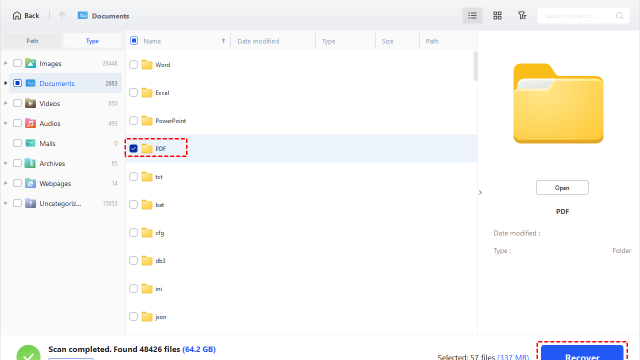
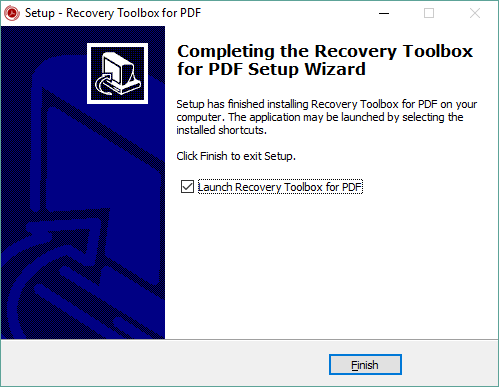
If the above methods fail, try a tool like Recovery Toolbox for PDF Free. It’s designed to extract data from severely corrupted files. Download it, point it to your PDF, and let it scan. The free version often recovers text and images, which you can then save as a new PDF. For critical files, this is a solid last resort before giving up.
Common Pitfalls
- Uploading sensitive PDFs to untrusted online services — stick to reputable sites or use offline methods.
- Overwriting the original file before testing the repaired version — always work on a copy.
- Ignoring the root cause: if the PDF keeps getting corrupted, check your download process, storage, or the source software.
Where to Next
Now that you’ve got your PDF fixed, why not explore more recovery tricks? Check out our guides on how to repair PDF for free for other methods, or learn how to fix an ebook PDF if you’re dealing with digital books. If you often export from office apps, our article on repair PDFs exported from PowerPoint might help. For post-edit corruption, see repair PDFs corrupted after editing. And if your file is beyond saving, our broken PDF repair guide covers advanced tricks.