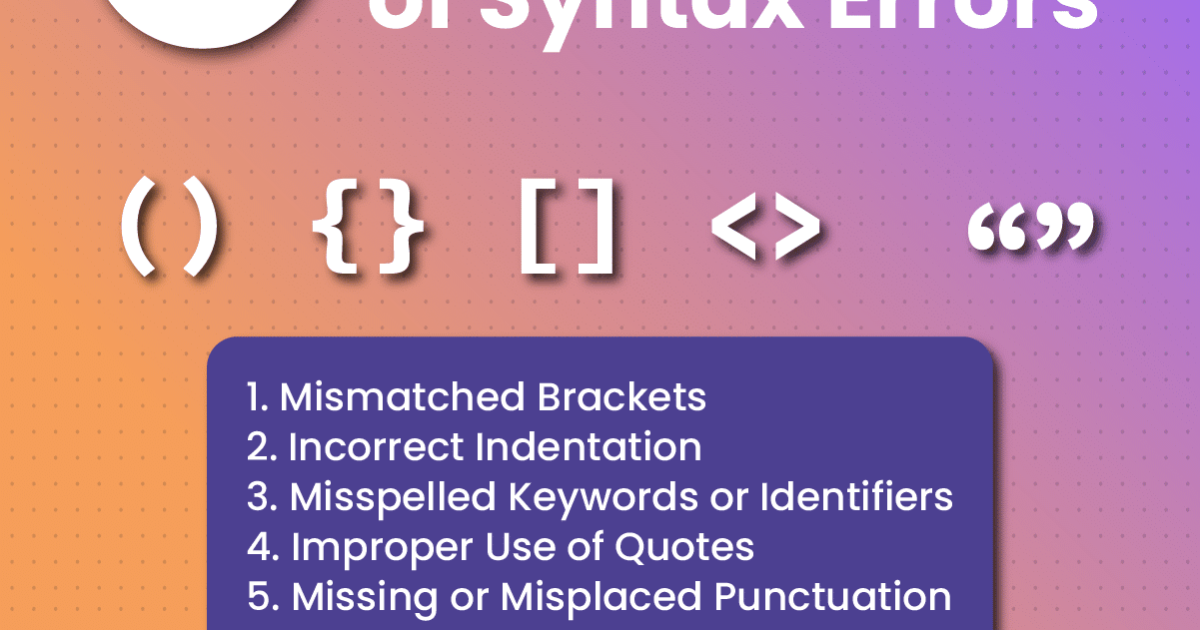
So you’re staring at an error message like “PDF syntax error” or the file just won’t open. It’s frustrating, especially if the PDF contains important data. This guide is for anyone who wants to rescue a PDF that has a syntax error — whether you’re a casual user or a tech-savvy worker. By the end, you’ll have a working PDF (or at least a recovered version of it) using free tools and a few manual techniques.
We’ll cover everything from identifying the error to using online validators, automated repair tools, and even editing the raw PDF code if you’re feeling brave. No prior experience needed — just follow along step by step.
What You’ll Need
- The corrupted PDF file (keep a backup!)
- A web browser (Chrome, Firefox, or Edge)
- A PDF validator tool (we’ll use a free online one)
- PDF repair software (e.g., Adobe Acrobat Pro trial, PDFtk, or Ghostscript)
- A plain text editor (Notepad++, VS Code, or even Notepad on Windows)
Step 1: Identify the Type of Syntax Error
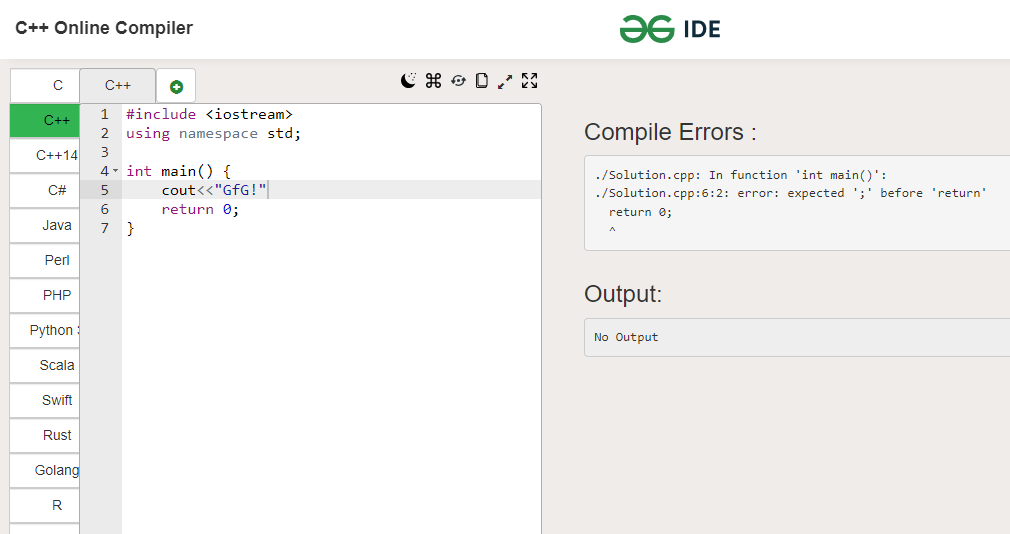
First, open the PDF in your browser (drag it into a tab). If you see a message like “This PDF file contains invalid syntax” or it shows blank pages, note the exact wording. Also try opening it with a different PDF reader — sometimes the issue is reader-specific. This helps you know whether the error is structural or just a minor formatting issue.
Step 2: Run the PDF Through an Online Validator
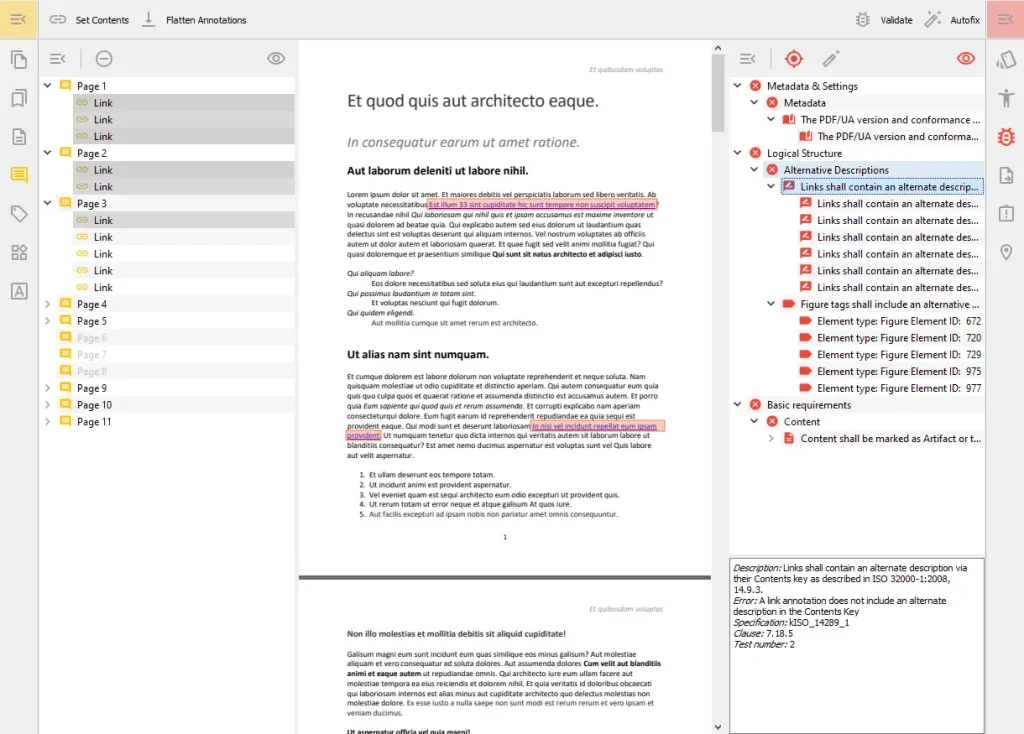
Go to a free PDF validator like pdf-tools.com or PDFCheck. Upload your file and run a validation. The tool will list syntax errors with line numbers and descriptions. For example, it might say “Expected ‘endobj’ but found ‘stream'” or “Invalid cross-reference table.” Screenshot or note these — they’ll guide the repair.
Step 3: Use a PDF Repair Tool (Automated Fix)
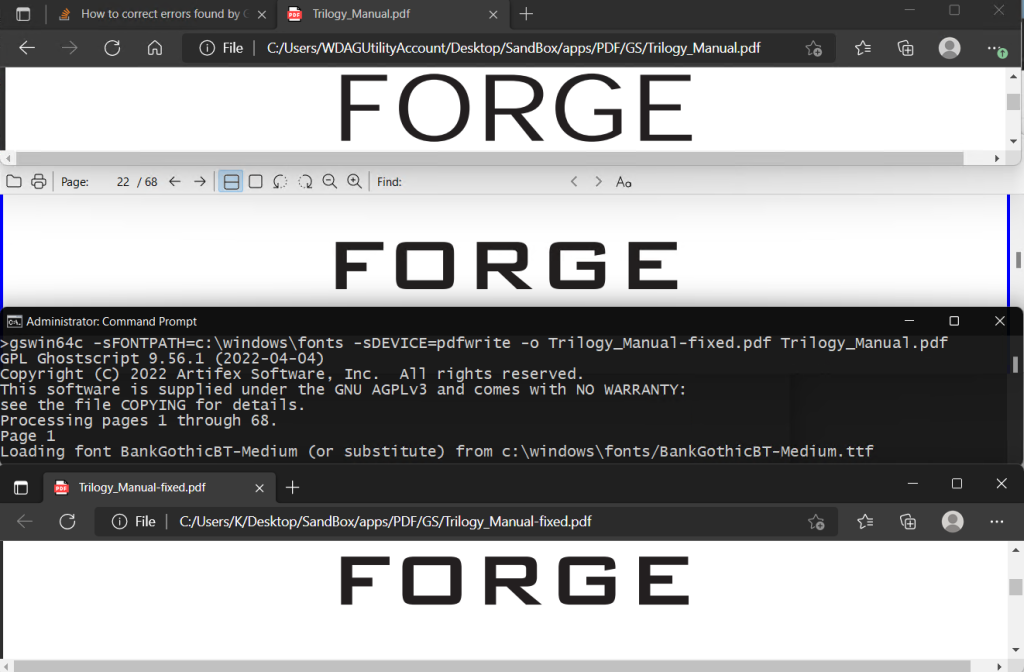
Automated tools can fix many common syntax errors. Try Ghostscript (free): open a terminal and run `gs -o repaired.pdf -sDEVICE=pdfwrite -dPDFSETTINGS=/prepress corrupted.pdf`. This re-generates the PDF with corrected structure. Alternatively, use Adobe Acrobat Pro’s “Save as Other > Optimized PDF” which sometimes rebuilds broken files. For more options, see our guide on how to fix a malformed pdf.
Step 4: Manual Edit (For Specific Errors)
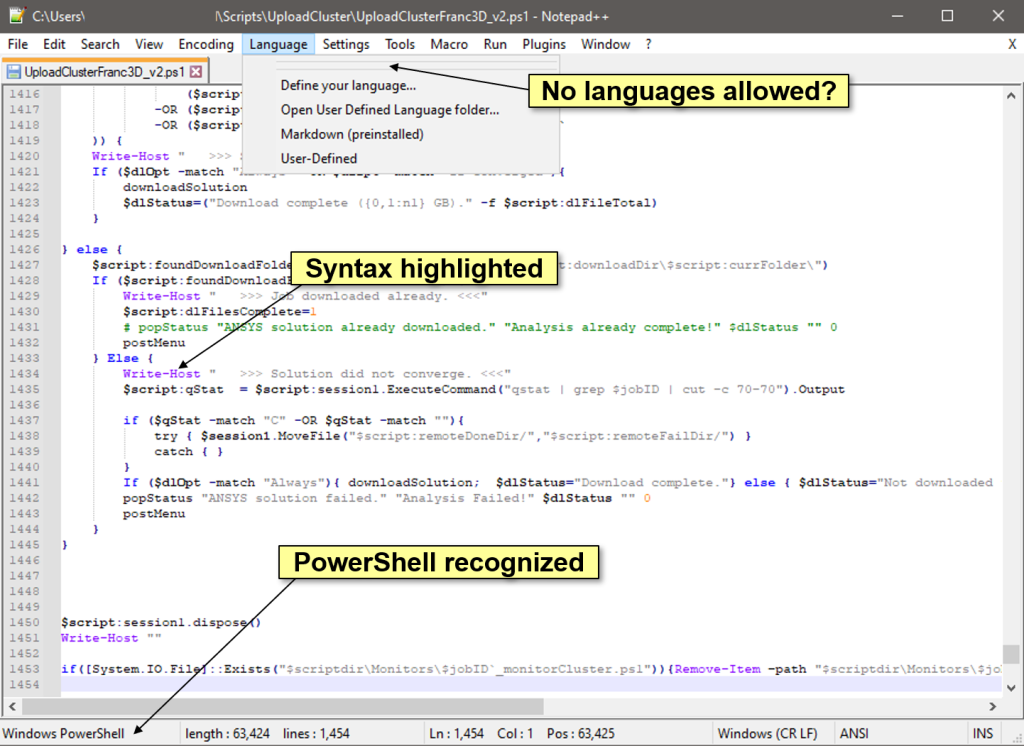
If automated tools fail, you can edit the raw PDF. Open the PDF in a text editor like Notepad++ (it handles binary better). Look for the error location from Step 2. Common fixes: add missing “endobj” or “stream” markers, correct Xref table offsets (the table of object locations), or remove corrupt objects. This is tricky — only attempt if you’re comfortable with PDF structure. Always work on a copy. After editing, re-validate. Our post on recovering blank pdf may also help if pages render empty.
Step 5: Re-save and Verify
After any repair, re-open the file in your PDF reader. Check all pages, text, and images. Run the validator again to ensure no remaining errors. If the file still fails, try a different approach: extract content using a tool like PDFtk (to split pages) or use online services. You can also try to recover damaged pdf with specialized software — or check pdf corruption using our checklist to narrow down the issue.
Common Pitfalls
- Editing the raw PDF without a backup — a single wrong character can make the file completely unreadable. Always keep the original.
- Using a non-suitable editor like Word which can corrupt the binary structure further. Use a plain text editor.
- Ignoring cross-reference table errors — these are critical. Even a small offset will break the entire file. You may need to repair pdf after file corruption using a dedicated tool.
Where to Next
If this guide helped, you might also want to explore our other resources: learn how to repair a corrupted PDF file automatically, or if the issue persists, consider using a professional service. Remember, not all syntax errors are fatal — with patience and the right tools, you can often get your PDF back.




