Have you ever opened a PDF only to find the text looks like hieroglyphics? You see boxes, random symbols, or just blank spaces where words should be. It’s frustrating, especially when you need that info now. This guide is for anyone dealing with unreadable PDF text—whether it’s a corrupted file, missing fonts, or a scanned document that didn’t OCR properly. By the end, you’ll have a working PDF with clear, selectable text. We’ll cover everything from quick fixes to more advanced repair techniques.
No need to be a tech wizard. I’ll walk you through each step with simple instructions. You’ll learn multiple methods so you can pick what works best for your situation. Most solutions use free or built-in tools, and I’ll also point you to reliable paid options if needed.
What You’ll Need
- The unreadable PDF file (keep a backup!)
- A computer with internet access
- A PDF reader (Adobe Acrobat Reader, Foxit, etc.)
- Optional: A PDF editor like Adobe Acrobat Pro or a free alternative (PDFelement, Preview on Mac)
- Optional: An OCR tool (Tesseract, online OCR services)
Step 1: Diagnose the Problem
First, figure out why the text is unreadable. Common causes: missing fonts, encoding errors, or a corrupted file. Try selecting the text with your cursor. If you see gibberish when you copy-paste into a text editor, it’s likely a font or encoding issue. If the text is just blocks or empty, the file might be damaged. Check if other PDFs display fine—if they do, the problem is with this file.
Step 2: Re-Save the PDF as a New File
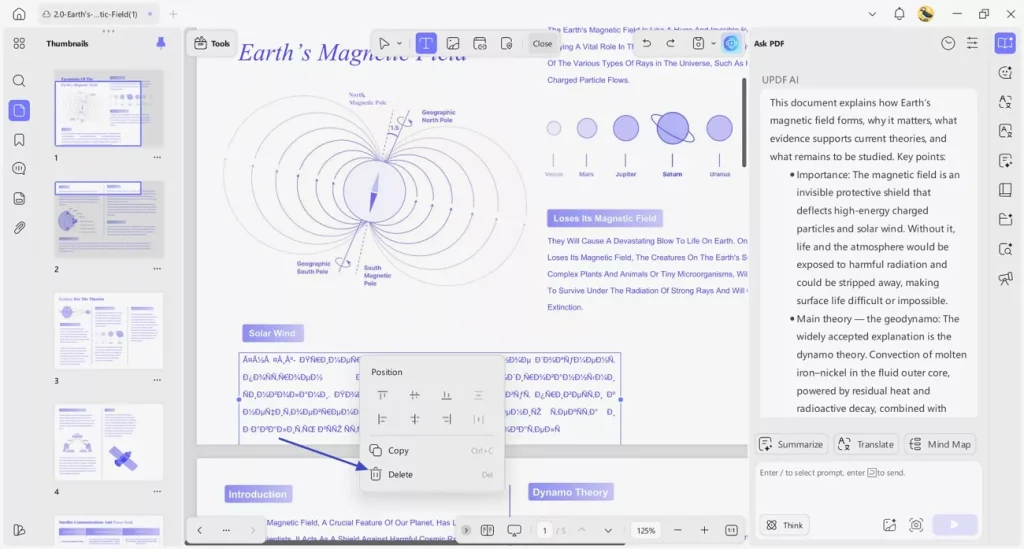
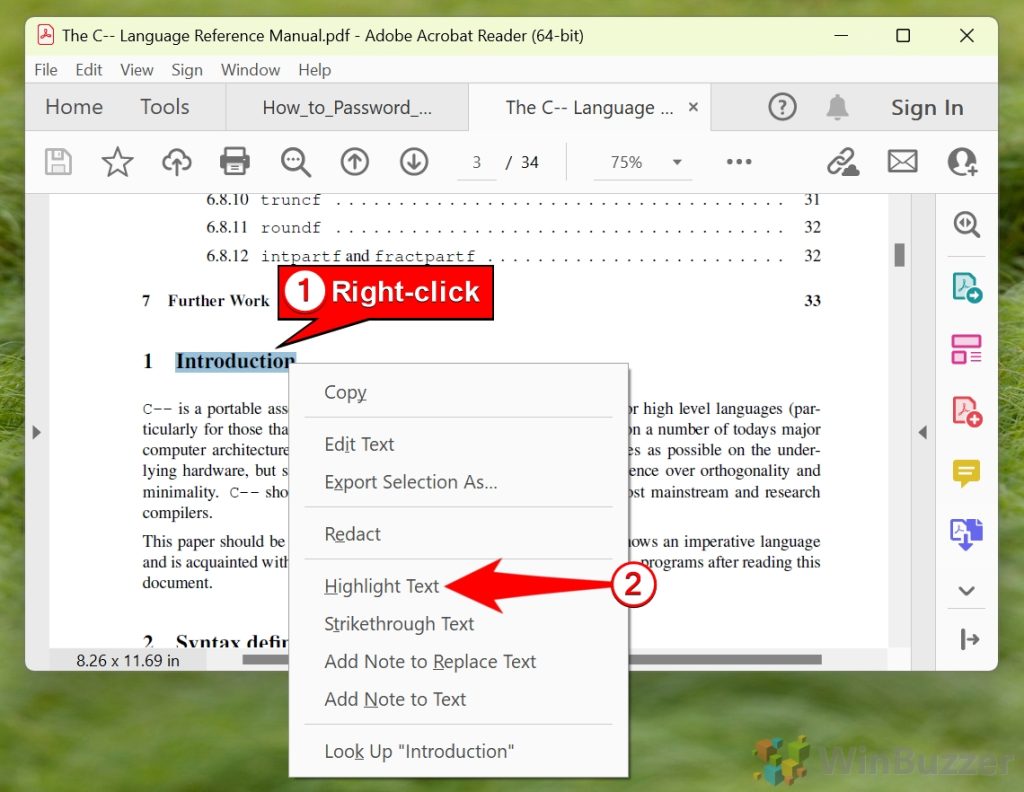
A simple trick: open the PDF in your reader and use ‘Save As’ to create a new copy. This can fix minor corruptions. In Adobe Acrobat Reader, go to File > Save As Other > Reflow? Actually, just Save As a standard PDF. Try it in your browser too: right-click the PDF link and ‘Save link as’. Sometimes the issue is a partial download. If re-saving works, you’re done!
Step 3: Use OCR to Extract Text
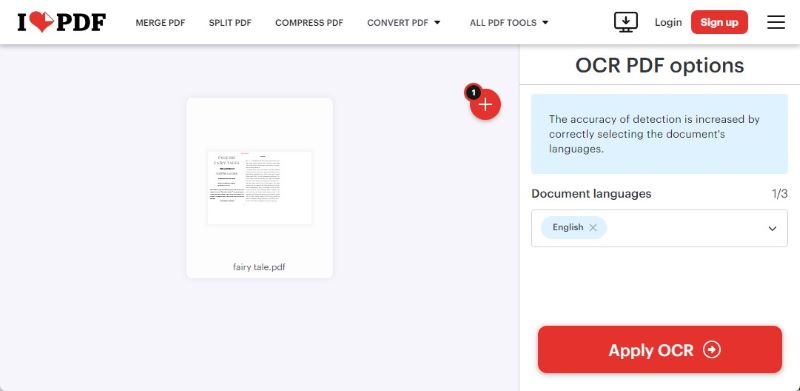
If the PDF is a scanned image (no actual text layer), you need OCR. Adobe Acrobat Pro has ‘Enhance Scanned PDF’ under Tools. Run OCR and it’ll make text selectable. For free, use Tesseract OCR or online services like OnlineOCR.net. Upload the PDF, choose language, and download as a text-searchable PDF. This is a common fix for ‘unreadable’ text that’s actually images.
Step 4: Use a Dedicated PDF Repair Tool
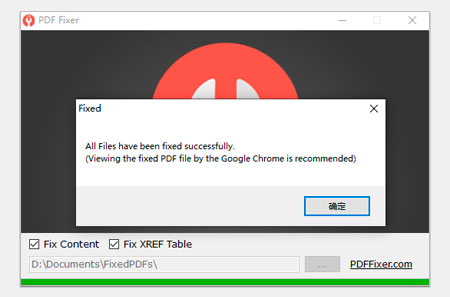
When simple tricks fail, let software do the heavy lifting. Tools like pdfFixer, Recovery Toolbox for PDF, or even Adobe’s own repair utilities can fix corruption and missing text. Upload your file and run repair. Often they can recover the text stream even when the file won’t open normally. For severe cases, check our guide on the best way to fix corrupted pdf.
Step 5: Convert to Another Format and Back
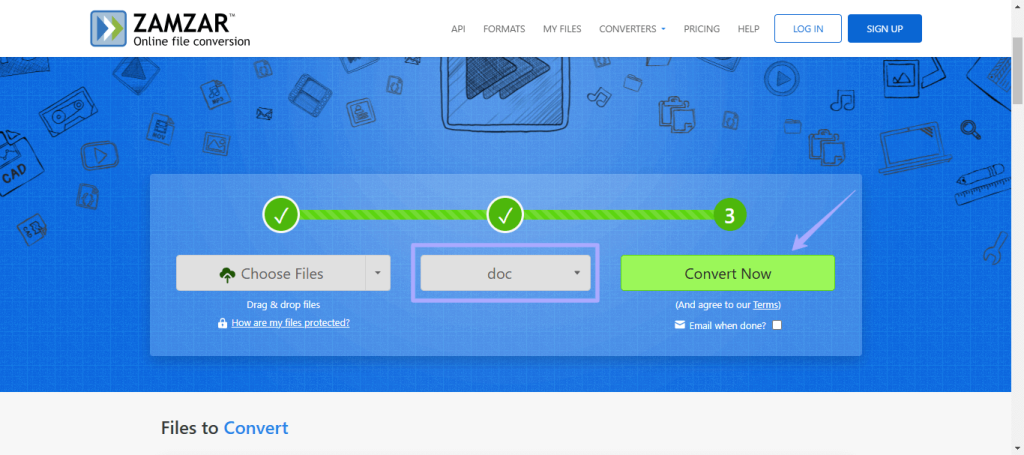
Convert the PDF to a Word document or plain text, then re-save as PDF. Use Adobe Acrobat’s Export or free converters like Zamzar. This strips out corrupt elements and rebuilds the file. After conversion, you may need to reapply formatting, but text should be readable. This method also helps if you need to recover text from a damaged pdf.
Common Pitfalls
- Forgetting to backup the original file before trying repairs. Always keep the unreadable version in case something goes wrong.
- Using free online OCR on sensitive documents. Many free services store your files temporarily. Use offline tools for private content.
- Ignoring font embedding. If the PDF was created with a font you don’t have, installing that font can instantly fix the text. Check properties for font names.
Where to Next
Now that your text is readable, explore deeper PDF health. If you keep facing issues, learn how to fix malformed pdf structures or repair pdf characters that look weird. For files that crash the reader, our pdf corrupted after save repair guide can help. And if you need to recover entire documents, check the full tutorial on how to recover text from damaged pdf. Happy reading!




