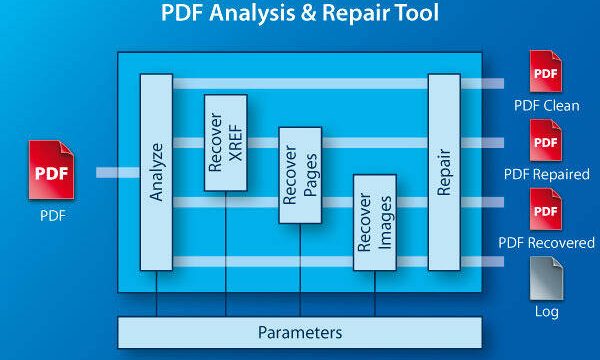
If you’re a Java developer dealing with corrupted PDFs, you know how frustrating it can be when a file won’t open or displays gibberish. This guide is for you. By the end, you’ll have a working Java program that uses iText and PDFBox to diagnose and fix common PDF issues, from broken cross-reference tables to missing content streams.
PDF corruption can happen during file transfer, disk failures, or even software crashes. Instead of relying on GUI tools, you can automate the repair process using Java libraries. We’ll cover both the diagnostic phase and actual repair techniques. If you’re new to programmatic PDF handling, check out our earlier post on how to repair PDF using Java for a basic intro. This guide goes deeper into step-by-step recovery.
What You’ll Need
- Java Development Kit (JDK) 8 or higher
- Apache PDFBox 2.0.x or later
- iText 5.x or iText 7 Community (AGPL license — use accordingly)
- Maven or Gradle to manage dependencies
- A corrupted PDF file to test on (make a backup first!)
- Java IDE (Eclipse, IntelliJ, or VS Code)
Step 1: Diagnose the PDF with PDFBox
Before fixing, you need to understand what’s broken. PDFBox can parse the PDF and throw exceptions that pinpoint issues like missing cross‑reference table entries or invalid stream lengths. Write a simple Java class that loads the file using PDDocument.load() and catches IOException. Print the error message and stack trace.
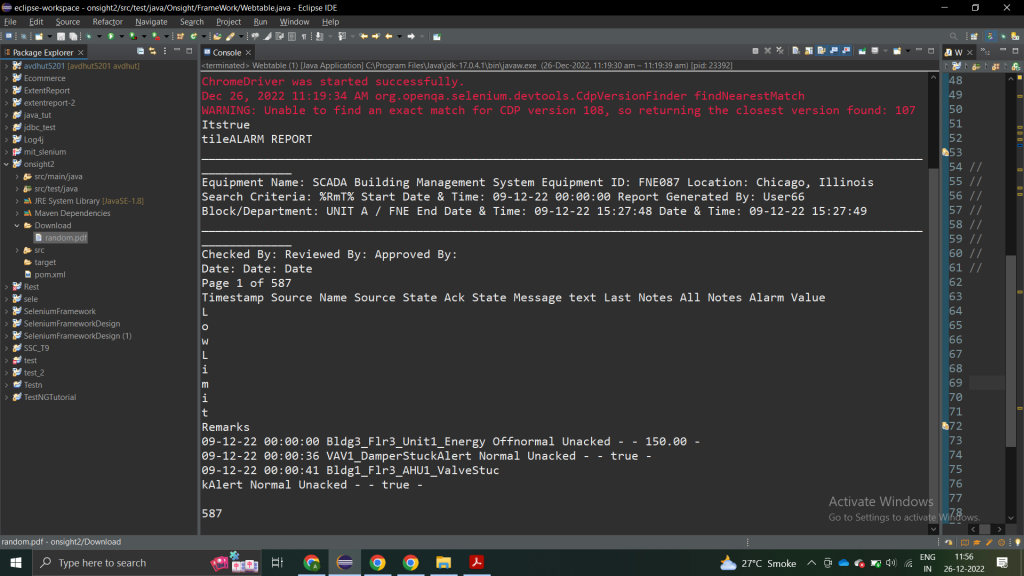
For a more thorough analysis, use PDFBox’s Preflight tool or the PDFDebugger. These can highlight structural problems like incorrect object references. This step is essentially PDF structure repair at the diagnostic level.
Step 2: Rebuild the PDF Using iText
If the PDF has a corrupted cross‑reference table or missing objects, you can force iText to rebuild the file from scratch. Use PdfReader to read the corrupt file with “rebuild” option enabled: new PdfReader(filename, true). Then copy the pages into a new Document and write it out. This often fixes broken PDF repair scenarios.

Here’s a code snippet:
Step 3: Recover Text Content with PDFBox
Some corruptions only affect rendering but leave text content intact. PDFBox’s PDFTextStripper can extract text even from damaged pages. Try extracting all text and saving to a .txt file. If the extraction succeeds, you have a fallback for content recovery — a form of corrupted PDF file recovery.

Step 4: Manually Fix the Cross‑Reference Table
For severely corrupted files, you may need to edit the PDF at the binary level. Open the file in a hex editor and locate the cross‑reference table (starting with “xref”). If it’s truncated or wrong, you can rebuild it by scanning each object’s offset. iText’s PdfReader class has a method to do this automatically, but sometimes you need to override by writing a custom parsing loop.

This is advanced territory. For most cases, the iText rebuild step above handles xref issues. Only attempt manual repair if automated methods fail.
Common Pitfalls
- Using outdated library versions — make sure you have the latest stable release of PDFBox or iText to avoid compatibility bugs.
- Neglecting exception handling — always wrap PDF operations in try/catch blocks and log the errors. A silent failure can leave the file in an inconsistent state.
- Overwriting the original — always work on a copy. Once you repair, verify the output on multiple viewers before replacing the source.
If you’re working specifically on a Windows machine, you might find our guide on PDF repair for Windows helpful, though the Java code runs anywhere.
Where to Next
You’ve now seen how to use Java to diagnose and repair corrupted PDFs. For more advanced scenarios, explore PDFBox’s Preflight API or iText’s PdfCleanUp tool. Bookmark our main guide on repair PDF using Java for quick reference. Happy coding!