You’ve just found the perfect academic paper for your research, or maybe it’s the final draft of your thesis. You double-click the PDF and… nothing. Or you see a blank page, garbled text, or an error message. Don’t panic. This guide is for students, researchers, and anyone who needs to recover an academic PDF that’s gone rogue. By the end, you’ll have a working copy of your document (or at least the text and images you need) using free tools you can run on your own computer or online.
Academic PDFs come with unique challenges—complex layouts, embedded fonts, scanned pages, and sometimes DRM restrictions. But the recovery process is the same as for any other PDF: try the easiest fix first, then escalate. We’ll cover everything from refreshing the file in your browser to digging into the PDF’s internals with specialized repair tools. No prior experience needed—just follow the steps in order.
What you’ll need
- The corrupted or damaged academic PDF file
- A computer with internet access (most steps work on Windows, Mac, or Linux)
- A modern web browser (Chrome, Firefox, Edge, or Safari)
- Optional: Adobe Acrobat Reader or a similar PDF viewer for testing
- Optional: A PDF repair tool (online or offline) for stubborn cases
Step 1: Try the simplest fixes first
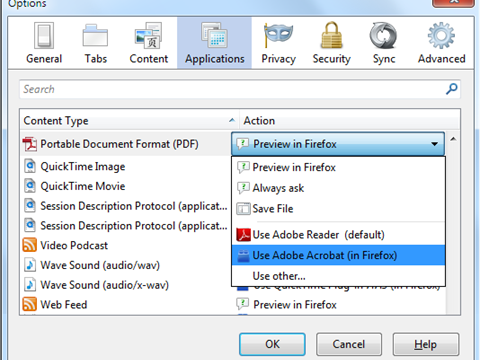
Before we dive into heavy repairs, rule out the obvious culprits. First, try opening the PDF in a different viewer—sometimes the issue is with your reader, not the file. If you’re using a web browser, download the file again instead of opening it directly. A corrupted download is a common cause for academic PDFs, and re-downloading often solves it. If you need more guidance on that, check out our post on incomplete pdf download recovery.
Step 2: Use the PDF integrity checker
If the file still won’t open, it’s time to check if the PDF is structurally sound. A pdf integrity checker scans the file for corruption in the cross-reference table, page tree, and object streams. Some free online tools can tell you immediately if the PDF has major issues. Run the checker and note any errors—we’ll fix them in the next steps.
Step 3: Repair a PDF that got corrupted after a crash
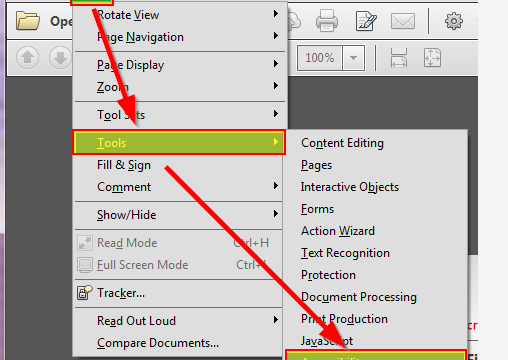
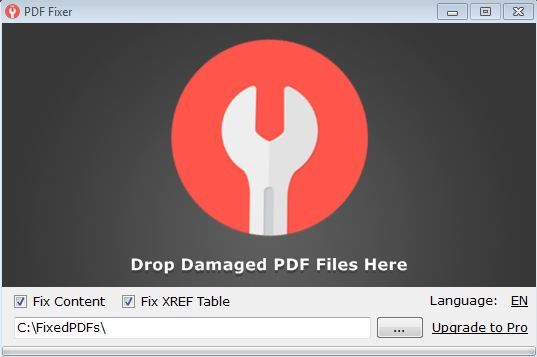
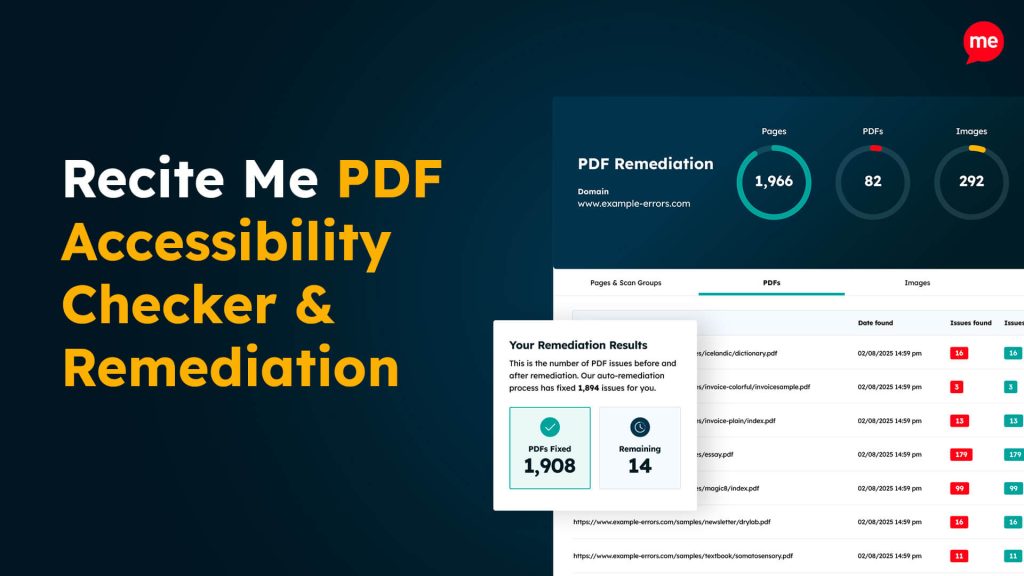
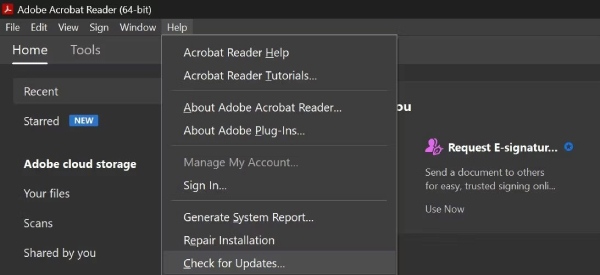
If your computer crashed while you were working on the PDF, it might be partially saved. Many academic PDFs from LaTeX or Word get damaged this way. Use an online repair tool or Adobe Acrobat’s built-in “Open and Repair” feature. For a thorough guide on this specific scenario, see our article on repair pdf after crash.
Step 4: Recover text and images from a severely corrupted PDF
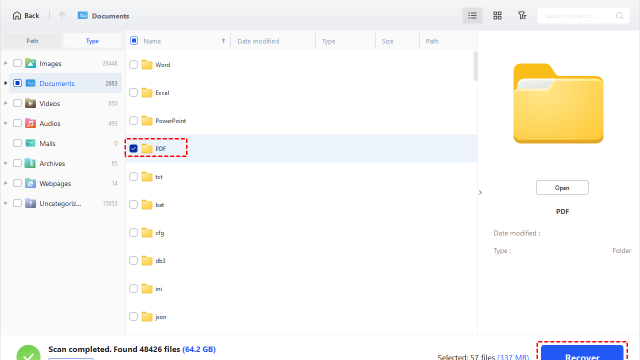
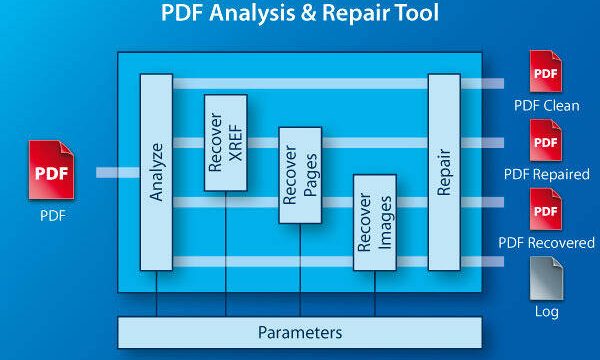
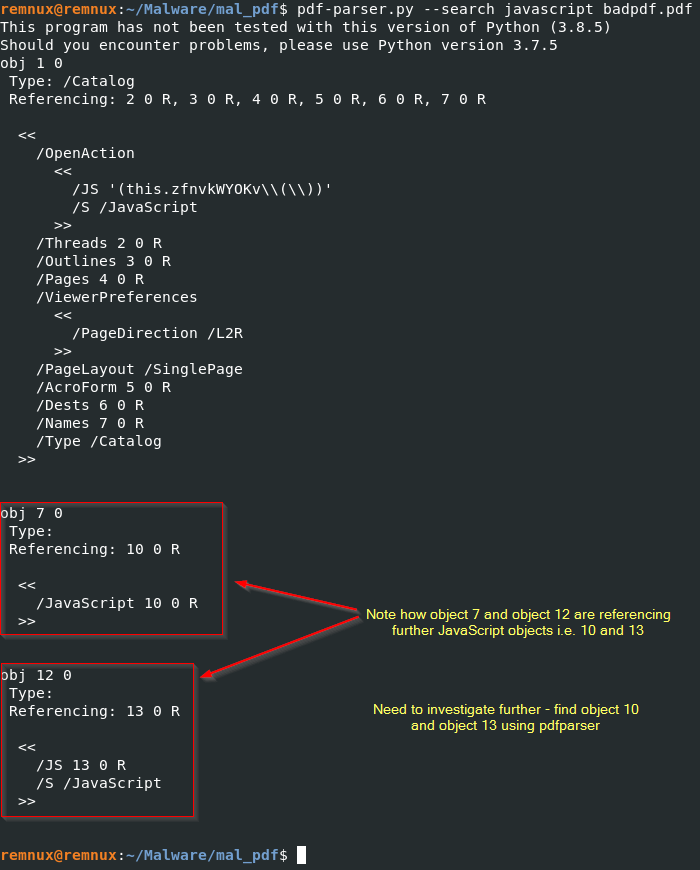
If the file is too broken to repair normally, you may need to extract its contents. Tools like pdf-parser or online extraction services can pull out the text and images even from a damaged file. This is especially useful for academic papers where you care about the content, not the formatting. Just remember that you’ll lose the original layout.
Step 5: Fix issues caused by compression or network transfer
Academic PDFs are often compressed to fit email attachments or uploaded to repositories. Aggressive compression can corrupt the file. If you suspect that’s the case, try a tool that specifically addresses compression damage. We have a detailed guide on how to fix pdf after compression. Similarly, network transfer errors can damage the PDF—our post on recovery for that scenario covers the same techniques.
Common pitfalls
- Using the same viewer over and over: If Chrome fails, try Edge or Acrobat. Different viewers handle errors differently.
- Overlooking PDF permissions: Some academic PDFs are copy-protected. No amount of repair will let you edit them—you need permission from the publisher.
- Using shady online tools: Many free repair sites upload your file to unknown servers. For sensitive academic work, use a local tool or a reputable online service.
Where to next
You fixed your academic PDF—now keep it safe. Learn how to use a pdf integrity checker to prevent future corruption, or read up on corrupted pdf repair for more advanced techniques. If you often deal with scanned academic papers, our guide on pdf repair for ios might come in handy when you’re on the go.
Remember: always keep backups of your important academic documents. A PDF that’s backed up is a PDF that never needs recovery. Happy researching!