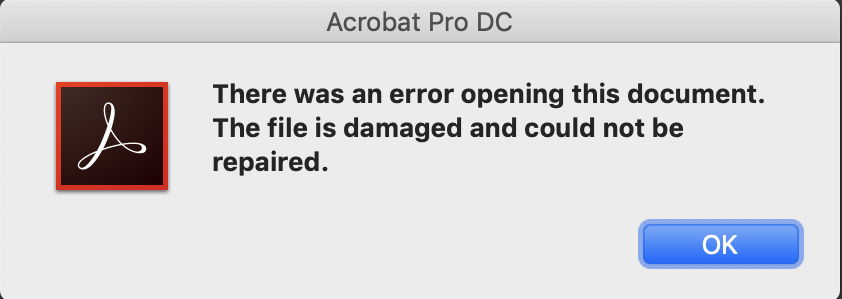
Hey there! If you’re a lawyer, paralegal, or legal assistant, you know how critical a PDF can be—contracts, court filings, discovery docs. One day you go to open a legal PDF and boom: error message. Don’t panic. This guide is for anyone who needs to recover a corrupted legal PDF without losing content, formatting, or embedded signatures. By the end, you’ll have your file back in working order using free tools you can trust.
We’ll walk through simple checks first, then move to more powerful recovery methods like the Ghostscript method and online PDF repair tools. Whether it’s a missing footer or a completely unopenable file, I’ve got you covered. No technical degree required—just follow along.
What You’ll Need
- A corrupted legal PDF file (keep a backup copy!)
- A computer with internet access
- A PDF viewer (Adobe Acrobat Reader recommended)
- Optional: Ghostscript installed (for command-line recovery; see the Ghostscript method guide)
- Access to a reputable online PDF repair tool (we’ll mention one)
Step 1: Identify the Corruption Type
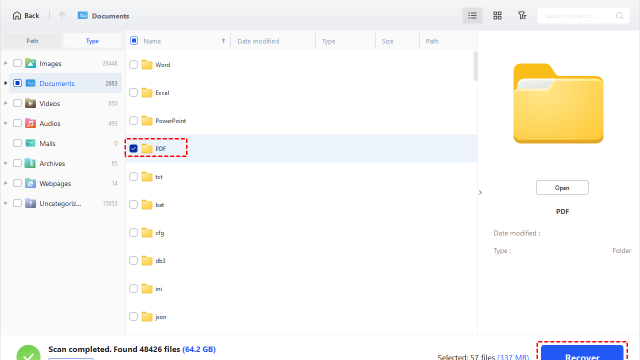
Before you start fixing, figure out what you’re dealing with. Common signs: the file won’t open at all, you see garbage text, certain pages are missing, or metadata like Bates numbers are scrambled. This helps you choose the right recovery path.
Step 2: Try a Different PDF Viewer
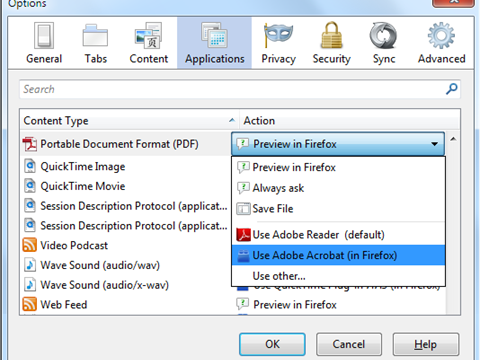
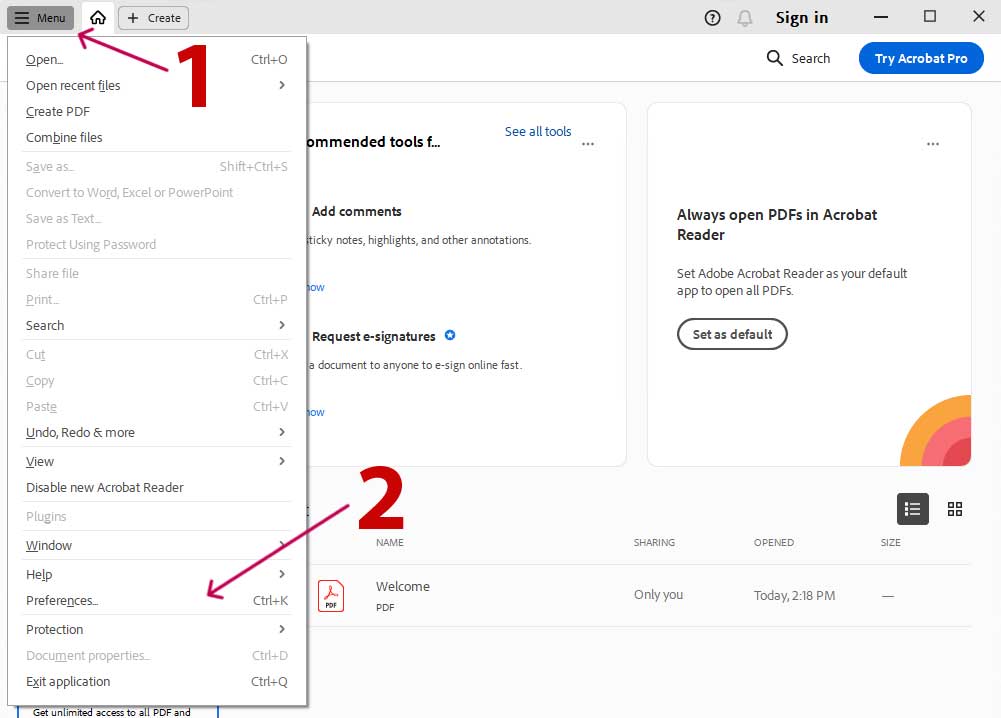
Sometimes the PDF is fine, but your viewer misinterprets it. Open the file in a different program—Adobe Acrobat Reader, Foxit, or even your web browser. If it opens in another viewer, you’re golden. If not, proceed to the next step.
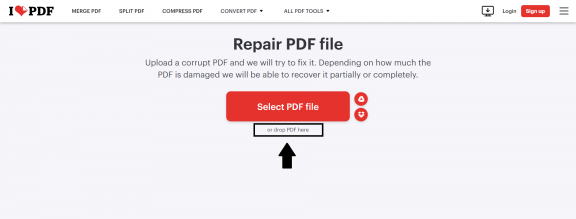
Step 3: Use an Online PDF Repair Tool
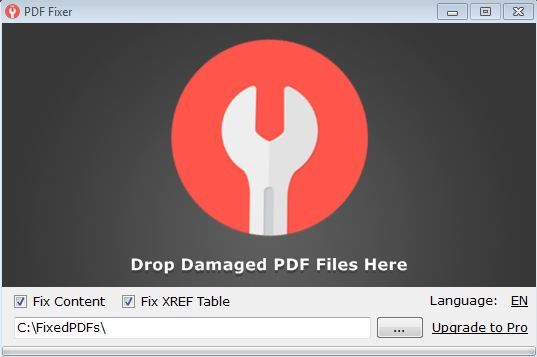
Online PDF repair tools are quick and easy. Upload your corrupted file to a trusted service like the one we recommend in our online PDF repair tools guide. It’ll try to recover the structure and content. Make sure the site doesn’t keep your files—privacy is key for legal docs.
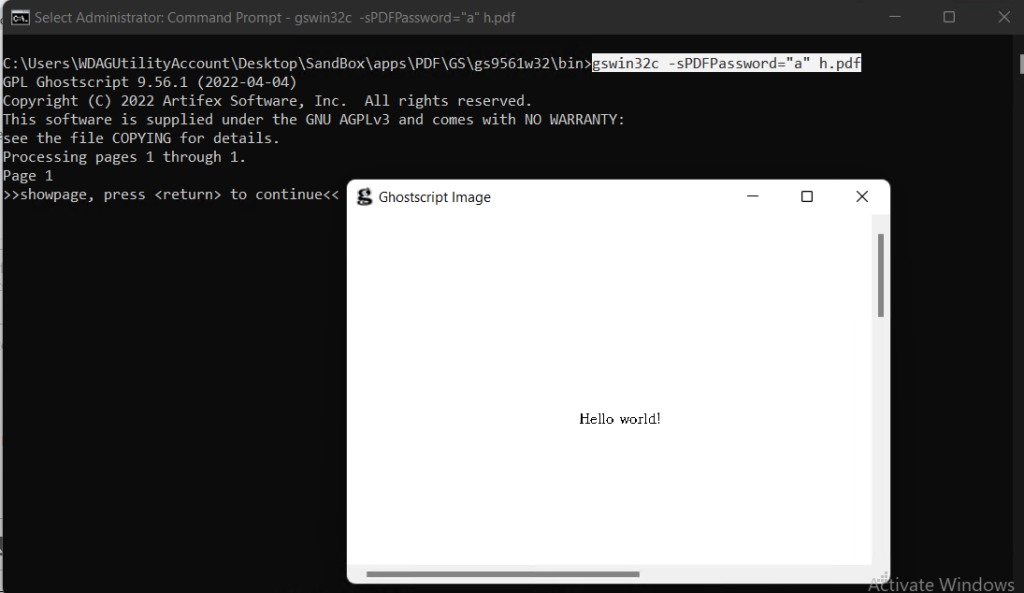
Step 4: Recover with Ghostscript (Command Line)
If online tools don’t cut it, try the Ghostscript method. Install Ghostscript, then run this command in your terminal: gs -o repaired.pdf -sDEVICE=pdfwrite -dPDFSETTINGS=/prepress corrupted.pdf. This rebuilds the PDF from scratch, often fixing deep corruption. For a full walkthrough, check the dedicated Ghostscript method guide.
Step 5: Recover a Fillable PDF
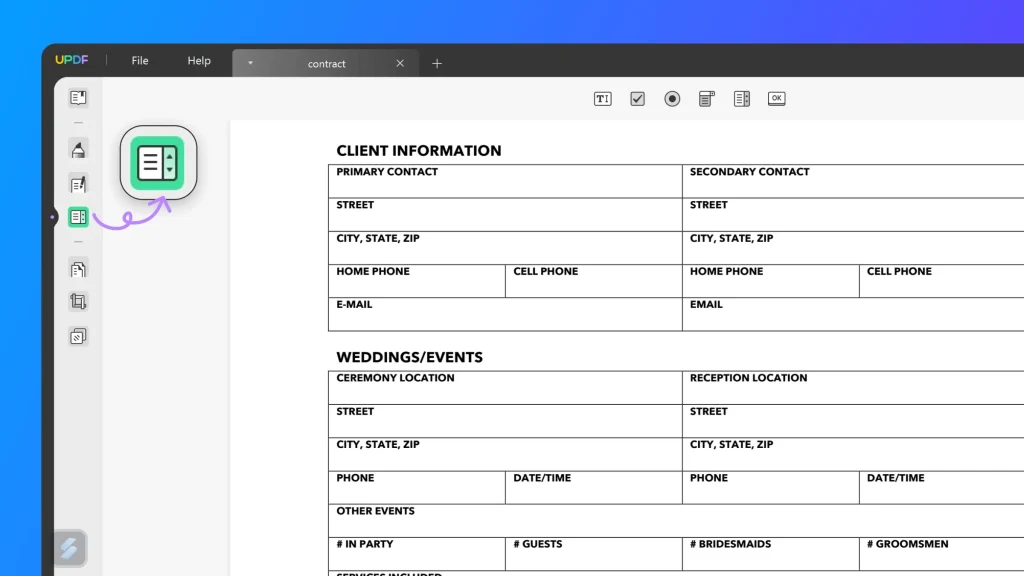
If your legal PDF has fillable forms (e.g., court forms), corruption might kill the fields. You can try to recover a fillable PDF using specialized tools that preserve AcroForms. Follow the steps in our recover a fillable PDF guide to get your form fields working again.
Common Pitfalls
- Using shady online tools: They may add watermarks, malware, or steal your sensitive legal data. Stick to reputable services.
- Overwriting your original file: Always work on a copy. If recovery fails, you still have the original for other methods.
- Ignoring security settings: Some PDFs are encrypted. Recovery may fail if you don’t have the password. Try the comprehensive PDF repair guide for encrypted files.
Where to Next
Congrats—you should have a working legal PDF now! If you still need help, dive into our comprehensive PDF repair guide for more advanced techniques. Or if you’re on a Mac, check out our repair PDF on Mac guide. And remember, always keep backups. Good luck!