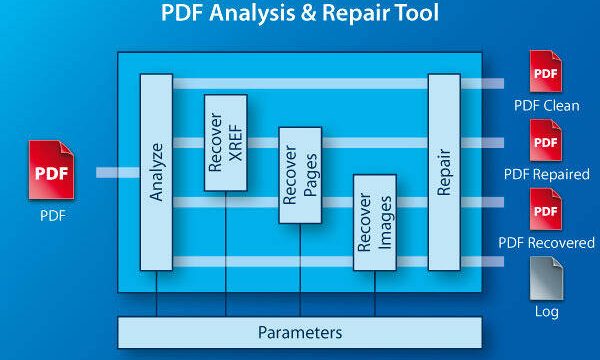
Bank statements are crucial documents—you need them for tax filing, loan applications, or just tracking your spending. But what happens when your PDF bank statement won’t open, shows garbled text, or throws error messages? Don’t panic. This guide is for anyone who has a corrupted bank statement PDF (downloaded from a bank portal, emailed by your bank, or scanned from a paper statement) and wants to get it readable again. By the end, you’ll have a repaired PDF that looks exactly like the original, or at least recovered the important transaction data.
We’ll walk you through five steps, from the simplest fix (trying a different PDF viewer) to more advanced methods like using online repair tools and offline software. Along the way, we’ll also cover common pitfalls so you can avoid wasting time. This isn’t a theoretical guide—each step is tested and practical, so you can start right now.
What you’ll need
- The corrupted bank statement PDF file
- A computer with internet connection (for online tools)
- Optional: Adobe Acrobat Reader or any PDF viewer
- Optional: A backup of the original file (if you have one)
- Optional: A PDF repair tool like Adobe Acrobat Pro or third-party software
Step 1: Assess the Damage
Before you start repairing, figure out what’s wrong. Try opening the file in your default PDF viewer. Note any error messages (e.g., ‘File is damaged and cannot be repaired’, ‘Cross-reference table missing’, ‘Unsupported compression method’). Check if only part of the file is garbled, or if the entire file is blank. This will help you choose the right repair method. For example, a missing cross-reference table is often fixable with a simple tool, while a completely scrambled file may require data recovery.
Step 2: Try Opening in a Different Viewer
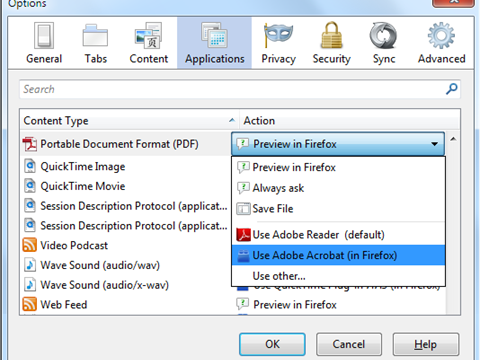
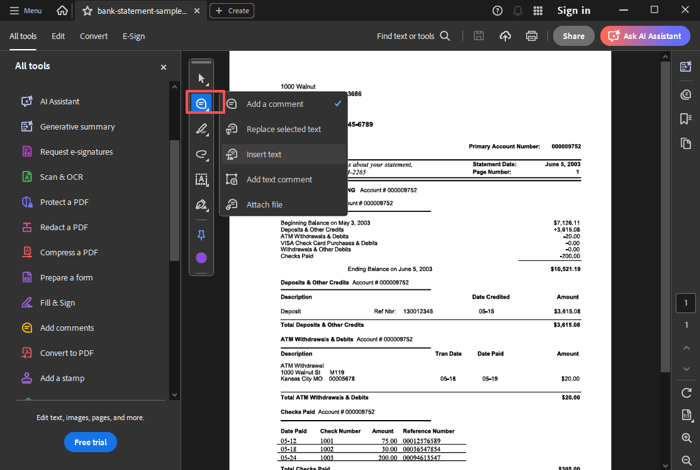
Sometimes the issue is with your PDF reader, not the file itself. Install a different viewer like Google Chrome’s built-in PDF viewer, Firefox PDF.js, or SumatraPDF. Open the file there. If it works, save a copy from that viewer (File > Print > Save as PDF). This can bypass minor corruption. If it still fails, move to the next step.
Step 3: Use an Online PDF Repair Tool
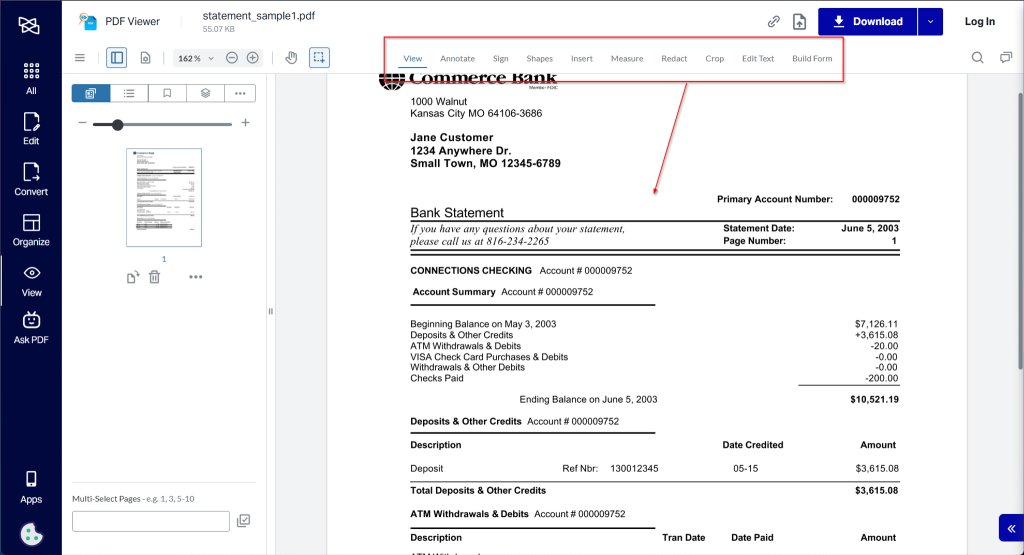
Online tools can fix many common PDF issues without installing anything. Try a service like iLovePDF, Smallpdf, or PDF2Go’s repair feature. Upload your file, let it process, and download the repaired version. These tools are great for corruption due to incomplete downloads, but be cautious with sensitive bank statements—check the site’s privacy policy. If you’re worried about security, skip to Step 4 for offline options.
Step 4: Use Offline PDF Repair Software
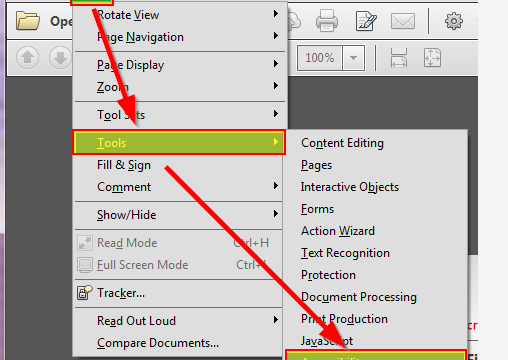
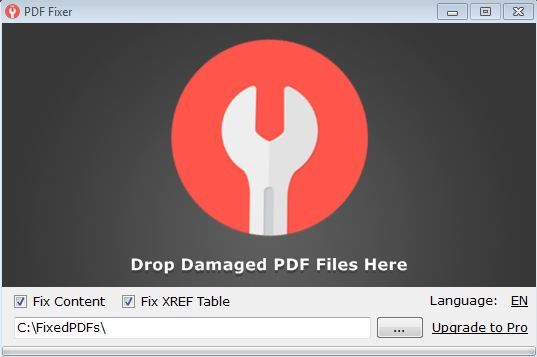
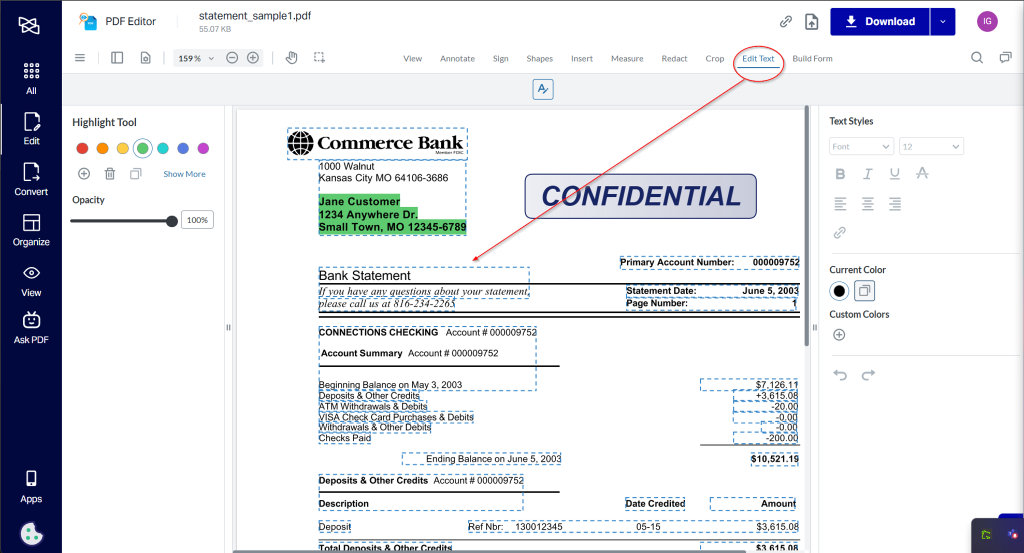
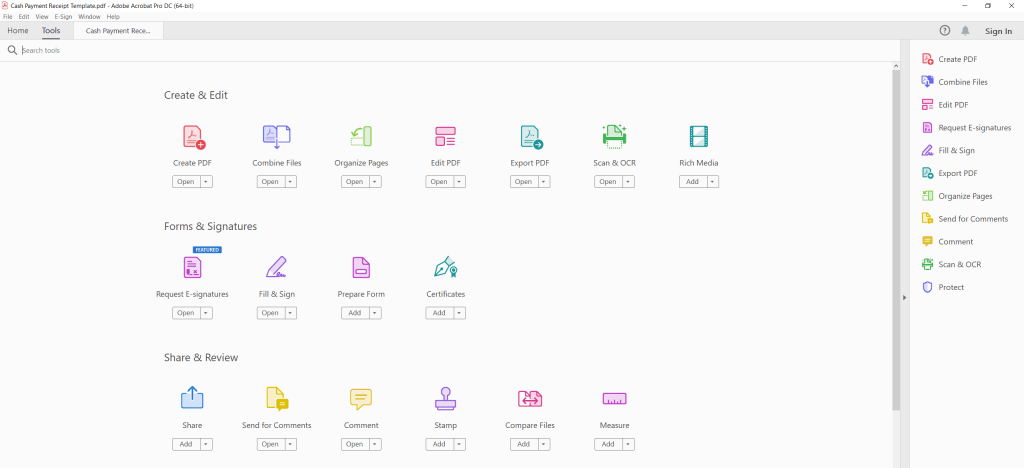
For stronger repair or if you’re dealing with sensitive data, use offline software. Adobe Acrobat Pro has a built-in repair: open Acrobat Pro, go to File > Open, select the corrupted file, and Acrobat may offer to repair it automatically. If not, try File > Save As Other > Optimized PDF. Alternatively, use dedicated tools like PDF Repair Toolbox or SysTools PDF Repair. Many offer a free trial. Follow the software’s instructions to repair the file.
Step 5: Recover Data If Still Broken
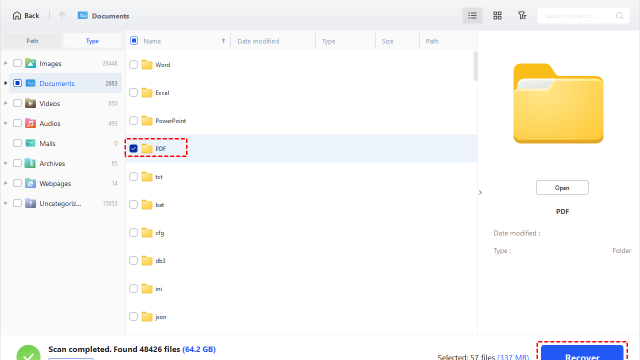
If no tool can fix the PDF visually, you may still extract the text and numbers. Use a data recovery tool like PDFDataExtractor or even open the file in a text editor (Notepad++) to see raw text. You might find transaction lines buried in the code. For scanned statements, use OCR (Optical Character Recognition) software like ABBYY FineReader to rebuild the content. This won’t give you a perfect replica, but you’ll get the necessary transaction history.

Common Pitfalls
- Saving changes to the original file without a backup: Always work on a copy. If the repair goes wrong, you’ll lose your only copy.
- Using online tools for confidential statements: Some free sites store uploaded files. Use offline tools if privacy is a concern.
- Assuming all corruption is fixable: Severe physical damage (e.g., broken hard drive) may make recovery impossible. In that case, request a new statement from your bank.
Where to Next
You’ve now repaired your bank statement PDF. To avoid future headaches, regularly back up your financial documents and always verify downloads. If you deal with many PDFs, consider building a complete pdf repair workflow that covers everything from how to open damaged pdf to fixing specific errors like a repair pdf signature issue. And if your PDF got corrupted during download, check out our guide on pdf corrupted during download repair. For the toughest cases, a dedicated pdf recovery tool can be a lifesaver.