So you’ve downloaded an ebook PDF—maybe a bestseller, a textbook, or a self-published gem—and when you go to open it, nothing happens. Or you see garbled text, broken images, or just blank pages. Don’t panic. This guide is for anyone who’s ever stared at a corrupted ebook and wondered if their purchase was a total loss. By the end, you’ll have your ebook readable again, whether it’s a simple glitch or a more stubborn corruption.
We’ll walk through several methods, from quick online fixes to more thorough desktop repairs, so you can choose the approach that best fits your technical comfort level. No need to be a computer whiz—just follow the steps, and you’ll be back to reading in no time.
What You’ll Need
- A copy of the corrupted ebook PDF (keep the original backed up)
- A reliable internet connection (for online repair tools)
- A PDF repair tool—we’ll cover free and paid options
- Optional: a hex editor if you want to try manual repair
Step 1: Diagnose the Problem
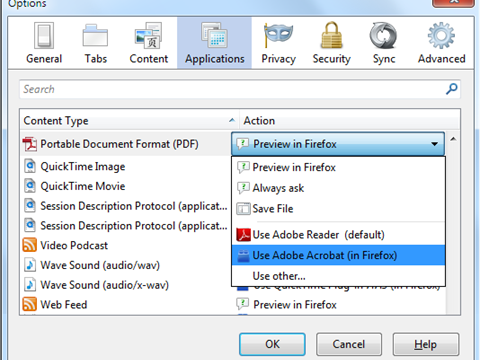
Before you start repairing, figure out what kind of corruption you’re dealing with. Is the file completely unopenable? Or does it open but show errors? Try opening it in different PDF readers—Adobe Acrobat, Chrome’s built-in viewer, or a lightweight app like SumatraPDF. If it won’t open at all, you likely have structural damage. If it opens but looks weird, the content streams might be scrambled. Also run a PDF corruption checker to confirm. This will save you time later. You can use our PDF corruption checker for a quick assessment.

Step 2: Try an Online PDF Repair Tool
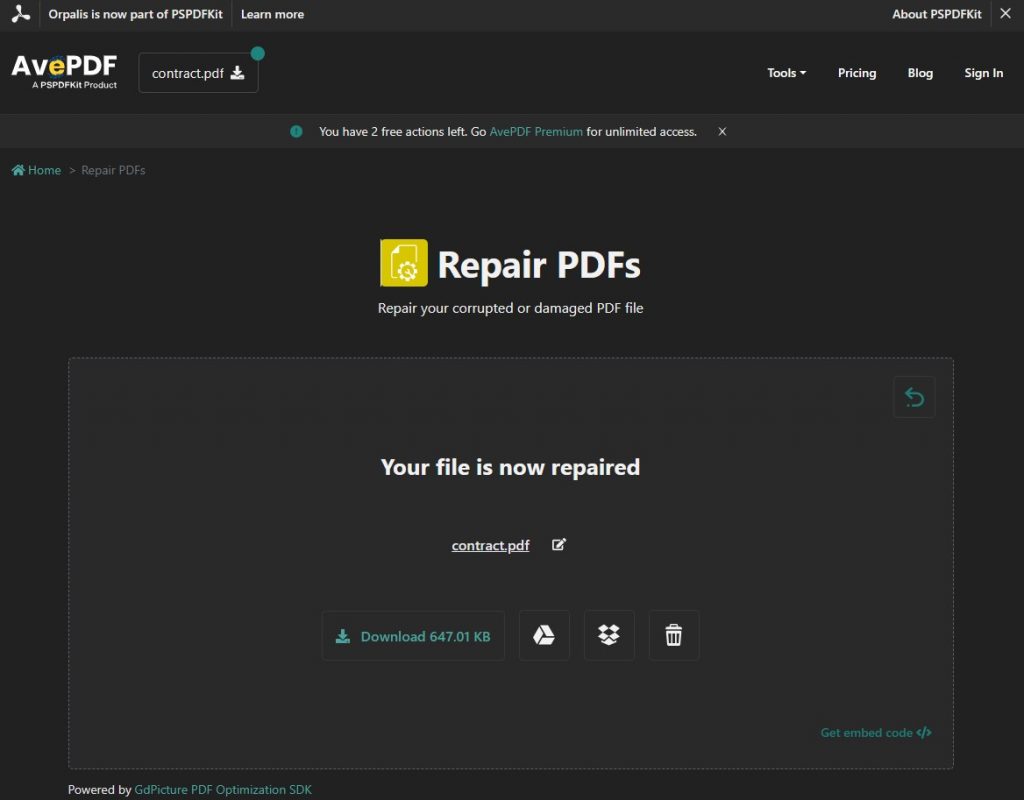
For most ebook PDFs, an online tool is the quickest fix. Services like Smallpdf, PDF24, and ILovePDF offer free repair features. Just upload your corrupted file, wait a few seconds, and download the repaired version. These tools work best for minor corruption like incomplete downloads or transmission errors. If your ebook is severely damaged, you may need a desktop solution. (For more on network-related issues, see our guide to repair PDF after download.)
Step 3: Use a Desktop PDF Repair Tool
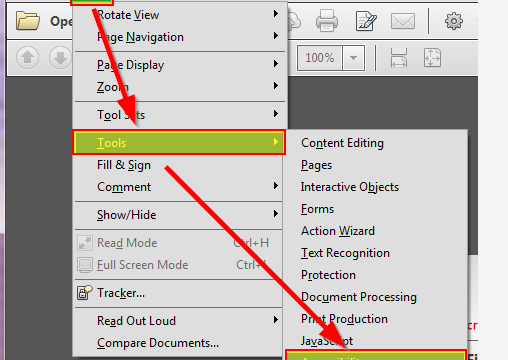
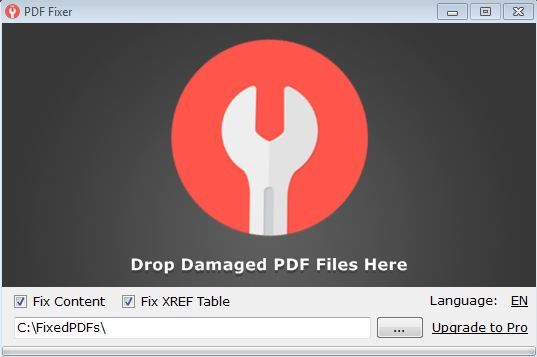
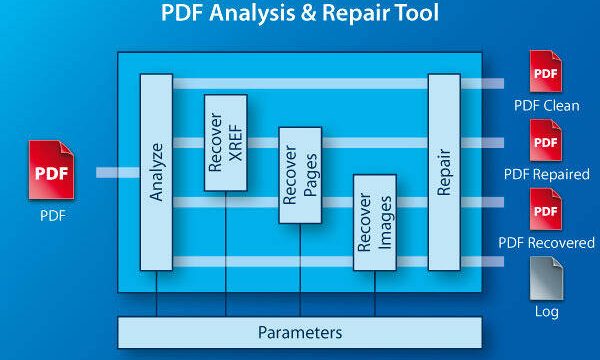
When online tools aren’t enough, turn to dedicated desktop software. Adobe Acrobat Pro has a built-in repair function (File > Open and then choose “Repair”). For a free alternative, try PDF Repair Toolbox or Recoll. These utilities rebuild the PDF structure and can often recover content from heavily corrupted files. If you need a list of top options, check out our roundup of best PDF repair software.
Step 4: Manual Repair with a Text Editor (Advanced)
If you’re comfortable with the nuts and bolts, you can try manually editing the PDF. Open the file in a hex editor (like HxD) and look for obvious corruption—like repeated bytes or truncated streams. You can also use a plain text editor (careful: PDFs are binary) to check for missing end-of-file markers. This is risky and time-consuming, so only attempt it if your ebook is irreplaceable and other methods failed. For complex cases, you might need to recover a thesis PDF or fix a report PDF with similar techniques.
Common Pitfalls
- Not backing up the original. Always keep a copy before attempting repair—some tools can make things worse.
- Using an incompatible tool. Free online tools have file size limits; large ebooks may fail. Check the limits first.
- Expecting a miracle. Severe physical damage to the PDF (like from a bad hard drive) might not be recoverable. Know when to cut your losses.
Where to Next?
Now that your ebook is readable, explore more targeted guides. If you frequently work with PDFs, PDF repair for students and recover a thesis PDF are great resources. Also, if your corruption came from a download error, our fix a report PDF guide might help prevent future issues. Happy reading!