So your hard drive threw a fit—maybe bad sectors, a sudden power outage, or a crash during save—and now one of your PDFs won’t open. Don’t panic. This guide is for anyone who’s dealing with a PDF that got corrupted after a disk error. By the end, you’ll have a working PDF again (or at least recover most of its content).
We’ll cover five repair methods, from simple online tools to command-line fixes that dig into the file structure. You don’t need to be a tech wizard—just follow the steps. And if you’re new to PDF repair, check out our guide on how to recover pdf file first.
What You’ll Need
- The corrupted PDF file (keep the original safe—make a copy).
- A computer with internet access (for online tools).
- Optional: qpdf or pdftk installed (for command-line methods).
- Optional: a hex editor like HxD (Windows) or Hex Fiend (Mac).
Step 1: Check the File Integrity
First, confirm the damage. Right-click the PDF, go to Properties, and see the file size. If it’s zero or suspiciously small, the disk error probably wiped data. On Mac, use Get Info. Alternatively, open a terminal and run file yourfile.pdf — a healthy PDF says “PDF document,” corrupted ones show “data” or gibberish.
Step 2: Try a Free Online Repair Tool
If the file isn’t completely empty, upload it to a free online repair service. The best free pdf repair tool is PDF24’s online fixer—it rewrites the PDF structure and often resolves minor corruption. Go to PDF24, click “PDF repair,” upload your file, wait a few seconds, and download the repaired version. If you see a “pdf EOF marker not found” error during opening, this step usually fixes it.
Step 3: Repair with qpdf (Command Line)
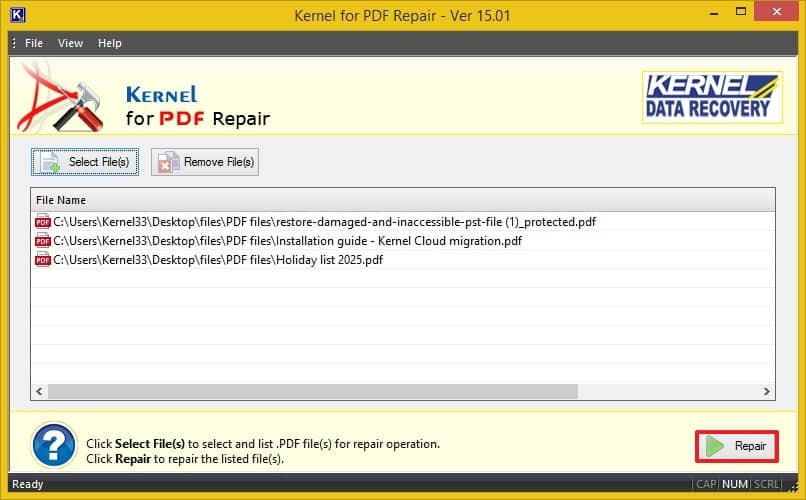
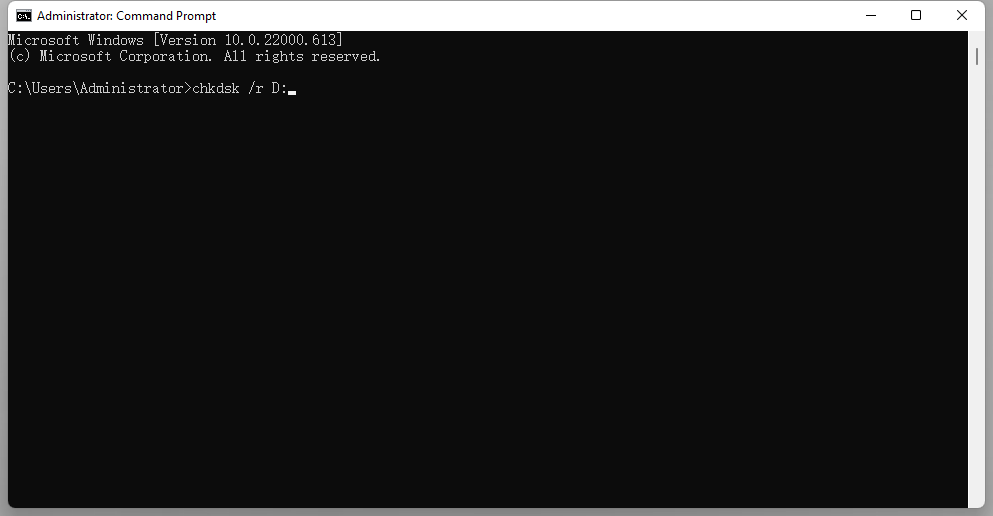
Online tools didn’t work? Time to bring out qpdf. It’s a lightweight command-line utility that can fix many structural issues. Open a terminal (on Windows, use Command Prompt or PowerShell). Navigate to the folder with your PDF and run: qpdf --repair corrupted.pdf repaired.pdf. The tool will rebuild the PDF’s cross-reference table and fix linearization errors. If successful, open repaired.pdf in your reader.
Step 4: Extract Pages with pdftk
If the PDF is partially readable but some pages are broken, try to extract pages from corrupted pdf using pdftk. This tool can split the file into single pages, skipping bad ones. Run: pdftk corrupted.pdf burst output page_%02d.pdf. Then open each page individually to see what survives. You can later merge the good ones using pdftk page_*.pdf cat output repaired.pdf.
Step 5: Fix the Header Manually (Advanced)
When all else fails, the PDF header might be mangled. A proper PDF starts with %PDF-1.x (e.g., %PDF-1.4). Open the file in a hex editor and check the very first bytes. If they’re gone or wrong, restore them manually. Type %PDF-1.4 at the start (without the quotes) and save. This simple pdf header repair can bring a file back to life. For more on this, see our dedicated guide.
Common Pitfalls
- Working on the original file without a backup: Always copy the corrupted PDF first. If a repair tool damages it further, you won’t have a second chance.
- Overwriting the original with a failed repair: Some online tools save directly over the upload. Choose “save as” to keep the original untouched.
- Expecting miracles from severely damaged files: If the disk error wiped the whole file (size near zero), recovery is near impossible. In that case, try file recovery software first.
Where to Next
You’ve got your PDF back. But what if you run into other issues? Check out our guides on pdf header repair, fixing a pdf EOF marker not found error, or using the best free pdf repair tool for regular maintenance. And if you ever lose a file completely, learn how to recover pdf file from a damaged drive.




