
So your PDF won’t open? Maybe it throws an error like ‘Invalid PDF’ or just shows garbage. Chances are the header got damaged. The header is the first few bytes that tell software ‘this is a PDF’. This guide is for anyone who’s ever seen a corrupted PDF and wants to fix it themselves. We’ll use free tools—no expensive software required.
By the end, you’ll have a working PDF again. You’ll learn how to inspect the header, fix common issues like missing ‘%PDF’ signature, and even rebuild a header from scratch if needed. Let’s get that file back.
What You’ll Need
- A corrupted PDF file (the one you want to fix)
- A hex editor (we’ll use the free HxD for Windows or Hex Fiend for Mac)
- A backup of the original file (just in case)
- Optional: a best free PDF repair tool like PDF24 as a fallback
Step 1: Inspect the Header
Open your PDF in a hex editor. Look at the very first bytes. A healthy PDF starts with ‘%PDF-1.x’ (e.g., ‘%PDF-1.4’). If you see anything else—like zeros, garbage, or a different file header—your header is damaged. Note what’s there.
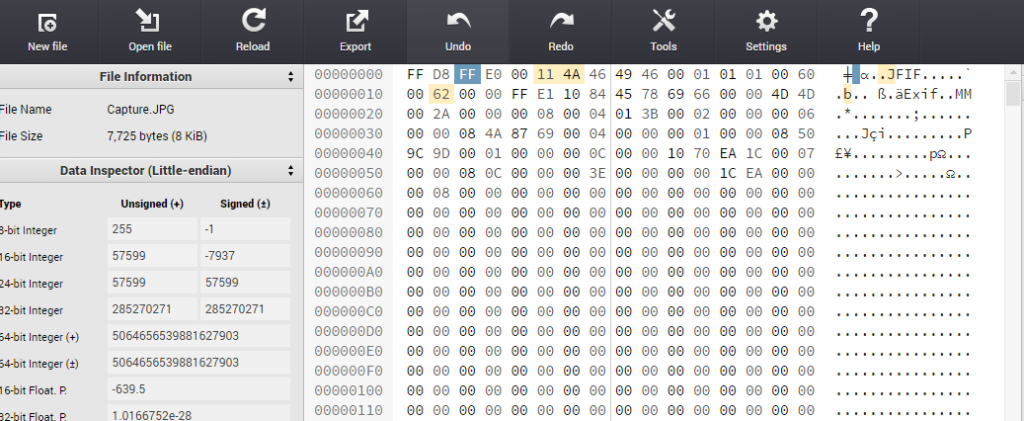
Step 2: Repair by Replacing the Header
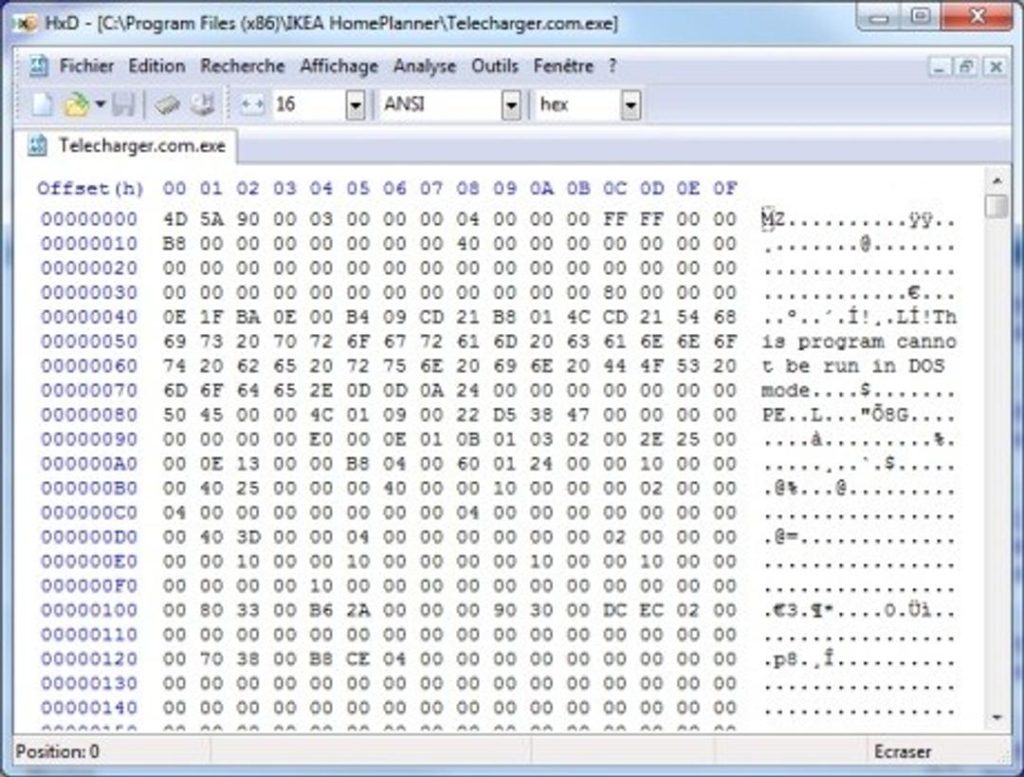
If the header is missing or wrong, you can simply paste the correct header. Create a new blank file in the hex editor, type ‘%PDF-1.4’ (or whatever version your PDF was), then copy the rest of your corrupted file’s data after that header. Save as new PDF. Often this works.
Step 3: Use a Dedicated PDF Repair Tool
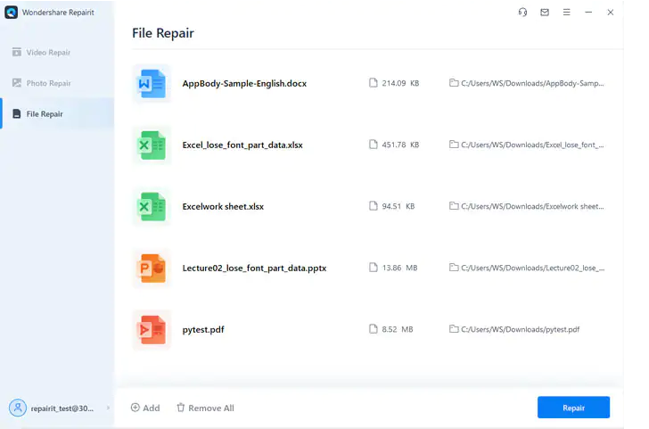
If manual editing feels tricky, use the best free PDF repair tool like PDF24. Upload your file, it will automatically fix the header and other issues. This is great if you’re not comfortable with hex editors. If the header fix doesn’t work, try an online PDF repair as a backup.
Step 4: Verify the Repaired File
Open the repaired PDF in a viewer. If it shows your content, congratulations! If not, try another method. This method is one way to fix a PDF file is invalid error. Sometimes you need to recover PDF file from a backup.

Common Pitfalls
- Overwriting the header with wrong version: Match the original PDF version if possible.
- Accidentally deleting trailing data: Always work on a copy. A partial fix can lead to an incomplete PDF.
- Not saving as raw binary: Use hex editor’s save as ‘all files’ mode.
To avoid an incomplete PDF, always double-check your edits.
Where to Next?
Now that your PDF header is fixed, you might want to learn how to recover a PDF file that’s still not working. For more complex cases, try an online PDF repair tool.




