So your computer caught a virus, and now some of your PDF files are acting weird—won’t open, show garbage text, or throw errors. Don’t panic. This guide is for anyone whose PDFs got corrupted by malware. By the end, you’ll have a clean, readable PDF again, and you’ll know how to avoid this mess in the future.
We’ll walk through the whole process: first cleaning the virus from your system, then using free tools to repair the PDF. No advanced tech skills needed—just follow the steps. Let’s get your document back.
What You’ll Need
- A computer with internet access (for online repair tools or downloading software)
- A trusted antivirus or anti-malware program (Windows Defender works, or free tools like Malwarebytes)
- The corrupted PDF file (preferably a backup copy)
- Patience—some steps may take a few minutes
Step 1: Remove the Virus First
Before touching the PDF, you need to make sure the virus is gone. Otherwise, the repair tool might just re-infect the file or spread malware. Run a full system scan with your antivirus. If anything’s detected, let it quarantine or delete the threats. Restart your computer afterward.

Once your system is clean, move on to the next step.
Step 2: Make a Backup of the Corrupted PDF
Always work on a copy, not the original. Right-click the PDF, choose “Copy,” then paste it into a separate folder. Label it clearly, like “corrupted_backup.pdf.” This ensures you have the original file in case something goes wrong.

Step 3: Try an Online PDF Repair Tool
Online tools are quick and don’t require installation. Head to a reputable service like PDFRepairs.click or a similar free tool. Upload your backup PDF and click “Repair.” The tool will attempt to fix structural damage caused by the virus.
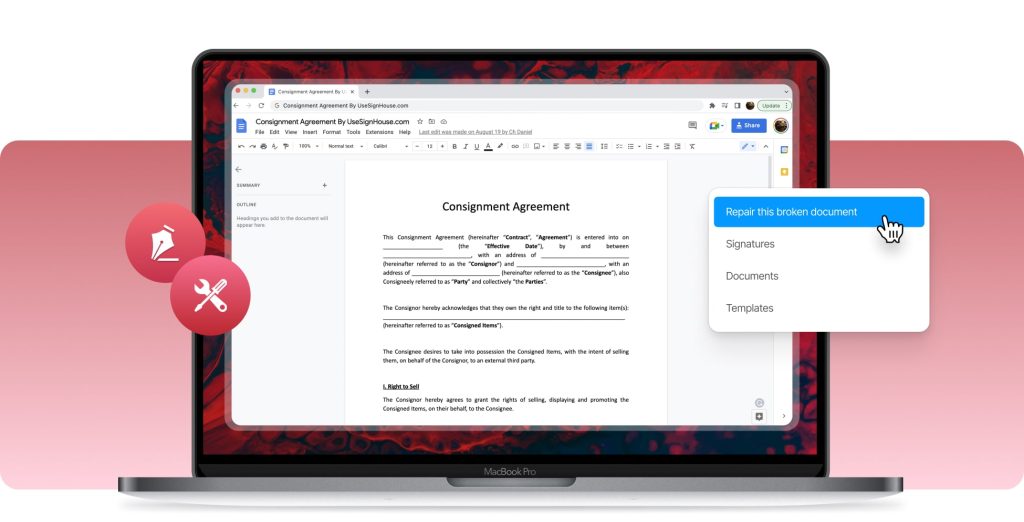
After a few seconds, download the repaired file. The tool might also show you a preview—check if text and images look right.
Step 4: Verify the Repaired PDF
Open the repaired PDF in a standard viewer like Adobe Acrobat Reader or your browser. Scroll through all pages: look for missing text, weird symbols, or blank sections. If it looks good, you’re done! If not, move to Step 5.
For tips on handling files that still won’t open, check out our pdf file not opening repair guide.
Step 5: Use Desktop PDF Repair Software
If online tools fail, try a dedicated desktop program. We’ve reviewed the best pdf repair software options—many have free trials. Install one, open your backup PDF, and run the repair tool. These programs can often salvage files with severe corruption.
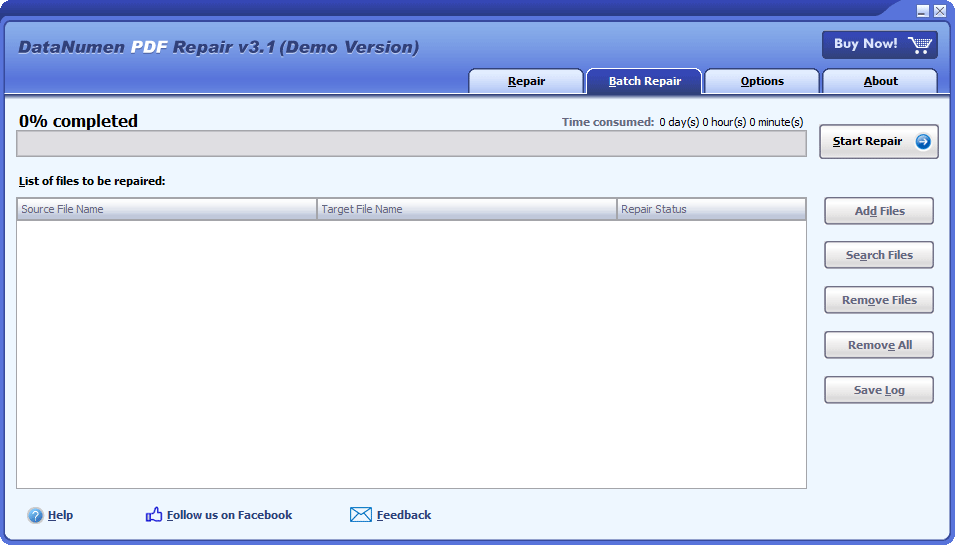
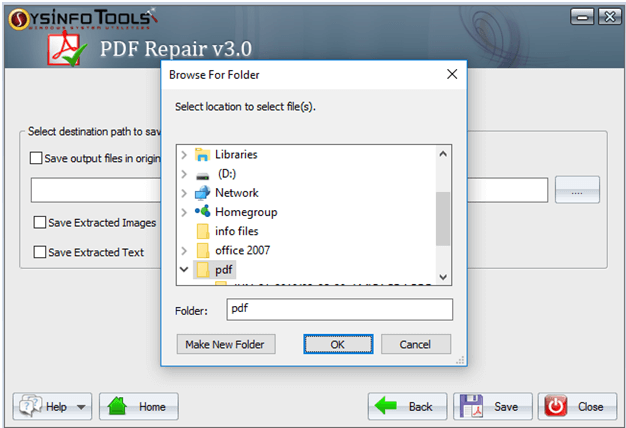
After repair, save the file and verify again. If it’s still broken, the damage might be too extensive, but you can try other strategies like using a hex editor (advanced) or contacting a data recovery service.
Common Pitfalls
- Opening the infected file before scanning: You might activate the virus or spread it. Always scan first.
- Overwriting the original: If the repair goes wrong, you lose the original. Always use a backup.
- Falling for fake repair tools: Some sites claim to fix PDFs but actually deliver more malware. Stick to trusted sources like PDFRepairs.click or known software.
Where to Next
Once your PDF is fixed, consider protecting future files. For example, if you often get corrupt files after downloads, see our repair pdf after network transfer post. If the PDF still shows partial corruption, our pdf file partially corrupted guide has extra tips. And for ebooks turned into gibberish, check out our guide on repair blank pdf.
Stay safe—keep your antivirus updated, and always back up important documents!




