Ever gotten an email attachment that just won’t open? Maybe you downloaded a PDF from a site and it shows up as garbled text or a blank page. You’re not alone — corrupted PDF attachments happen more often than you’d think. This guide is for anyone who has a broken PDF attachment and needs it fixed, fast. By the end, you’ll have a working PDF that you can view, print, or share without any hiccups.
We’ll walk through several methods, from quick browser-based fixes to more robust tools. No need to be a tech wizard — these steps are designed for motivated beginners. And if you hit a snag, we’ve got a section on common pitfalls to keep you on track.
What You’ll Need
- The corrupted PDF file (saved to your computer or phone)
- A computer with internet connection (a phone can work for some steps)
- Access to a PDF repair tool (free options listed below)
- Patience — some steps take a minute or two
Step 1: Try to Open the PDF in a Different Viewer
Sometimes the issue isn’t the file itself — it’s the viewer. If you’re using your browser’s built-in PDF viewer, try downloading the file and opening it in Adobe Acrobat Reader, or vice versa. On a phone, try opening it in another app like Google PDF Viewer or Microsoft Edge. If it works in a different viewer, you’re done! If not, move to Step 2.
Step 2: Use a Browser-Based Repair Tool
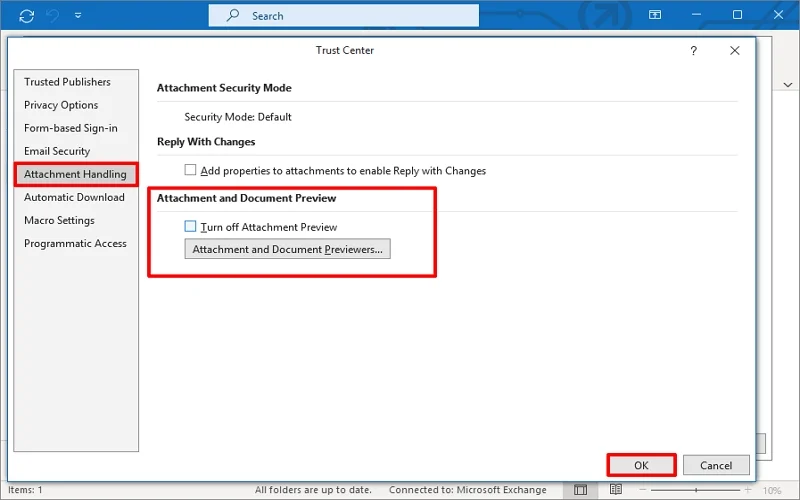
If the file doesn’t open anywhere, the quickest fix is a browser-based PDF repair tool. Head to a trusted online service like PDFRepairs.click or similar. You can learn more about how to repair a PDF in your browser from our dedicated guide. Upload your corrupted file — most services accept up to 50MB for free — and let the tool work its magic. After a few seconds, download the repaired version.
Step 3: Repair the PDF Using a Desktop Application
If the online tool doesn’t do the trick, try a dedicated desktop application. Free options like PDF24 Creator (Windows) or Preview (Mac) can often fix minor corruption. On Windows, install PDF24, open the file, and choose ‘Repair PDF.’ On Mac, open the file in Preview, then export it as a new PDF (File > Export). This re-encodes the file and can mends many issues. If you’re dealing with a file that was damaged during download, you might also need to repair a PDF after zip extraction.

Step 4: Recover the File from Email or Source Again
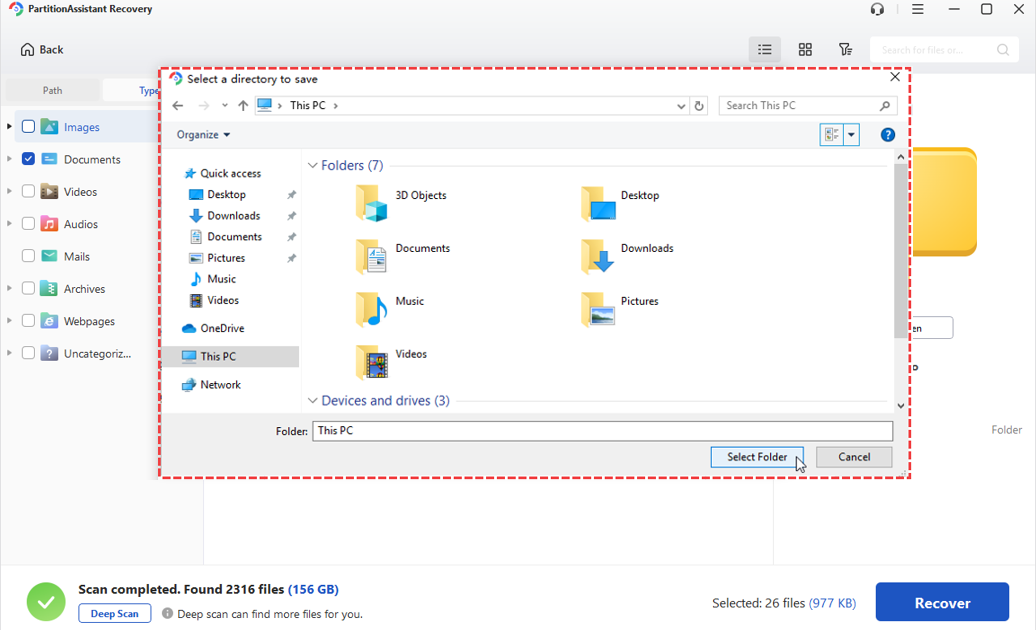
Sometimes the attachment was corrupted when it was sent or during download. Ask the sender to re-send the file, or download it again from the original link. If the file was zipped, extract it again — sometimes the extraction process itself causes issues. Check our guide on how to recover a PDF file for more tips. If you still have problems, consider using a file recovery tool to grab a previous version.
Step 5: Extract Pages from the Damaged PDF
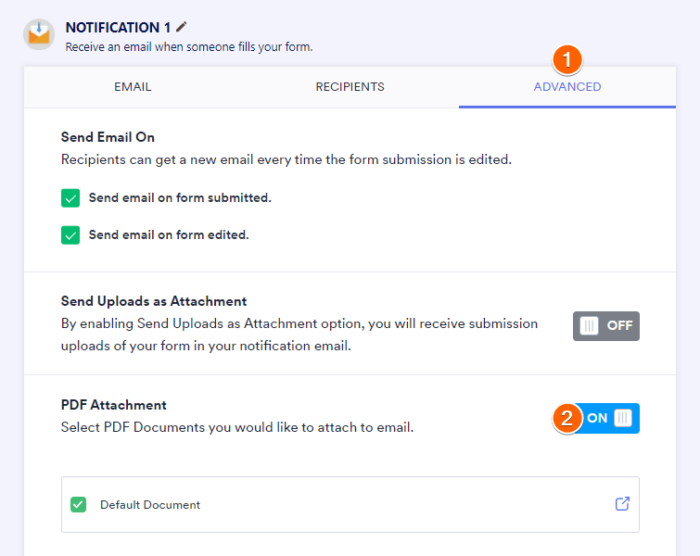
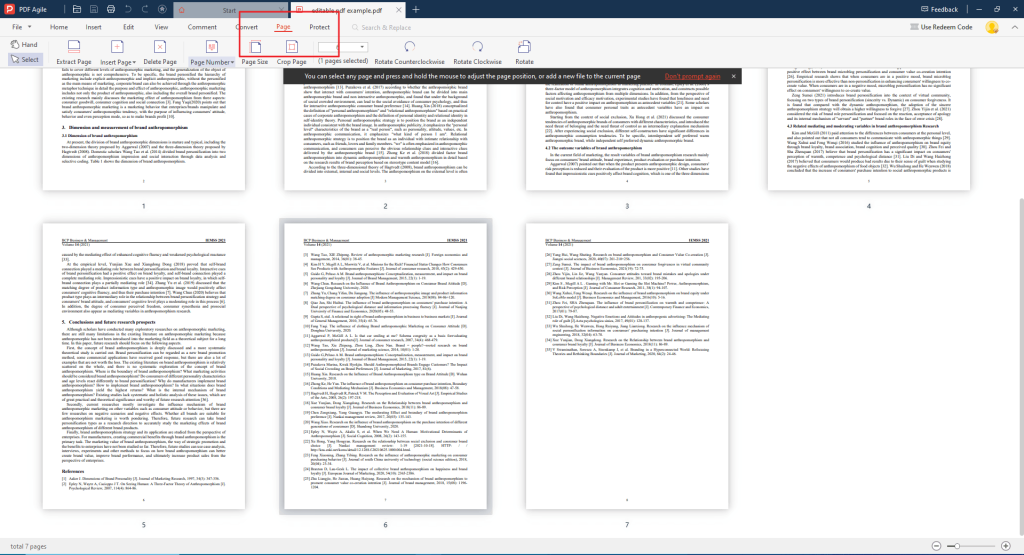
If the PDF still won’t open fully, you might be able to salvage some pages. Use a tool like Adobe Acrobat Pro or an online page extractor. Upload the file and try to extract pages one by one. Often the first few pages are intact. This method is especially useful if you only need specific content. For detailed steps, see how to extract pages from a damaged PDF.
Common Pitfalls
- Not saving the original file: If you overwrite the original with a repaired version and it fails, you lose the chance to try another method. Always keep a backup.
- Using untrusted online tools: Some sites may upload your PDF to insecure servers. Stick to reputable services with clear privacy policies.
- Ignoring file size limits: Many free online tools cap file sizes. If your PDF is large, you’ll need a desktop app or a paid service.
Where to Next
Got a PDF that’s still giving you trouble? Check out our guides on fix an incomplete PDF or repair a corrupted PDF online for more advanced techniques. And if you’re dealing with a specific type of document, like an invoice or a certificate, we’ve got dedicated tutorials for those too. Happy PDF repairing!




