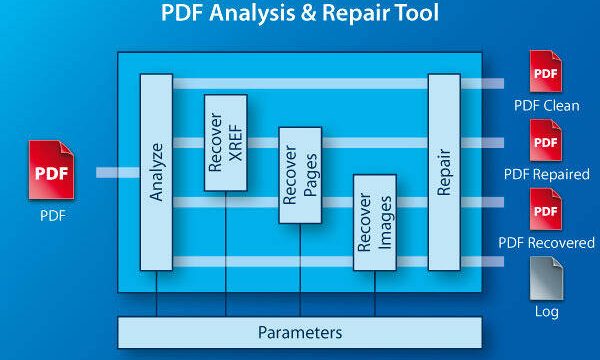
Ever had a friend send you an important PDF through WhatsApp, only for it to show up as a blank page, garbled text, or an error message? You’re not alone. WhatsApp compresses files to save data, and that can sometimes corrupt your PDFs. This guide is for anyone who’s stuck with a broken PDF from WhatsApp and wants it fixed without losing their mind. By the end, you’ll have a working PDF that you can read, print, or share.
Whether it’s a contract, a ticket, or a recipe, we’ll walk you through proven methods to repair that file. No advanced tech skills required—just a few clicks and some patience. Let’s get your PDF back in shape.
What You’ll Need
- The corrupted PDF from WhatsApp (saved to your phone or computer)
- A stable internet connection (for online tools)
- A computer (optional, but makes things easier)
- A backup of the original file (just in case)
- A few minutes of free time
Step 1: Check If the PDF Is Actually Corrupted
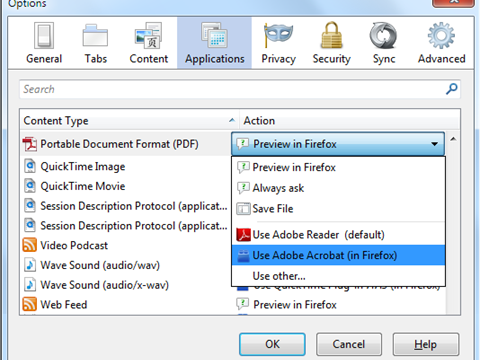
Before diving into repairs, make sure the PDF is truly broken. Sometimes it’s a simple viewing issue. Try opening the file on a different device or PDF reader. If it works elsewhere, the problem might be with your app, not the file. But if it’s a mess everywhere, move to the next step.

Step 2: Use a Free Online PDF Repair Tool
The quickest fix is an online tool. Websites like PDFRepairs.click offer a free damaged pdf repair online service. Just upload your WhatsApp PDF, let the tool work its magic, and download the repaired version. This works for most corruption issues caused by compression.
If you’re worried about privacy, choose a tool that deletes your file after processing. Remember, this method requires an internet connection.
Step 3: Try a Dedicated PDF Repair Software
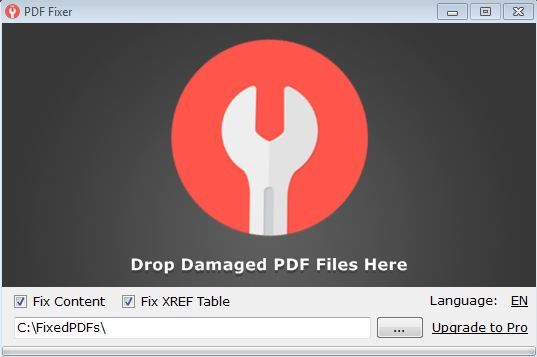
If online tools don’t cut it, desktop software can handle tougher corruption. Programs like Adobe Acrobat Pro or smaller utilities like PDF Repair Toolbox can fix pdf file structure errors. Open the software, import the WhatsApp PDF, and run the repair. Many offer a free trial, so you can test before buying.
Step 4: Recover PDF via Google Docs or Adobe Acrobat
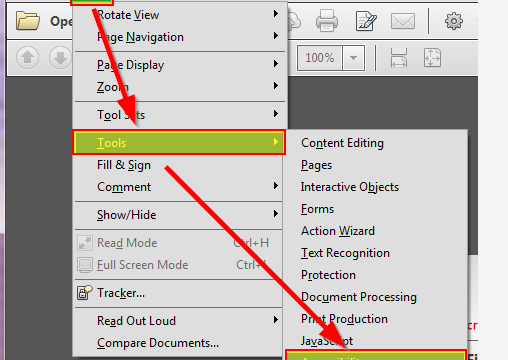
Another trick: upload the PDF to Google Drive and open it with Google Docs. Google often reconstructs the content. You can then download it as a new PDF. Similarly, Adobe Acrobat’s “Open and Repair” feature (File > Open > choose file > Open as copy > click “Repair”) can recover pdf without software installed locally.

Step 5: Ask the Sender to Resend the File
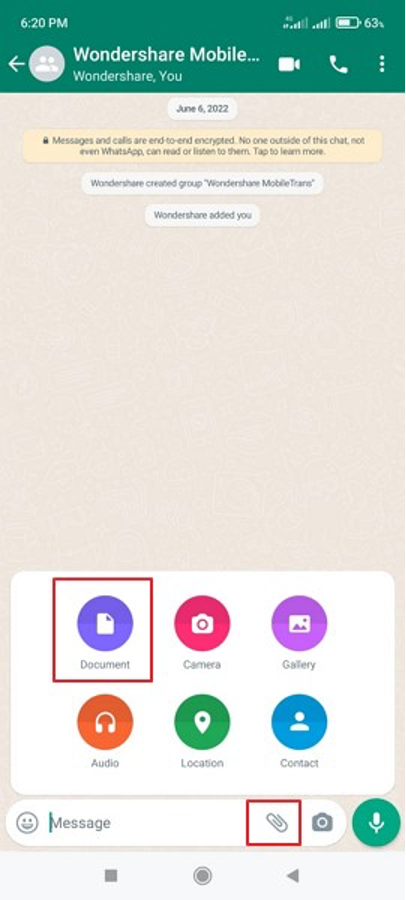
Sometimes the corruption happens during WhatsApp’s compression. Ask the person who sent it to share the PDF as a document (not an image) and without compression. They can also send it via email or cloud storage. This is the simplest repair pdf attachment trick.
Common Pitfalls
- Assuming the PDF is corrupted when it’s actually a viewing issue: Always try opening the file on another device or reader before attempting repairs. A fresh perspective can save you time.
- Using shady online tools that compromise your privacy: Stick to reputable sites that clearly state their privacy policy. Avoid tools that ask for personal info or install software without permission.
- Ignoring file size: WhatsApp compresses files, sometimes resulting in a tiny PDF that’s missing data. If the file size is way smaller than expected, ask the sender to resend the original without compression.
Where to Next
You’ve successfully repaired your WhatsApp PDF! If you run into other PDF troubles, check out our guides on how to fix an unreadable PDF or recover PDF images. And remember, prevention is easier than cure—always ask senders to share files without compression or via cloud links. Happy reading!