Have you ever opened a PDF only to find blank pages where your content should be? Don’t panic—this is a common issue that can be fixed with a few simple steps. This guide is for anyone who’s staring at an empty PDF viewer and wants to recover their document quickly. By the end, you’ll have a working PDF with all pages intact.
Blank pages can happen for many reasons: a corrupted file, outdated software, or even a glitch during download. We’ll walk you through practical solutions from easiest to more advanced, so you can get back to work without hassle.
What You’ll Need
- The blank PDF file (keep a backup copy)
- A PDF viewer (Adobe Acrobat Reader, Chrome, or any modern browser)
- Optional: A free online PDF repair tool (like Smallpdf or Ilovepdf)
- Optional: pdftk command-line tool (for advanced users)
Step 1: Check the PDF in a Different Viewer
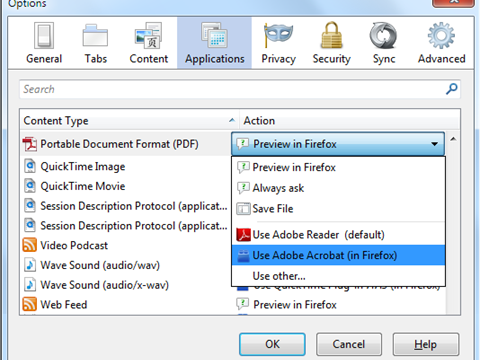
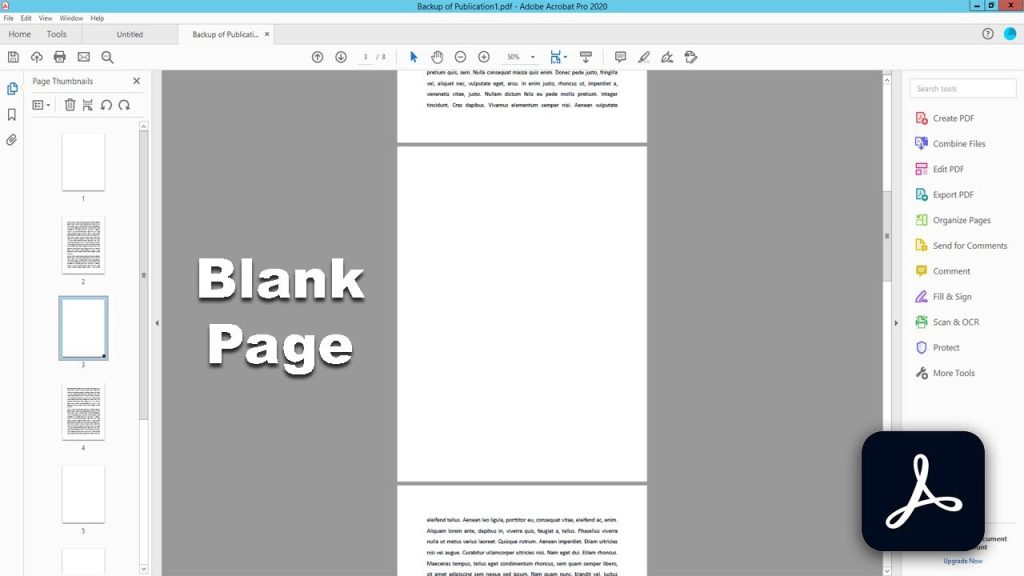
Sometimes the issue is just a glitchy viewer. Open your PDF in another app—try Chrome, Firefox, or even a dedicated tool like Adobe Acrobat. If the content appears, your original viewer might need an update. If it’s still blank, move on.
Step 2: Update Your PDF Viewer
Outdated software can misinterpret PDF data. Update Adobe Acrobat Reader or your browser to the latest version. Restart the program and reopen the file. For persistent blank pages, try our pdf preview not working fix for more viewer-specific tips.
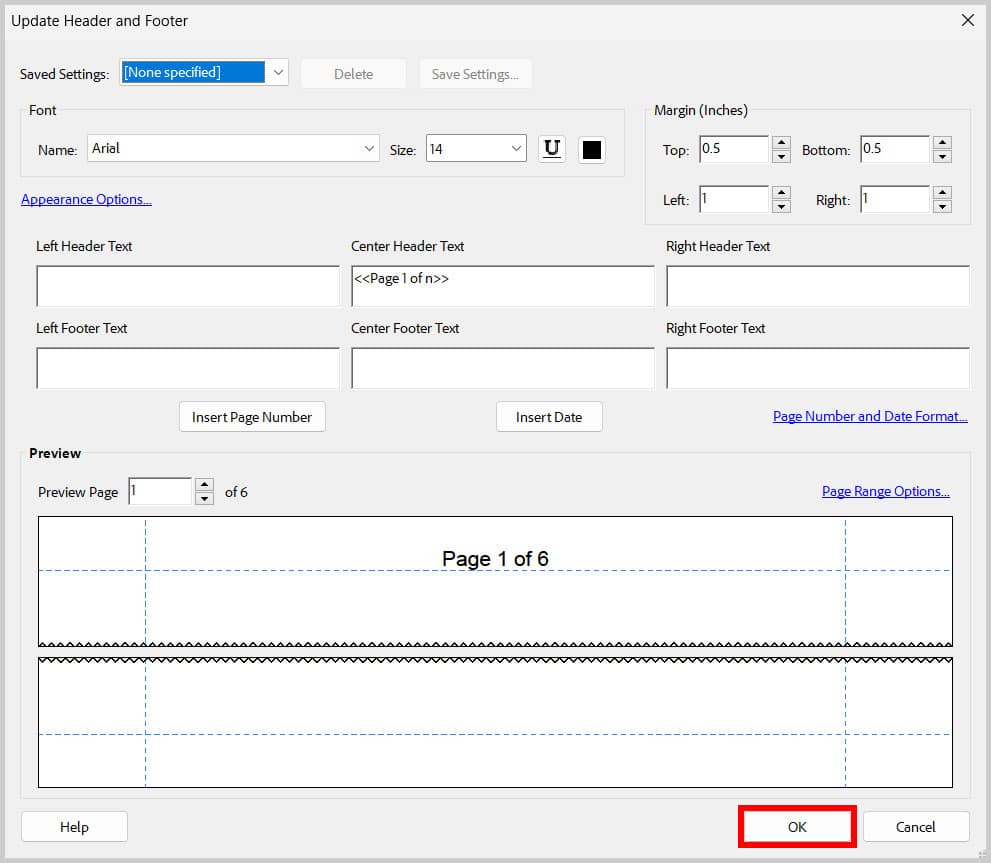
Step 3: Print the PDF to a New PDF
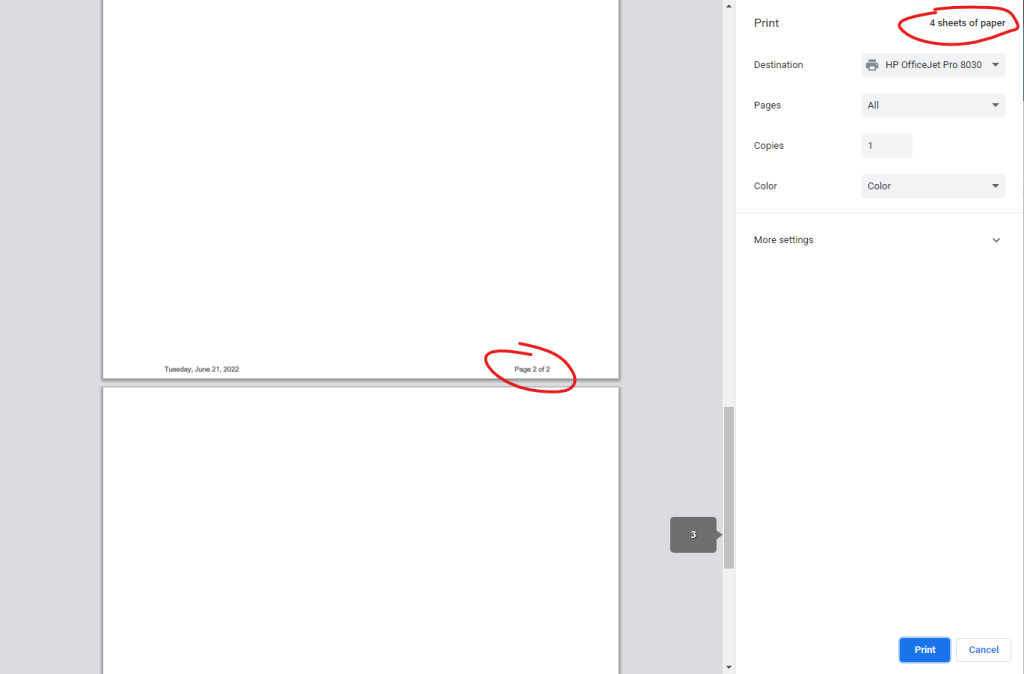
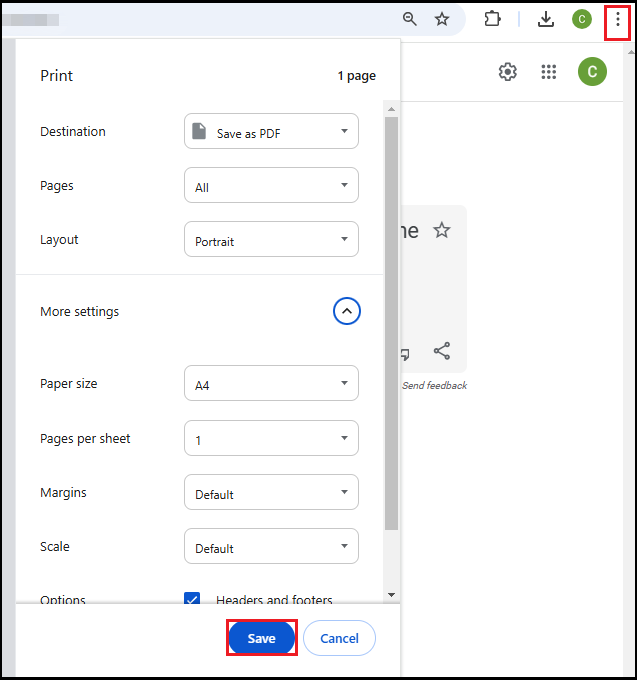
This trick often rebuilds the file and eliminates corruption. Open the blank PDF in any viewer, go to File > Print, and select ‘Save as PDF’ as the printer. Name the new file and open it. If content appears, you’re done. If not, the corruption is deeper.
Step 4: Use an Online PDF Repair Tool
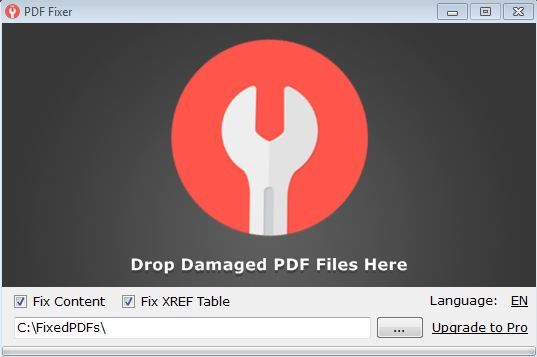
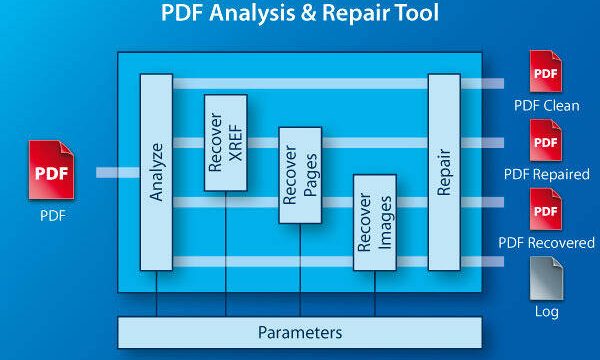
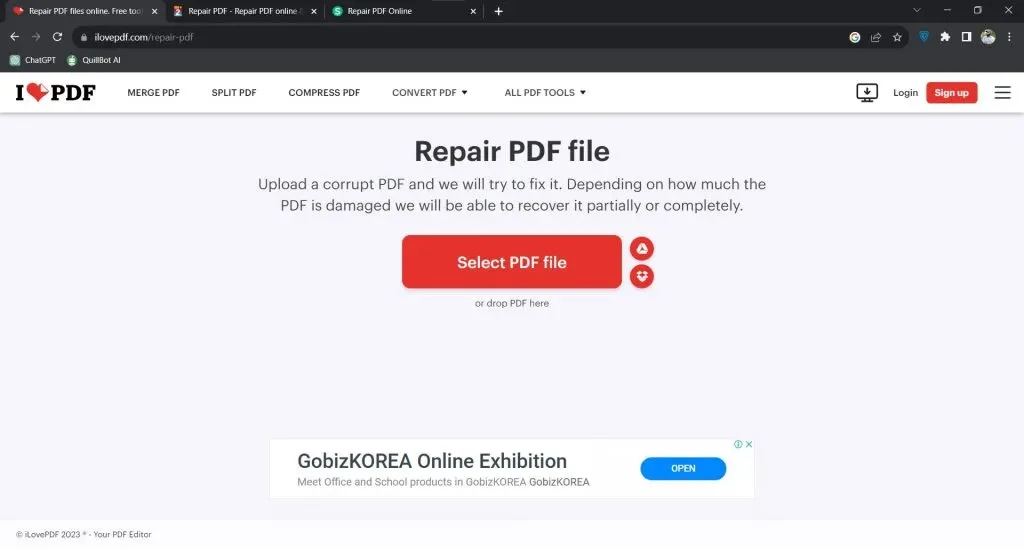
Free services like Smallpdf or Ilovepdf can often repair pdf and restore text. Upload the blank PDF, let the tool process it, and download the fixed version. This works best for mild corruption. For tougher cases, try a dedicated pdf fixer that handles deep issues.
Step 5: Advanced – Use pdftk to Rebuild the PDF
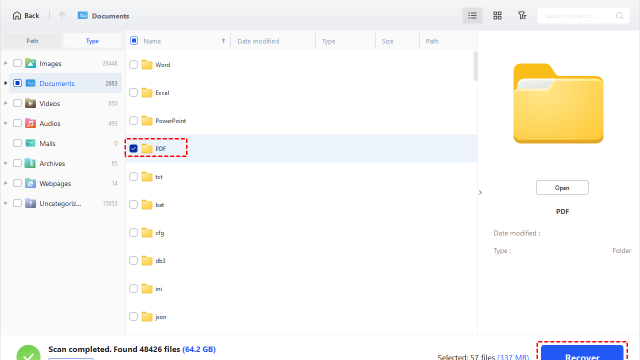
If the above fails, command-line tools like pdftk can force a rebuild. Download pdftk, open your terminal, and run: pdftk input.pdf output fixed.pdf. This often recovers pages that other tools miss. For more details, see our recover missing pdf pages guide. If your PDF has garbled text instead of blanks, check fix garbled pdf.
Common Pitfalls
- The PDF may be encrypted or password-protected, preventing repair. Remove protections first.
- Missing fonts can cause blank pages. Try embedding fonts via a PDF editor or using a different viewer.
- Corruption at the byte level might require specialized software. Don’t waste time on manual fixes if nothing works.
Where to Next
If blank pages still haunt you, your PDF might be severely damaged. Check out our broader guide on automated pdf repair for batch fixes, or stick with the basics—sometimes a fresh download from the source solves everything. Good luck!