You open a PDF you’ve been working on for hours, and bam — half the pages are gone. Maybe it’s a corrupted file, an incomplete download, or a glitchy save. This guide is for anyone who’s faced that sinking feeling. By the end, you’ll have either a fully restored PDF or a clear path to recover those missing pages using free tools and a few tricks.
We’ll start with the simplest checks (sometimes the pages are hiding), then move to online repair tools, desktop software, and even manual reconstruction. No fancy skills required — just a willingness to follow steps. Let’s get those pages back.
What You’ll Need
- The original, missing-pages PDF file
- A backup copy if you have one (always a good idea)
- A PDF viewer like Adobe Acrobat Reader or Foxit Reader
- Internet access for online tools (optional)
- A free tool like pdftk or PDFsam for desktop extraction (optional)
- Patience — some methods take a few tries
Step 1: Verify the Obvious
Before diving into repair, rule out simple causes. Open the PDF in a different viewer — sometimes the viewer hides pages. Check the document properties (File > Properties > Description in Acrobat) to see the total page count. If the count matches what you expect but pages appear blank, you might have a rendering issue. Try printing the PDF to a new PDF (using ‘Print to PDF’ feature) — this can often flush out hidden or corrupt page data.
Step 2: Use an Online PDF Repair Tool
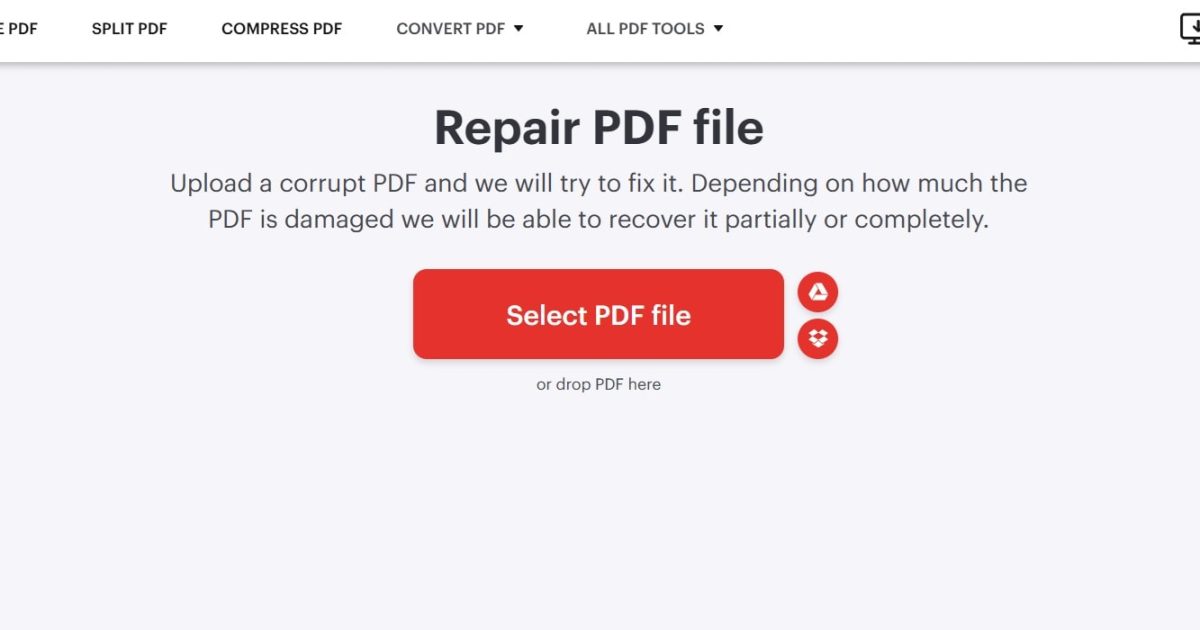
If the pages are truly gone, an online repair tool can often reconstruct them. Services like Smallpdf, iLovePDF, or PDF2Go offer free page recovery. Upload your file, let it scan and fix, then download the repaired version. Keep in mind: never upload sensitive documents to free online services. For non-confidential files, this is a quick first try. It’s a good complement to a page error fix approach.
Step 3: Try a Desktop PDF Repair App
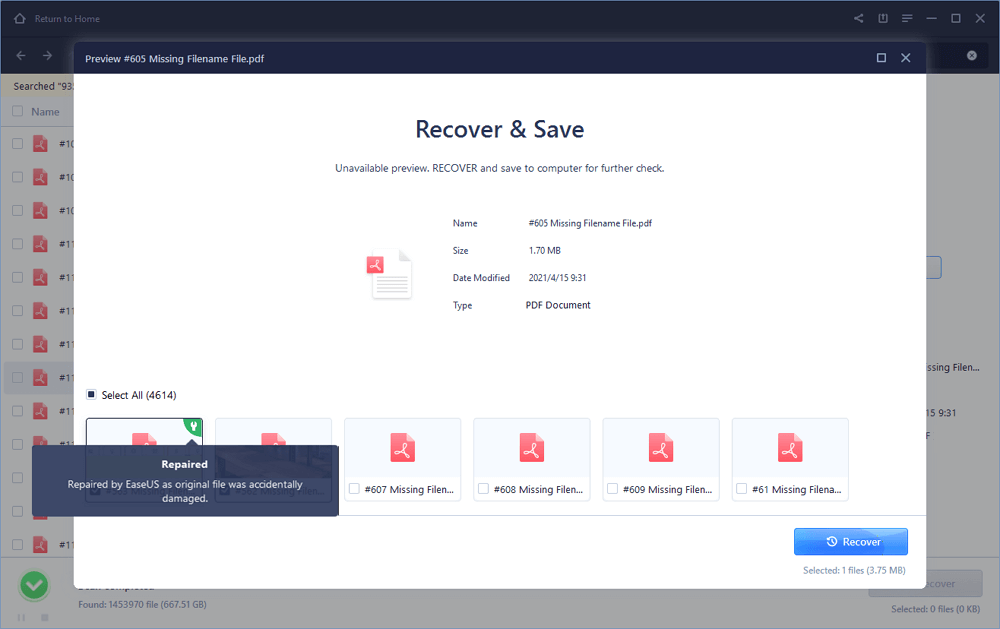
For more stubborn cases, a dedicated desktop tool gives you more control. Free options like PDF Repair Toolbox (trial) or open-source equivalents (e.g., PDFResurrect) can scan the file’s internal structure and extract data even when the PDF is badly damaged. They often handle the kind of corruption that happens after an abrupt save failure — exactly the scenario where you’d do a corrupted after save repair. Install the tool, open the damaged PDF, and let it rebuild the page tree.
Step 4: Extract Pages as Images and Reassemble
If the PDF is so corrupt that text extraction fails, you might still see pages as images. Use a tool like PDFtoImage (part of Poppler) to convert each page to a JPG, then combine those images into a new PDF using PDFCreator or online merge tools. This method sacrifices editability but preserves the visible content. It’s a solid workaround when you’re dealing with a severe PDF syntax error that prevents normal rendering.
Step 5: Manual Reconstruction from Backups
When all else fails, consider manual reconstruction. If you have a backup of the original source (like a Word doc or LaTeX file), regenerate the PDF and copy any unique pages from the damaged version using a PDF splitter. Use tools like pdftk to burst the old PDF into individual pages and then stitch together the salvageable ones with the new PDF. This is essentially a manual repair PDF after file corruption process that guarantees you keep what you can.
Common Pitfalls
- Using online tools for sensitive documents — your privacy might be at risk. Stick to desktop tools for confidential files.
- Forgetting to back up before repair — always duplicate your PDF before trying any fix, or you might lose pages permanently.
- Assuming missing pages are gone when they might just be blank or non-rendering. Check ‘page thumbnail’ view in your reader; sometimes content is there but not displayed.
Where to Next?
If your PDF still has issues beyond missing pages, check out our guide on page error fix for blank or out-of-order pages. For deeper corruption, the PDF syntax error article can help with file structure problems. And if you frequently run into corrupted saves, our piece on corrupted after save offers prevention tips. Finally, for a broad overview, the repair PDF after file corruption guide covers multiple scenarios.




