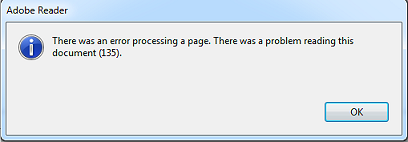
You open a PDF expecting a full document, but all you get is a blank screen, missing pages, or pages out of order. Frustrating, right? This guide is for anyone who’s ever faced a PDF page error—whether you’re a student missing lecture slides, an office worker dealing with a scrambled report, or just someone trying to view a PDF that won’t cooperate. By the end, you’ll have a toolbox of simple methods to diagnose and fix these page glitches, and you’ll know how to prevent them in the future.
We’ll cover three main approaches: using free online tools, using Adobe Acrobat (if you have it), and using a dedicated PDF repair utility. No technical degree required—just a few minutes and a willingness to try step-by-step. Even if your PDF is severely messed up, there’s a good chance you can get it back in shape.
What You’ll Need
- The problematic PDF file (keep a backup copy!)
- A web browser (Chrome, Firefox, Edge) for online tools
- Optional: Adobe Acrobat Reader DC (free) or Adobe Acrobat Pro
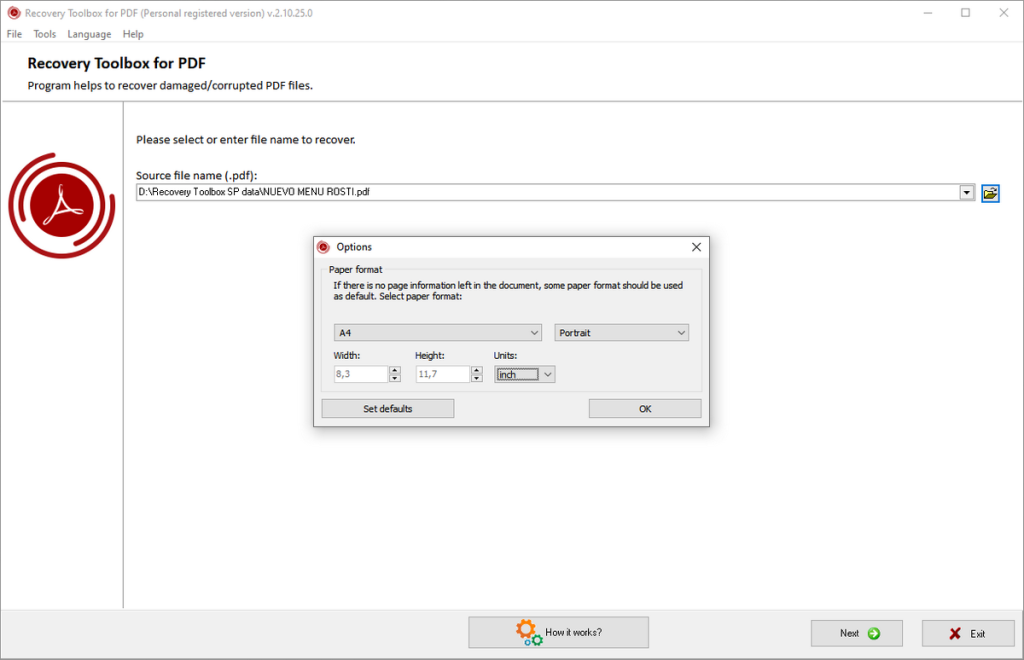
- Optional: A PDF repair tool like PDF Repair Toolbox or Sejda (free online)
- A few minutes of patience
Step 1: Diagnose the Error
Before fixing, figure out what’s actually wrong. Is the page blank? Missing? Or are pages shuffled? Open the PDF in different viewers (browser, Adobe Reader, mobile app) to see if the error persists. If only one viewer fails, the file is probably fine; the viewer might be the issue. If the error shows everywhere, proceed to Step 2.

Step 2: Repair PDF Document Using Online Tools
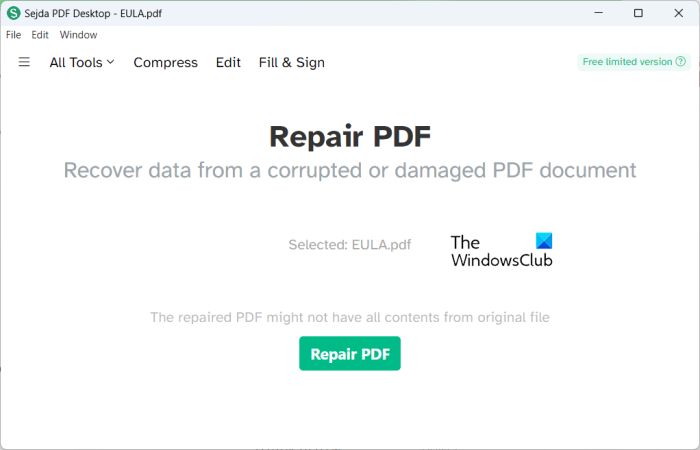
Online tools are the quickest fix for many page errors. Sites like Sejda, PDF24, or iLovePDF can re-process the file. Simply upload the PDF, choose “Fix” or “Repair” (or sometimes “Re-save”), and download the repaired version. This often fixes blank pages and minor corruption that throws off page order. If you need a more thorough solution, you might want to check out our dedicated guide on how to repair pdf document.
Step 3: Fix Malformed PDF Using Adobe Acrobat
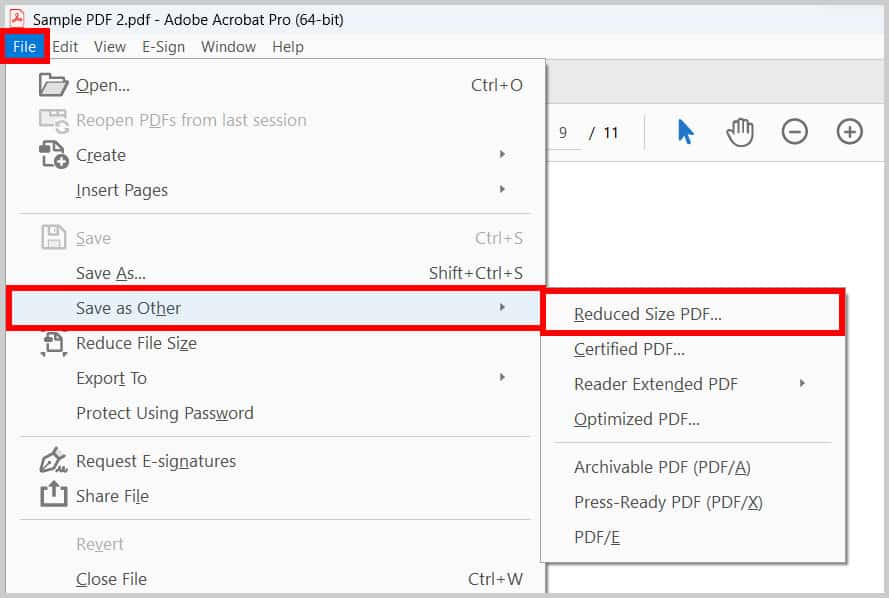
Adobe Acrobat Pro has a built-in repair function. Open the PDF, go to Tools > Protect > Advanced Options, and choose “Save as Optimized PDF” (this strips bad data). Alternatively, use File > Save As > Optimized PDF. This can fix malformed structure that causes page errors. For a deeper dive, see our article on how to fix malformed pdf.
Step 4: Recover Blank Pages
Blank pages often mean the content layer is missing or the page tree is broken. A simple trick: convert the PDF to another format (e.g., Word) and convert it back. Use a tool like PDF24’s “PDF to Word” then “Word to PDF”. This rebuilds the page structure. If that fails, try a dedicated recovery tool. Our guide on how to recover blank pdf covers this in detail.
Step 5: Check PDF Corruption Thoroughly
Sometimes page errors are a symptom of broader corruption. Use a tool like PDF Repair Toolbox or Enfocus PitStop Server to scan the file. They’ll report damaged objects that may cause missing pages. If you’re unsure, first check pdf corruption with our checklist—it’ll save you time.
Common Pitfalls
1. Not backing up the original – Always keep a copy before attempting any repair. A failed fix can make things worse.
2. Using online tools with sensitive documents – If your PDF contains private info, don’t upload it to a random website. Use offline software instead.
3. Ignoring viewer issues – Test the PDF in a different viewer or your phone. If it looks fine there, the problem is your app, not the file.
Where to Next
You’ve fixed your PDF page errors—great! But if you’re dealing with other issues like garbled text, oversized files, or digital signature problems, we have guides for those too. For severe corruption, check our best way to fix corrupted pdf guide. And if you’re on Windows, our how to restore corrupted pdf tutorial has Windows-specific tips. Bookmark this page for when PDF gremlins strike again!




