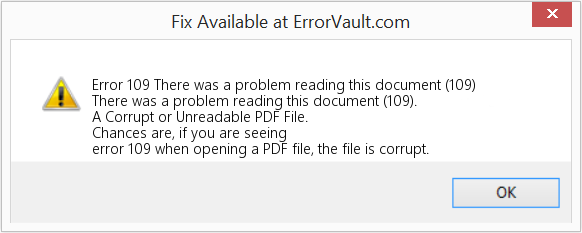
So you just tried to open an important PDF and got hit with Error 109. That little pop-up usually says something like ‘There was an error opening this document. The file is damaged and could not be repaired.’ Frustrating, right? This guide is for anyone who’s staring at that error and needs their file back — whether it’s a work contract, a school assignment, or a personal document. By the end of these steps, you’ll have a working PDF again, or at least know your options.
Error 109 typically means the PDF’s internal structure is corrupted. It could be from a bad download, an interrupted save, or a virus. Don’t panic though — most of the time it’s fixable. We’ll start with the easiest free methods and move to more advanced repairs if needed. You won’t need any special skills, just a little patience and access to a computer.
What You’ll Need
- A computer with an internet connection
- The corrupt PDF file (make a backup copy first!)
- Optionally: Adobe Acrobat Reader (free) or Adobe Acrobat Pro
- A reliable PDF repair tool (free or paid, we’ll suggest options)
- A few minutes of your time
Step 1: Try Opening the PDF in a Different Viewer
Before diving into repairs, see if the file opens in another PDF reader. Sometimes Error 109 is just an Adobe bug. Free alternatives like Foxit Reader, SumatraPDF, or even your web browser (Chrome, Firefox, Edge) can often open a file that Adobe chokes on.
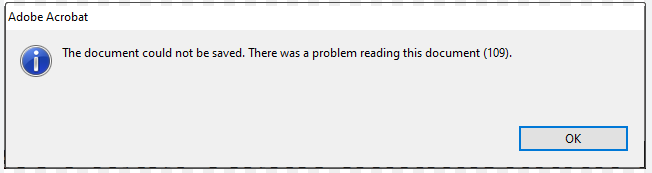
If it opens fine elsewhere, you’re golden — just use that viewer instead. No need to repair. But if every reader fails, the file is genuinely corrupt. Move to Step 2.
Step 2: Use Adobe Acrobat’s Built-in Repair (Pro Only)
If you have Adobe Acrobat Pro (not just Reader), you can try its built-in repair function. Open Acrobat Pro, go to File > Open, select your problem PDF. If Acrobat detects damage, it may ask if you want to repair it automatically. If not, go to Tools > Protect & Standardize > Repair PDF. This won’t always work, but it’s worth a shot.
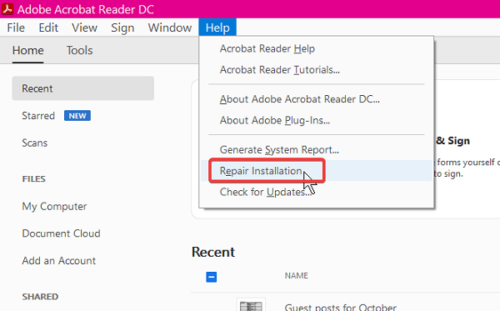
For Reader users, skip to Step 3. If this fails, move on.
Step 3: Use an Online PDF Repair Service
Free online tools like iLovePDF, Smallpdf, or PDF24 offer repair features. They work by re-saving your PDF’s contents into a new, clean file. Upload your file (make sure it’s not sensitive!), let the site work, and download the fixed version. Be aware that large files may have size limits.
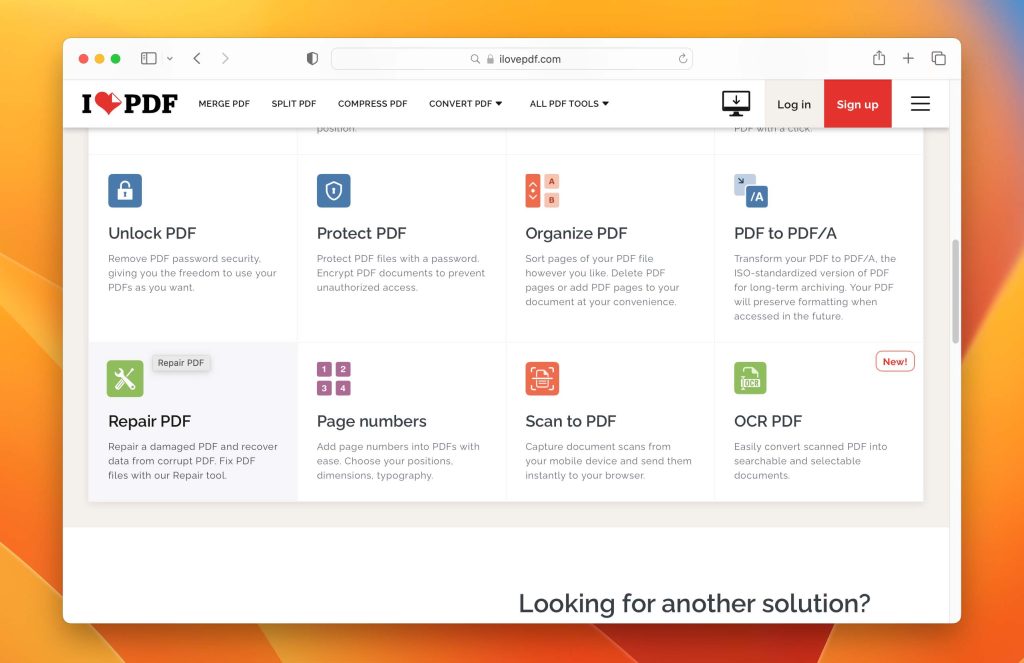
These services are fast and often fix minor corruption. If the result is still broken, try a desktop tool next.
Step 4: Use a Desktop PDF Repair Tool
Dedicated software like Recovery Toolbox for PDF, SysTools PDF Repair, or Kernel PDF Repair can handle severe corruption. Download, install, and run the tool, point it to your file, and let it scan. Most offer a preview before you pay. This is your best bet if you’ve already tried free methods.
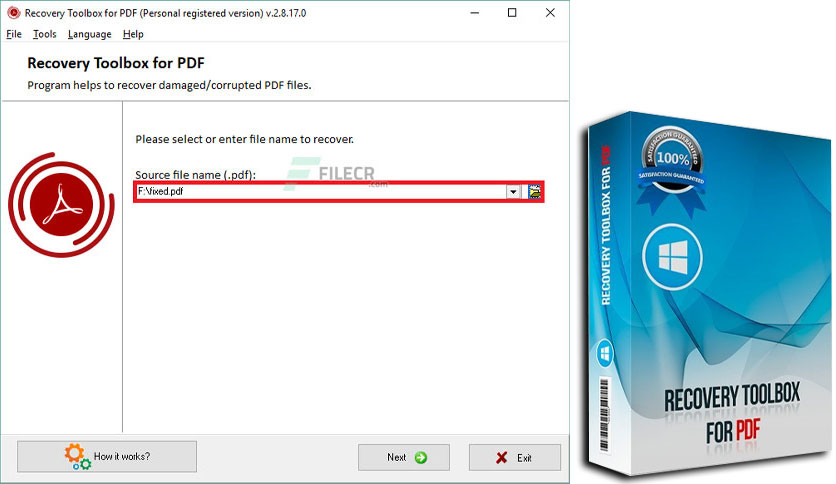
If the tool recovers text but not images, you may need to extract pages from damaged PDF and rebuild manually. For step-by-step on that, check out our guide on how to repair pdf.
Step 5: Re-create the PDF from the Original Source
If all else fails, go back to the original file you used to make the PDF (Word doc, Excel file, image, etc.) and re-export it. This is the most reliable method because it bypasses corruption entirely. If you don’t have the source, you might still salvage content by opening the corrupt PDF in a text editor (like Notepad++) — you’ll see a mess, but often the raw text is still there. Copy and paste what you can.

This method also works well if the original was a fix pdf from word conversion that went wrong.
Common Pitfalls
- Not making a backup first: If you overwrite the original while repairing, you might lose it forever. Always copy the file before trying anything.
- Ignoring security software: Some antivirus programs block online repair tools or interfere with desktop repair. Temporarily disable your firewall or try a different internet connection.
- Assuming free online tools are safe: For sensitive documents (bank statements, legal forms), don’t upload them to unknown websites. Use a reputable desktop tool instead, or learn how to repair pdf without acrobat using local tools.
One more thing: if the PDF is password-protected, you’ll need to remove the password first before repairing (if possible). Otherwise, the repair tools may fail.
Where to Next
Error 109 is just one of many PDF hiccups. If you’re still having trouble, check out our guides on pdf file is invalid, repair corrupted pdf, or use an instant PDF fixer. For business users, a repair invoice pdf or repair ebook pdf might be your next stop. Good luck, and don’t let a corrupt PDF ruin your day!




