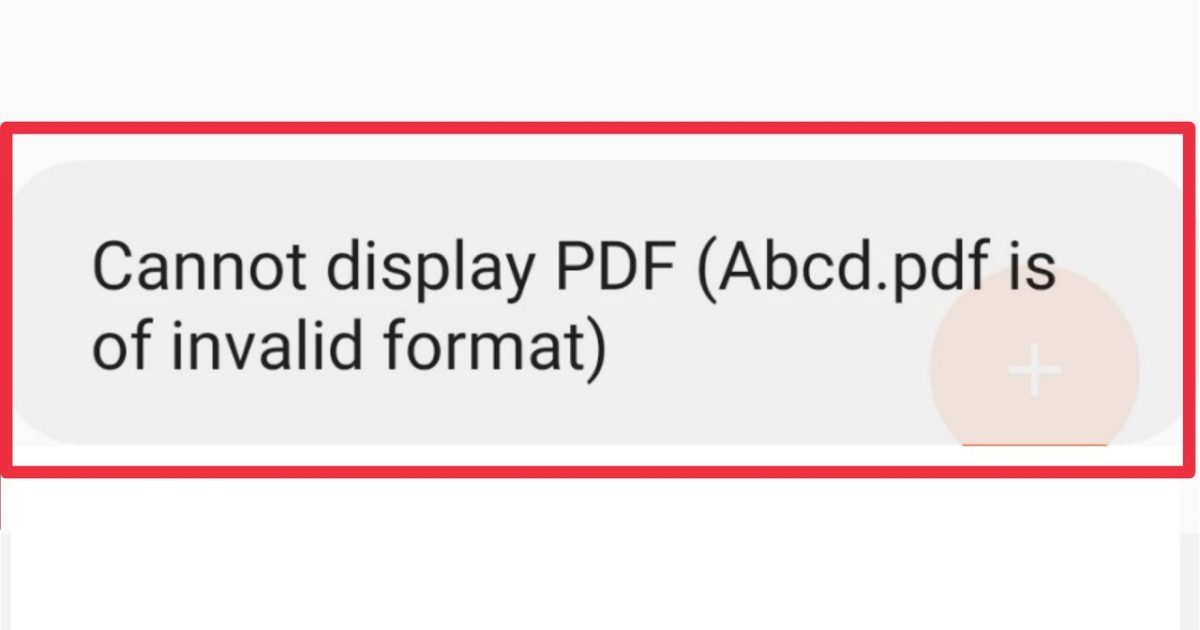
If you’ve ever tried to open a PDF and got the dreaded ‘PDF file is invalid’ error, you know the panic. Don’t worry—this guide is for anyone who’s not a tech expert but wants to fix it fast. By the end, you’ll have rescued your PDF using free tools and simple steps, even if the file seems completely broken.
We’ll cover what causes the error, how to check if the file is truly invalid, and three proven repair methods you can do right now. No special skills required.
What You’ll Need
- The invalid PDF file
- A computer (Windows, Mac, or Linux)
- Internet connection (for online tools)
- A free PDF repair tool (we’ll recommend one)
- Optional: a backup copy of the file
Before starting, make a copy of your PDF just in case. Now let’s dive in.
Step 1: Verify the File Isn’t Just a Download Error
Sometimes ‘invalid’ means the download got cut off. Try re-downloading the file from the original source. If it opens, you’re done. If not, move to Step 2.
Step 2: Use a PDF Validity Checker
A pdf validity checker can tell you exactly what’s wrong. Upload your file to a free online checker—it will scan the structure and report errors. This diagnosis guides the next steps.
Step 3: Try a Free Online PDF Repair Tool
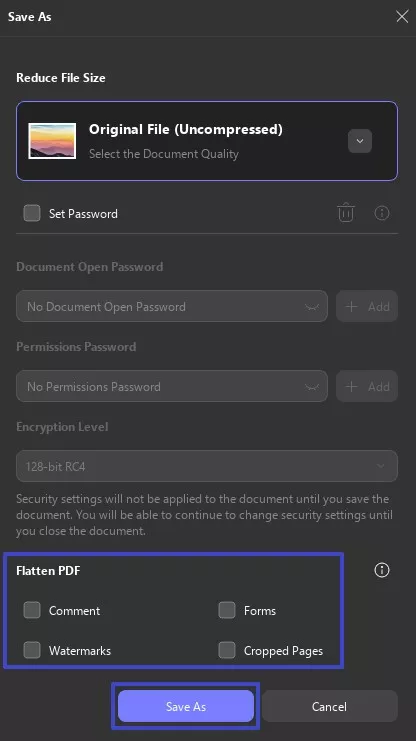
Many online tools can fix common corruption. Use a trusted pdf repair tool (like the one in our guide) that doesn’t store your files. Upload, repair, download, and check if it opens.

Step 4: Repair with Adobe Acrobat (If Available)
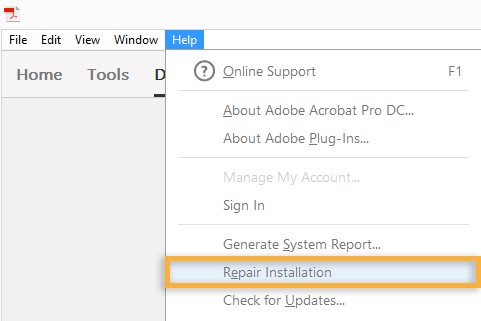
If you have Adobe Acrobat Pro, go to File > Open, select the invalid PDF, and choose ‘Repair’ from the dialog. Acrobat attempts to rebuild the file. If that fails, move on.
Step 5: Extract Pages from the Damaged PDF
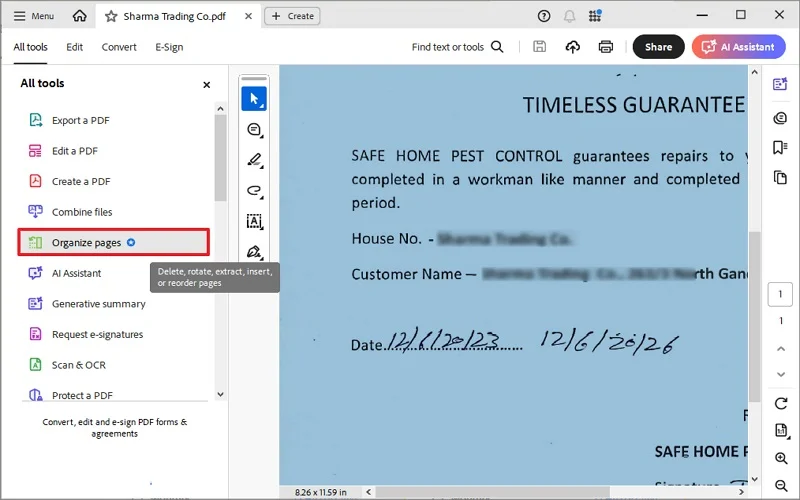
If the file is partially valid, you can extract pages from damaged pdf. Tools like PDFsam or online extractors let you pull out readable pages one by one. This is great when only certain pages are broken.
Step 6: Use the ‘Repair PDF Without Acrobat‘ Method
No Acrobat? No problem. Learn to repair pdf without acrobat using free command-line tools like Ghostscript. It rebuilds the PDF from scratch and often fixes even severe corruption.
Common Pitfalls
- Using unreliable online tools that damage privacy or inject malware. Stick to reputable services.
- Overwriting the original file before testing the repair. Always work on a copy.
- Ignoring the root cause—if the file was emailed, ask the sender to resend. Sometimes the error is on their end.
Where to Next
You’ve fixed your invalid PDF! Next, learn how to repair corrupted pdf more broadly, or check out our complete guide on using a pdf repair tool for future issues. Keep a backup strategy to avoid this hassle again.




