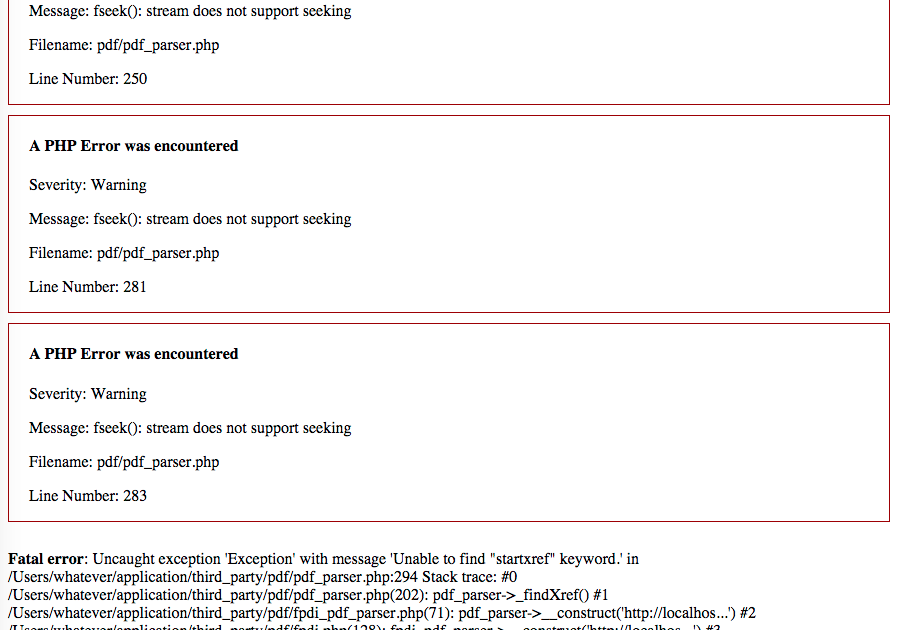
So you opened an important PDF and got hit with the dreaded “startxref” error. Maybe it says something like “startxref not found” or “Error: startxref expected”. Don’t panic. This error usually means the PDF’s internal cross-reference table got scrambled during download, transfer, or a crash. The good news? You can fix it with free tools and a little patience. This guide is for anyone who’s comfortable poking around with a hex editor—no coding skills needed, just a careful eye. By the end, you’ll have a repaired PDF that opens normally.
We’ll walk through the manual fix using a hex editor, which gives you full control. If you’ve dealt with a startxref not found error before, this approach works for both that and other startxref variants. Alternatively, you can use automated PDF repair tools, but sometimes they fail on deeply corrupted files. This method is your fallback plan.
What You’ll Need
- A computer (Windows, Mac, or Linux).
- The corrupted PDF file (make a backup copy first!).
- A hex editor — I recommend HxD (Windows), Hex Fiend (Mac), or bless (Linux).
- A working PDF reader (like Adobe Acrobat or SumatraPDF) to test the result.
Step 1: Identify the Error and Make a Backup
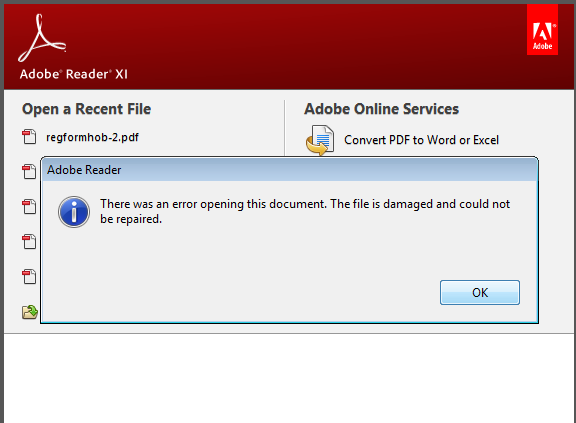
First, open your PDF in a reader. If you see the startxref error, it’s usually preceded by a message stating the exact problem. Note the error text — it might help later. Then copy the file to a new location so you can mess around without fear. Do not skip this backup step; one wrong byte could make things worse.
Step 2: Open the PDF in a Hex Editor
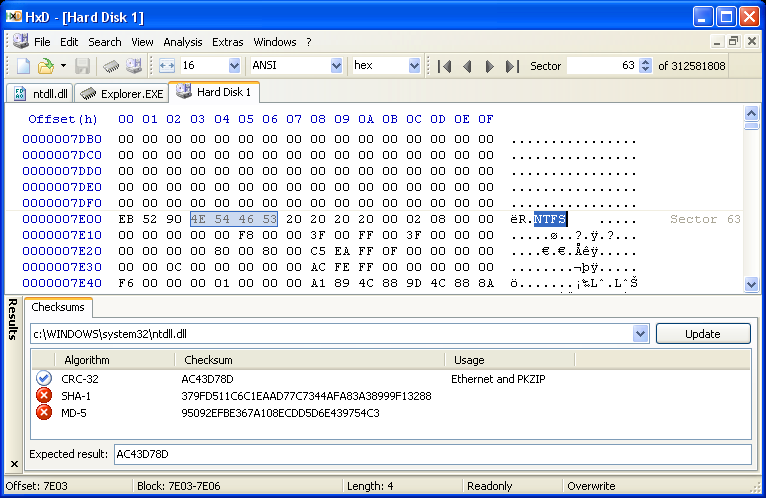
Launch your hex editor and open the backup copy of the corrupted PDF. The file will show a grid of hexadecimal values on the left and text characters on the right. Don’t be intimidated — we’re only looking for a small portion. At the very end of the file, you should see the word “%%EOF” (the end-of-file marker). The startxref value is supposed to be just before that.
Step 3: Locate the startxref Offset
Scroll to the last 50-100 lines of the PDF. Look for a line containing “startxref” followed by a number. That number (an integer) is supposed to point to the byte offset of the cross-reference table. If the value is missing, wrong, or the xref table is damaged, you get the error. Note: sometimes the startxref keyword is there but the number is garbage (like all zeros or random digits).
Step 4: Correct the Startxref Value
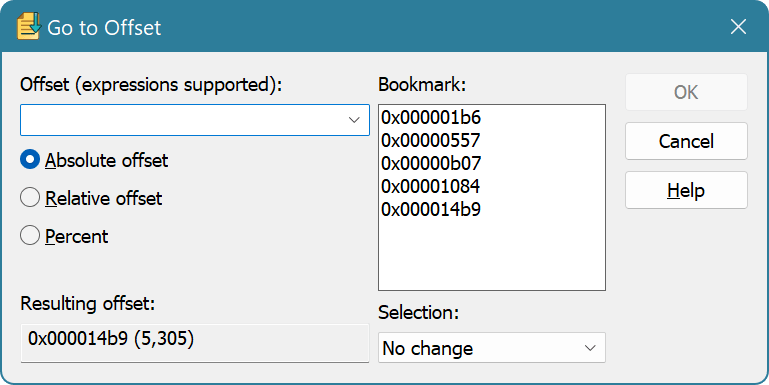
Now you need to find the actual start of the xref table. The xref table usually begins with the line “xref” right after the object that lists all the cross-references. Scan upward from the end of the file until you see a line that starts with “xref”. Note the byte offset of that line. In a hex editor, the offset is displayed in the left margin (usually in hexadecimal). Convert that offset to decimal if needed (your hex editor likely shows decimal offsets too). Then go back to the “startxref” line and replace the number with the correct decimal offset. For example, if the xref table starts at offset 13500, change the value to 13500. Be careful to replace only the digits, not any spaces or the word startxref.
Step 5: Save and Test the PDF
Save the changes in your hex editor. Then open the PDF in your reader. If it works, congratulations! If not, the xref table itself may be corrupted beyond this simple fix. In that case, try a specialized PDF repair tool or check out our guides on recovering damaged PDF documents and fixing PDF EOF markers for deeper repair techniques.
Common Pitfalls
- Editing the wrong byte — Make sure you only change the digits after “startxref”. Changing anything else could break the file further.
- Incorrect offset calculation — If you convert hex to decimal wrong, the fix won’t work. Double-check your math or use a built-in decimal view.
- Not updating the xref table after fixing the offset — Sometimes the xref table itself is damaged. This method only corrects the pointer; if the table is corrupt, you’ll need a more advanced approach like recovering a broken PDF.
Where to Next
If this fix didn’t resolve your issue, don’t give up. The startxref error is often a symptom of a bigger problem. Check out our guides on recovering a broken PDF or fixing PDF EOF marker for more advanced methods. And if you’re dealing with a startxref not found error specifically, that article covers additional nuances. Happy repairing!




