
So your thesis PDF is acting up—maybe it won’t open, shows garbled text, or throws an error. Don’t panic. This guide is for anyone who’s stared at a corrupted PDF and felt their stomach drop. By the end, you’ll have a working PDF (or at least a recoverable copy) and know how to avoid this mess next time. We’ll walk through free tools and a few pro tricks.
Whether you’re an undergrad or PhD candidate, a busted thesis is the last thing you need. We’ll start with basics like making a backup (you do have one, right?) and then move to practical fixes like using the best free pdf repair tool or learning to fix incomplete pdf files. You’ll also learn when to call it quits and use a fallback.
What You’ll Need
- Your corrupted thesis PDF file
- A computer with internet access (for online tools)
- A backup of your data (optional but strongly recommended)
- A free PDF repair tool like PDF24 (we’ll show you how)
- Adobe Acrobat Reader or Pro (for advanced fixes)
Step 1: Back Up Your PDF Before Touching Anything
First things first: make a copy of your corrupted PDF. This is your safety net. If something goes wrong during repairs, you still have the original. Copy the file to an external drive, cloud storage, or a different folder. Trust me, you don’t want to make things worse.
Step 2: Detect the Damaged PDF
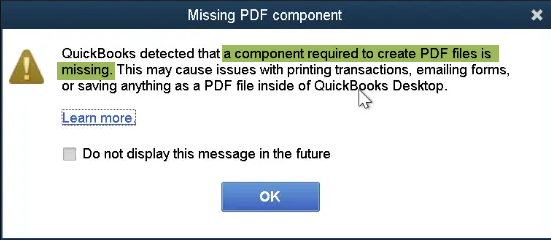
Not all PDF problems are the same. Some are minor formatting issues, others are full-on corruption. Open your PDF in a viewer and note the error message. Is it a blank page, missing fonts, or a fatal error? Knowing the symptoms helps you choose the right fix. If you’re unsure, run a quick diagnostic with tools from our guide on how to detect damaged pdf.
Step 3: Try a Free Online PDF Repair Tool
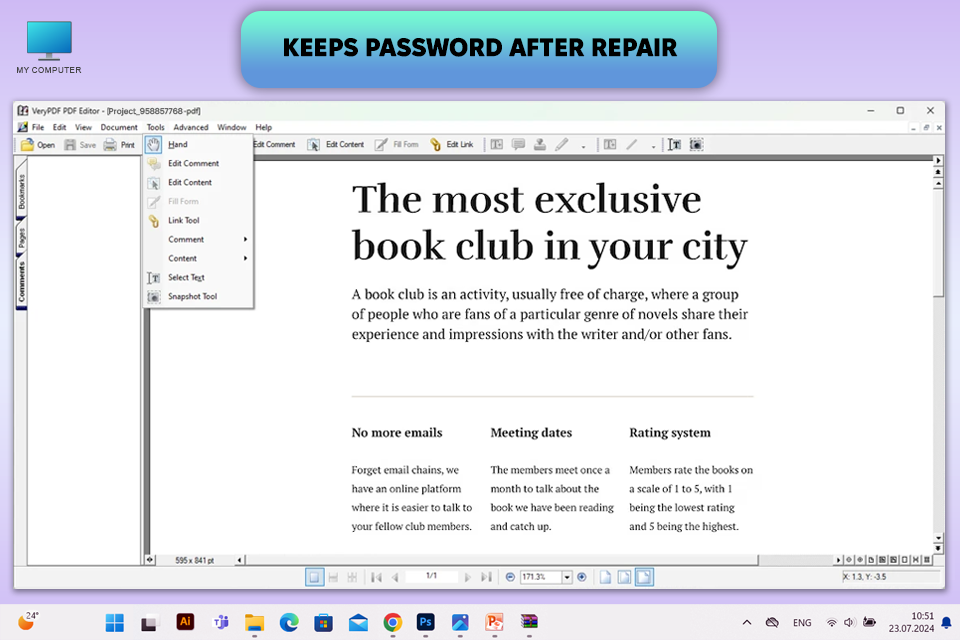
Online tools are your best friend for quick fixes. Head to a site like PDF24 or Smallpdf. Upload your file and let it work its magic. Most services can handle common issues like broken headers or bad cross-references. If you want a tool that doesn’t require installation, try the ability to repair pdf in browser. I’ve used PDF24 countless times—it’s the best free pdf repair tool for most cases.
Step 4: Use Adobe Acrobat’s Built-In Repair
If online tools fail, Adobe Acrobat Pro has a ‘Save As Optimized PDF’ or ‘Reduce File Size’ trick. Open the PDF in Acrobat, go to File > Save As Other > Optimized PDF. This rewrites the internal structure and can fix minor corruption. For seriously damaged files, try File > Export > Text to extract the content. You can later rebuild the PDF from the text.
Step 5: Extract Pages from the Corrupted PDF
Sometimes the whole PDF won’t open, but individual pages are fine. Use a tool that can extract pages from corrupted pdf. For example, in Adobe Acrobat, open the file (if it opens partially), then go to Organize Pages > Extract. Even if the file is unresponsive, some online services can rip out readable pages. This saved my thesis when the cover page got corrupted.
Common Pitfalls
- No backup: Repairing directly on the original can make it worse. Always create a copy first.
- Using low-quality repair sites: Some online tools overwrite or lock your file. Stick to reputable ones like PDF24.
- Giving up too soon: Even if a PDF looks dead, try multiple methods. I’ve recovered unreadable pdf online after thinking it was hopeless.
Where to Next
You fixed your thesis PDF—nice work! Now that you’ve learned the ropes, explore more niche fixes. Maybe you need to fix a pdf converted from word that went wrong, or you want to fix pdf error 109. Bookmark our site for future headaches. And hey, consider writing your own step-by-step guide for fellow students—you’re now an expert.




