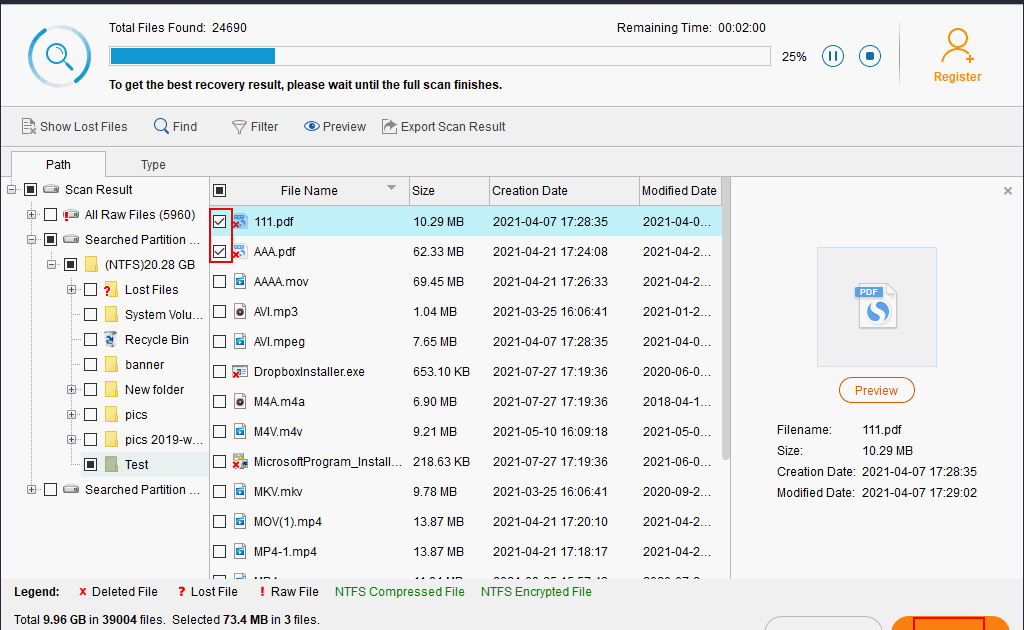
You just finished a huge report, saved it as a PDF, and now it’s gone — either corrupt, deleted by accident, or just won’t open. It’s a sinking feeling, but don’t panic. This guide is for anyone who needs to recover a report PDF, whether it’s from a corrupted download, a system crash, or an accidental delete. By the end, you’ll have a clear action plan to get your report back, and you’ll know how to avoid this headache in the future.
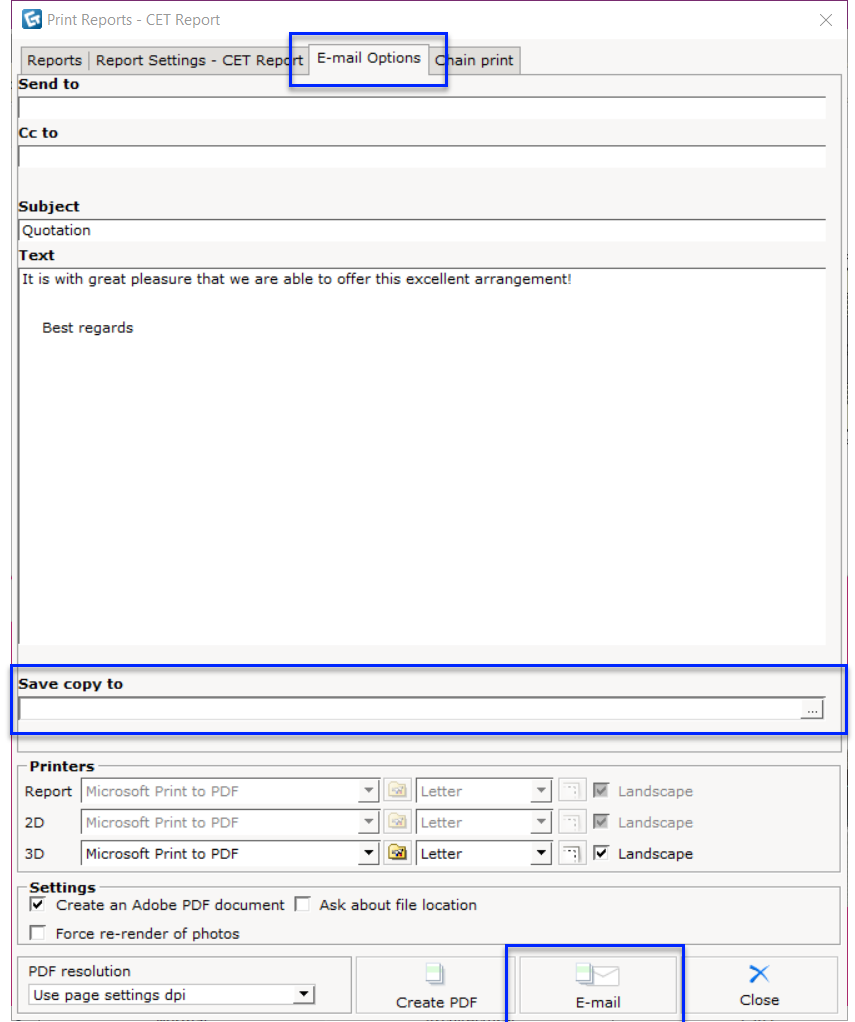
Recovering a report PDF isn’t always a sure thing, but in most cases you can at least salvage the text or get the file working again. We’ll walk through several methods — from quick backups to online tools and data recovery apps. No tech wizardry required. Just follow the steps in order, and you’ll maximize your chances of success. If you haven’t already, check out our guide to repair report pdf for additional methods.
What You’ll Need
- The original report PDF file (if still present, even if it won’t open)
- A computer with internet access
- Access to your email and cloud storage accounts (Google Drive, Dropbox, etc.)
- A free or trial version of data recovery software (like Recuva or PhotoRec) — optional but recommended for deleted files
- Patience — some methods take a few minutes
Step 1: Check Your Backups and Trash First
Before doing anything technical, look through the obvious places. Did you email the report to anyone? Check your Sent folder. Did you save it to Google Drive or OneDrive? Browse the recent files. Also peek in your computer’s Recycle Bin or Trash. It sounds basic, but this is where most recovered files are found.
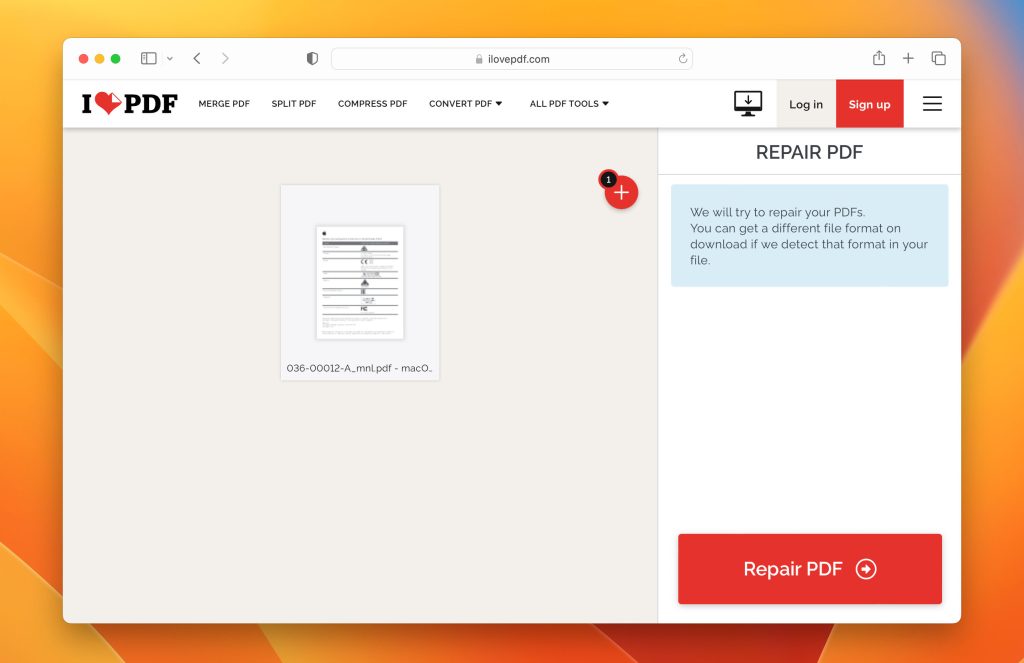
Step 2: Try an Online PDF Repair Tool
If the file exists but gives errors when you open it, an online repair tool can often fix it. These services work by re-structuring the PDF’s internal data. We’ve tested several and recommend using a trusted one like iLovePDF or Smallpdf. Just upload your file, let the tool work its magic, and download the fixed version. For a deep dive into this method, see our guide on fix pdf online free.
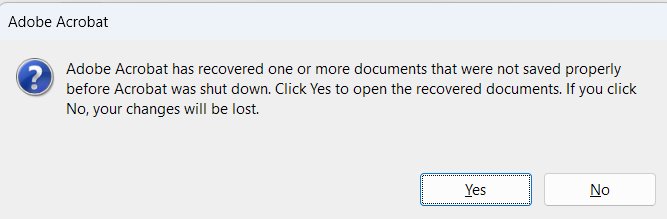
Step 3: Open the PDF in a Different Reader
Sometimes the file isn’t actually corrupt — your default reader is just being picky. Try opening the PDF in a different application. Chrome, Firefox, or Edge can all display PDFs. Also try Adobe Acrobat Reader if you haven’t already. If it opens in another reader, save a copy from there. For more on this situation, check our article on pdf won’t open repair.
Step 4: Recover from Cloud Storage Version History
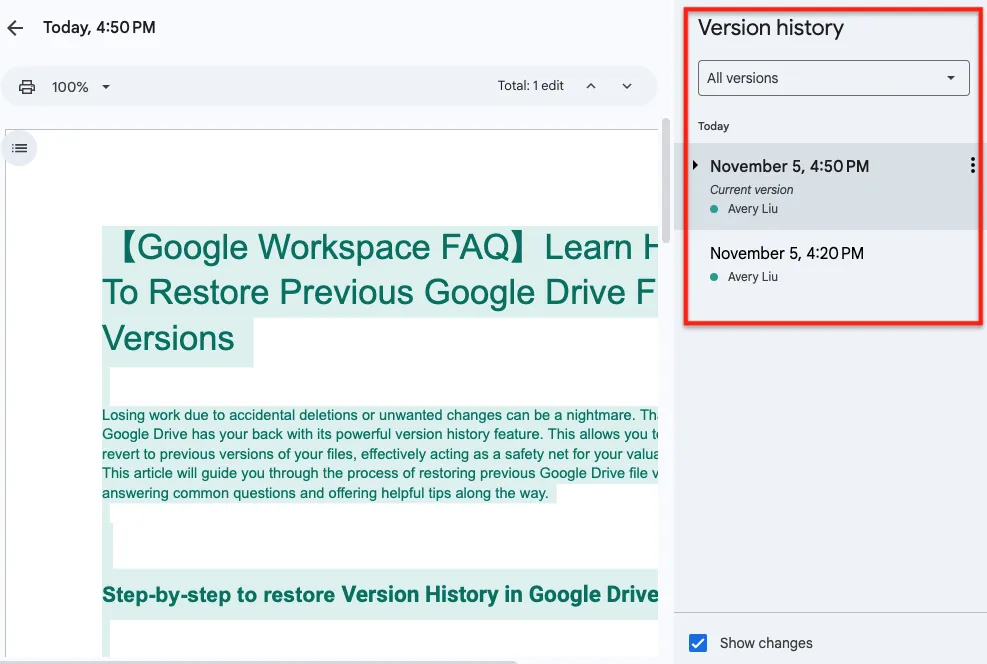
If you saved the PDF to a cloud service like Google Drive, you might be able to recover an earlier version. Go to the file in Drive, right-click, and look for “Manage versions” or “Revision history.” You can restore a previous version that isn’t corrupt. This is a lifesaver if you accidentally saved over a good file with a corrupted one.
Step 5: Use Data Recovery Software for Deleted Files
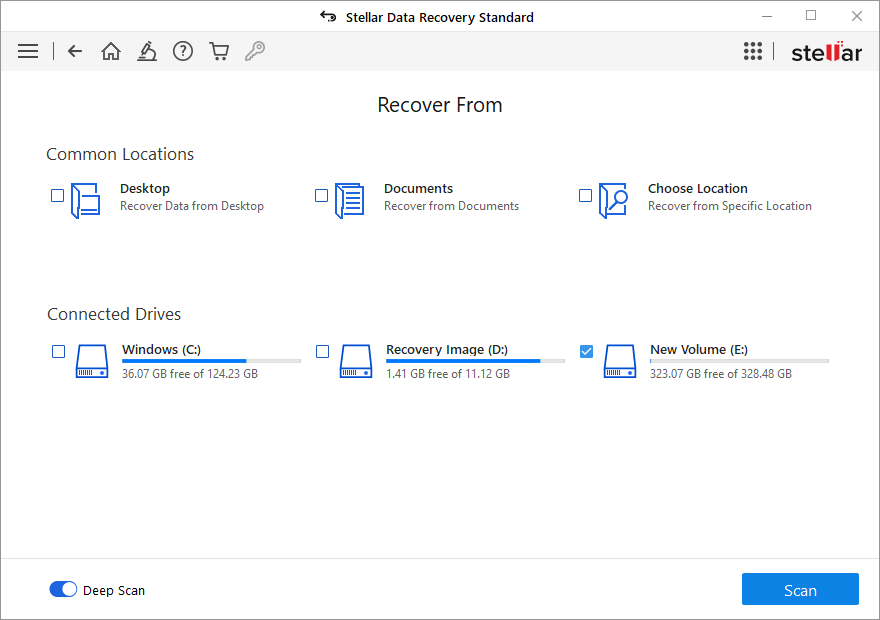
If your report PDF was deleted and the trash is empty, you’ll need a data recovery tool. Programs like Recuva (Windows) or Disk Drill (Mac) can scan your hard drive for deleted files. Install the software on a different drive if possible to avoid overwriting. Run a deep scan, look for any PDF files, and recover them. For tips on extracting content from damaged files, see our guide on recover pdf pages.
Common Pitfalls
- Saving a fixed PDF over the original — always save the fixed version as a new file so you don’t lose the chance to try other methods.
- Using sketchy free tools that install malware — stick to well-known services like those mentioned or our repair pdf under 100mb guide for large files.
- Waiting too long after deletion — the sooner you try data recovery, the better. Every second your computer writes new data, it can overwrite your deleted file.
Where to Next?
Now that you’ve recovered your report PDF, consider taking a few minutes to set up automatic backups — it’s the best way to avoid this stress in the future. If you run into other PDF issues, we have plenty of guides. Maybe you need to fix pdf online free again, or you want to learn about repairing a corrupted file from scratch. Check out our repair report pdf guide for alternative methods. And if your PDF still won’t open after all this, our pdf won’t open repair article might have the answer.




