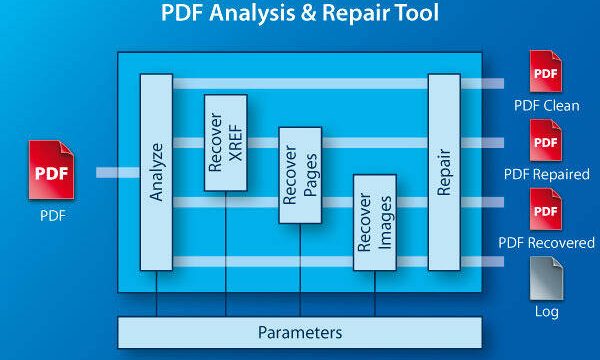
You just printed a contract and it looks like scrambled text. Or maybe Adobe Acrobat says ‘file cannot be opened’ when you click. We’ve all been there. This guide is for anyone who needs to repair a contract PDF—whether it’s a scanned signature page, a fillable form, or a multi-page agreement. By the end, you’ll have a functioning PDF ready to print or email.
We’ll cover step-by-step methods using free online tools, Adobe Acrobat, and command-line utilities like qpdf. You’ll also learn what causes contract PDF corruption and how to avoid it in the future. No technical degree required—just a few minutes and a bit of patience.
What You’ll Need
- The corrupt contract PDF file (or a copy).
- A computer with internet access (for online tools) or installed software like Adobe Acrobat, qpdf, or a pdf recovery tool.
- A backup of the file (optional but recommended).
- A few minutes of uninterrupted time.
Step 1: Identify the Type of Corruption
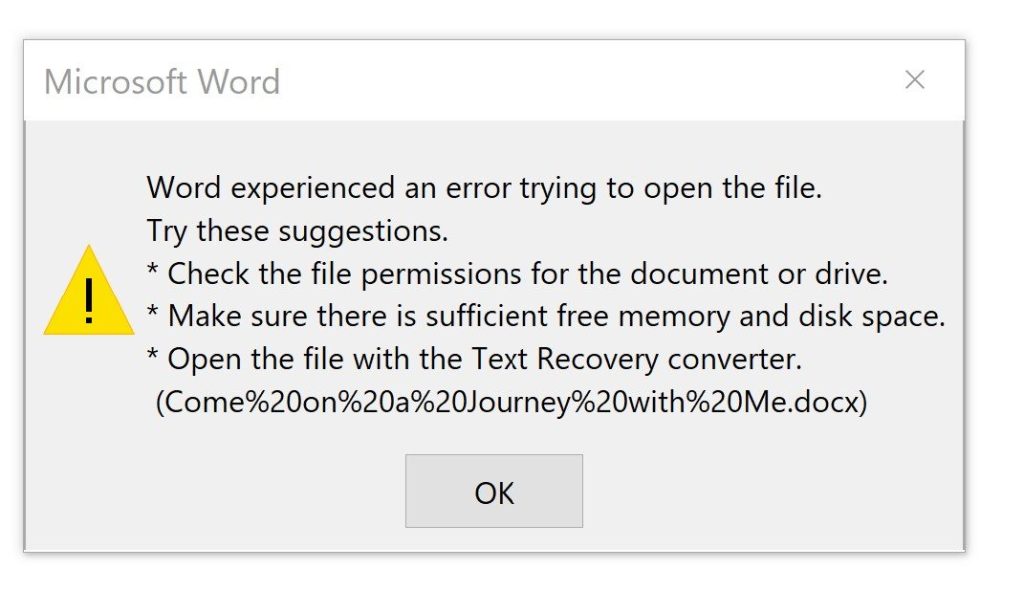
Before you dive in, figure out what’s wrong. Is the file completely unopenable? Does it open but show garbled text or missing images? Or is it a form that won’t save? Different issues need different fixes. For example, if the file has a broken structure, you might need to fix pdf structure. If it’s a form that won’t submit, try pdf repair for forms.
Step 2: Try Opening in a Different Viewer
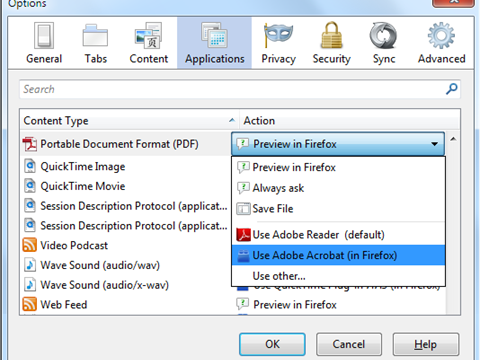
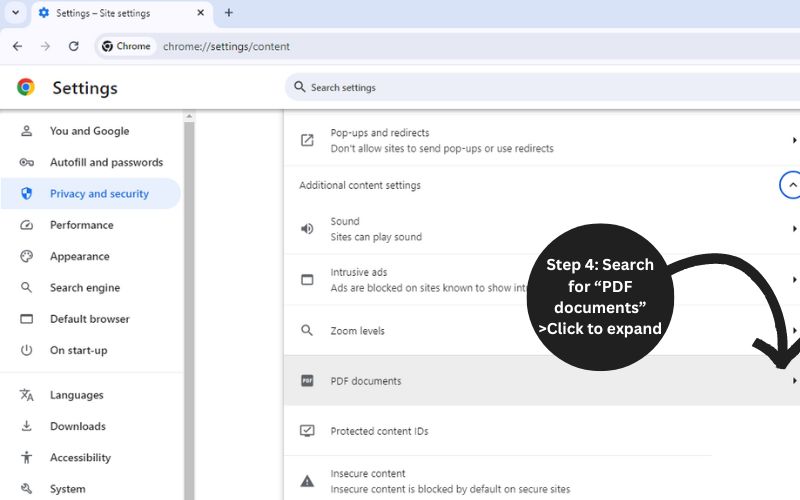
Sometimes the problem is with your PDF reader, not the file itself. Download a different viewer like Foxit Reader or open it in a web browser (Chrome, Firefox). If it opens fine elsewhere, your Acrobat installation may be the issue. If it still fails, move on.
Step 3: Use a Free Online Repair Tool
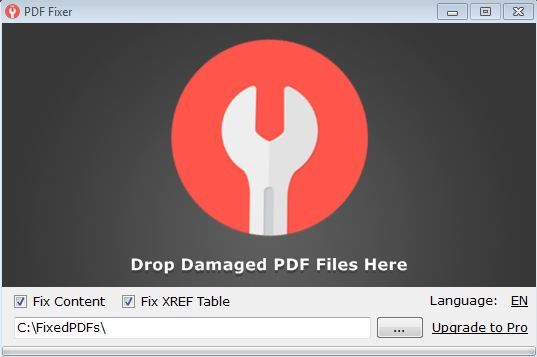
For a quick fix, try a free online pdf repair service. Upload your contract PDF and let the tool rebuild the file. Most services handle minor corruption well. One popular option is ilovepdf.com’s repair tool. After repair, download the file and check if it opens properly.
Step 4: Recover with Adobe Acrobat Pro
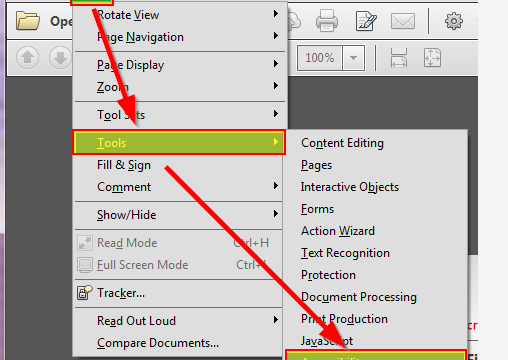
If the file still won’t cooperate, open Adobe Acrobat Pro (or Reader if it’s not too damaged). Go to File > Open, select the corrupt file, and let Acrobat attempt to repair it. You might see a message like ‘Adobe is repairing the file.’ For severe issues, try File > Create > Combine Files into a Single PDF, adding the corrupt one as a source. Acrobat often salvages content this way.

Step 5: Use qpdf for Structure Fixes
When the cross reference table is damaged, a cross reference table repair pdf tool like qpdf can help. Open a terminal and run: qpdf --linearize input.pdf output.pdf. This rewrites the file structure. For deep repair: qpdf --replace-input input.pdf. Qpdf is command-line but very powerful. If you don’t have it, download from sourceforge.

Step 6: Extract Pages with a PDF Recovery Tool
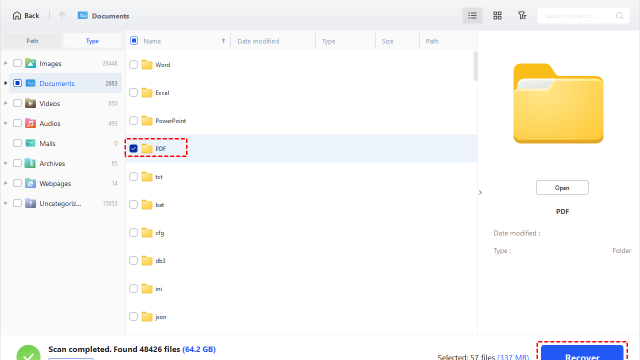
If qpdf fails, try a dedicated pdf recovery tool. These tools scan the file for readable content and extract pages or objects. Many offer free trials. Use them to recover text, images, and even form fields. Then rebuild the contract from the salvaged pieces.
Common Pitfalls
- **Overwriting the original file.** Always work on a copy. If the repair goes wrong, you can start over. Keep the original corrupt file as a backup.
- **Ignoring the source of corruption.** If your contract PDF was damaged during download, you might need to fix pdf structure caused by incomplete transfer. Re-download first before attempting complex repairs.
- **Using the wrong tool for the job.** Online tools are great for quick fixes but can’t handle severe corruption. For deep repair, command-line tools or recovery software are better. Don’t waste time on the wrong approach.
Where to Next
Now that your contract PDF is repaired, consider taking preventive steps: always keep backups, use reliable download managers, and avoid emailing large PDFs through unreliable channels. If you frequently deal with important documents, check out our guides on free online pdf repair and how to open damaged PDF for more tips. And remember, if a file is completely destroyed, sometimes starting fresh is quicker than patching.