So you’ve got a report that’s due tomorrow, and your PDF won’t open. Maybe it throws an error, shows gibberish, or just freezes your viewer. Don’t panic — this happens more often than you’d think. Whether it’s a monthly sales report, an invoice, or an academic paper, a corrupted PDF can usually be fixed with a few tricks. This guide is for anyone who needs to get their report back quickly without losing content. By the end, you’ll have a clean, readable PDF ready to share or print.
We’ll walk through five methods, from simple online fixes to more advanced command-line tools. You don’t need to be a tech wizard — just follow the steps that match your situation. I’ll also point out common mistakes so you don’t make things worse. Let’s get your report un-stuck.
What You’ll Need
- The corrupted PDF file
- A computer with internet connection (for online tools)
- Optional: Adobe Acrobat Pro installed
- Optional: Command-line access (Windows PowerShell or macOS Terminal)
- A backup of the original file (always keep one)
Step 1: Assess the Damage
Before trying any repairs, open your PDF in different viewers like Chrome, Adobe Reader, or Preview (Mac). Note the exact error message. Is it “invalid PDF” or “file is damaged”? This helps narrow down the issue. If the file size is zero, you might have a different problem (check our guide on repair academic PDF for similar cases).
Step 2: Try an Online PDF Repair Tool
The fastest way to fix a corrupted report is using an online service. These tools scan your file and rebuild it. Look for one that doesn’t require sign-up or leave watermarks. For example, you can repair PDF online for free with trusted sites. Just upload the file, wait a few seconds, and download the repaired version. If your PDF is extremely sensitive, skip this step and go to offline methods.
Step 3: Use Adobe Acrobat Pro
If you have Adobe Acrobat Pro (not just Reader), it includes a built-in repair feature. Open the file — sometimes it auto-repairs. If not, go to File > Open and select the corrupted file. Acrobat may prompt you to repair. Alternatively, use the “PDF Optimizer” tool to rebuild the structure. This method works well for reports with images and tables. If you plan to print, see our repair PDF before printing guide.

Step 4: Use Ghostscript (Command Line)
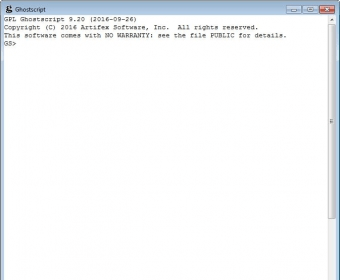
For techies, Ghostscript is a free command-line tool that can fix many corruption issues. Download and install it, then run: gswin64 -sDEVICE=pdfwrite -dCompatibilityLevel=1.4 -o output.pdf -f input.pdf. This reinterprets the PDF and often fixes invalid PDF repair cases. Replace “input.pdf” with your file name. This method preserves most content.
Step 5: Try PDF Recovery Software
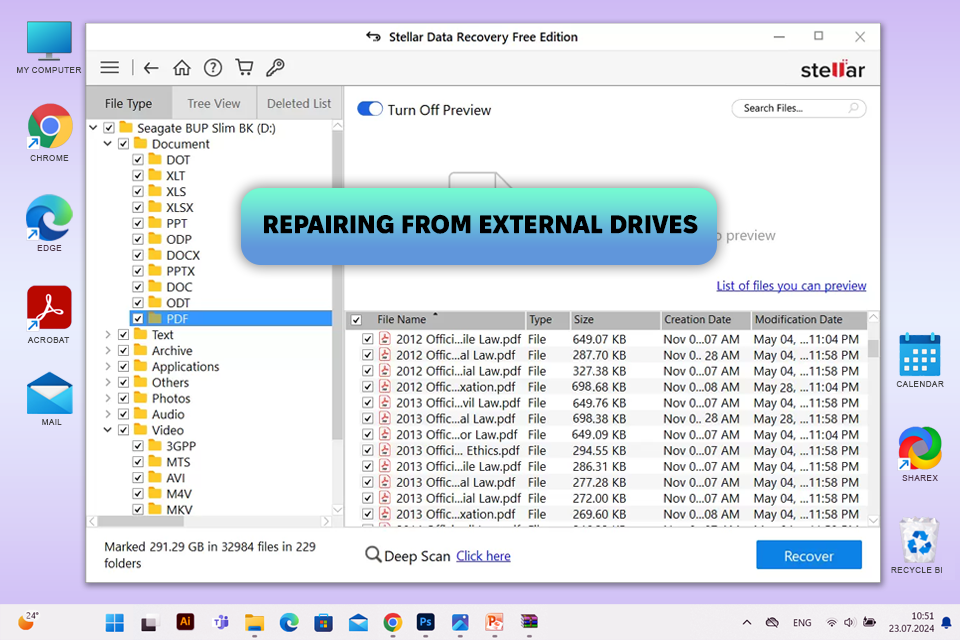
If all else fails, use a dedicated recovery tool like PDF Recovery Toolbox or CoolUtils. These can extract text and images even from severely broken files. Most have free trials. Follow the on-screen instructions to select the damaged file and output folder. This is your last resort, but it often works. For a no-watermark option, check fix corrupted PDF online free no watermark.
Common Pitfalls
- Overwriting the original file – always work on a copy in case the repair fails.
- Using sketchy free tools that install malware – stick to reputable services.
- Ignoring backup – if you have a cloud sync like Dropbox, check previous versions.
And one more: don’t try to open the PDF repeatedly if it’s causing crashes – you might make it worse.
Where to Next
Now that your report is fixed, consider future-proofing. Regularly back up your files and use reliable PDF creation tools. For related issues, explore our guides on repair PDF online for free and invalid PDF repair. If you work with academic papers, the repair academic PDF article has extra tips. And always fix corrupted PDF online free no watermark when you’re in a pinch. Good luck!




