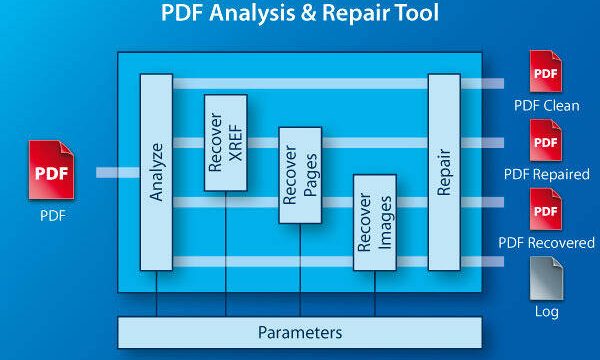
If you’ve ever tried to open a massive PDF—think 500 MB or more—and it just sits there, crashes your viewer, or shows garbled text, you know the pain. Large PDFs are especially vulnerable to corruption because a single bad byte can throw everything off. This guide is for anyone dealing with a huge, broken PDF file, whether it’s an important contract, a scanned book, or a massive report. By the end, you’ll have your PDF back in working shape—or at least know your options.
We’ll walk through several methods, from simple online tools to Adobe Acrobat’s built-in repair features, plus a clever workaround if repair fails. No prior experience needed. Let’s get that oversized PDF working again.
What You’ll Need
- A large, corrupted PDF file (obviously)
- A backup of the original file (trust me, you’ll thank yourself later)
- A stable internet connection (for online tools)
- Optional: Adobe Acrobat Pro or Standard (trial works too)
- Optional: A PDF compression tool (like Adobe Acrobat or Smallpdf)
Step 1: Identify the Problem
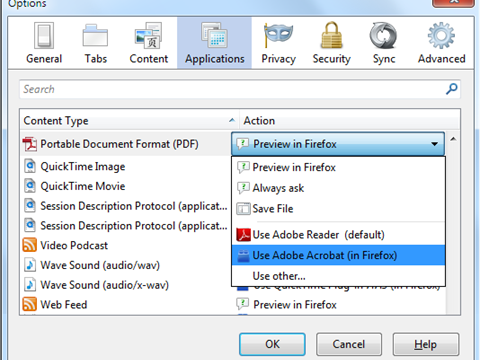
Before you dive into repairs, figure out what’s actually wrong. Try opening the PDF in different viewers (Edge, Chrome, Adobe Acrobat Reader). Does it fail to open at all? Load partially? Show errors like “Invalid file” or “Damaged file”? Check the file size in your file explorer—right-click, Properties (Windows) or Get Info (Mac). If the size seems abnormally small for the content, it’s probably truncated.

Step 2: Backup Your File
Always make a copy before attempting repairs. Some tools may modify the file in ways that make it worse. Just copy the PDF to a safe folder or an external drive. This gives you peace of mind.
Step 3: Use an Online Repair Tool
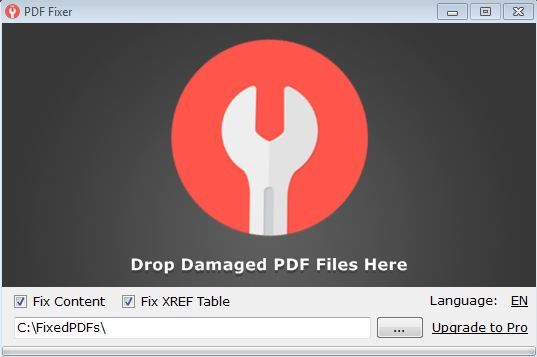
For many large PDFs, a quick online fix works wonders. Try a reputable service like the drag and drop PDF repair tool on PDFRepairs.Click. It’s free, handles large files (most have a 100 MB+ limit, but you can split the PDF first), and doesn’t require signup. Simply upload your file, wait for processing, and download the repaired version. If you prefer another option, you can also repair PDF for free online using similar sites.
If your file is huge (say over 2 GB), you might need to split it into chunks using a PDF splitter tool first, then repair each piece.
Step 4: Use Adobe Acrobat’s Built-in Repair
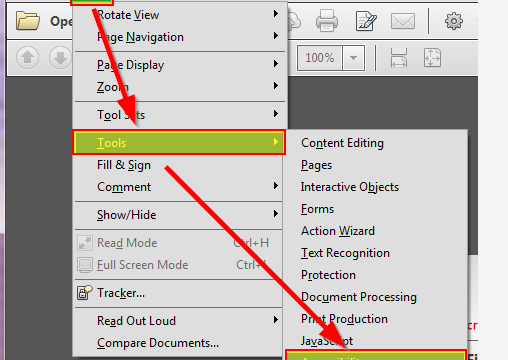
Adobe Acrobat Pro has a hidden repair function. Open the PDF in Acrobat, go to File > Properties, click the Advanced tab, and click “Repair” under “PDF Repair”. This rebuilds internal structures and often fixes issues. After running it, save the file with a new name. If that doesn’t work, try File > Save As > Optimized PDF to recompress and clean up the file.
Step 5: Reduce File Size as a Workaround
Sometimes the PDF is not truly corrupted but just too large for viewers. Use Adobe Acrobat’s “Reduce File Size” tool (File > Reduce File Size) or an online compressor. This often fixes display issues by optimizing images and fonts. If you’ve lost images, you can try to recover PDF images from the original file before compression. Another common issue is broken links—after compression, you may need to fix PDF links manually.

Common Pitfalls
- Skipping the backup: If a repair tool messes up your file, you’ll have no way to go back.
- Using shady online tools: Some free sites might steal your data or infect your computer. Stick with trusted names like PDFRepairs.Click.
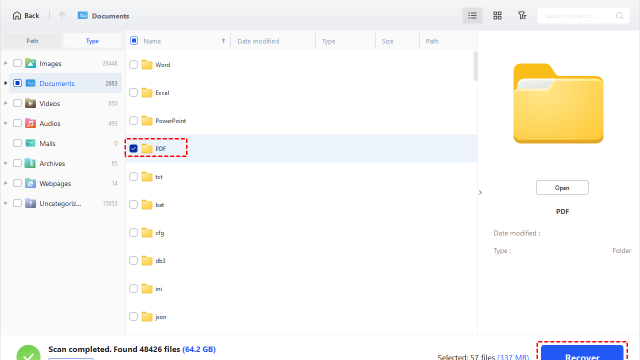
- Expecting miracles on extremely old files: If your pdf file is damaged beyond repair, even advanced tools may fail. In that case, try recovering content from other sources.
Where to Next
Got your large PDF working again? Great! If you’re still having trouble, check out more specific guides like how to recover PDF annotations or how to fix PDF text encoding. And if you ever run into a corrupted invoice PDF, our dedicated guide has you covered.