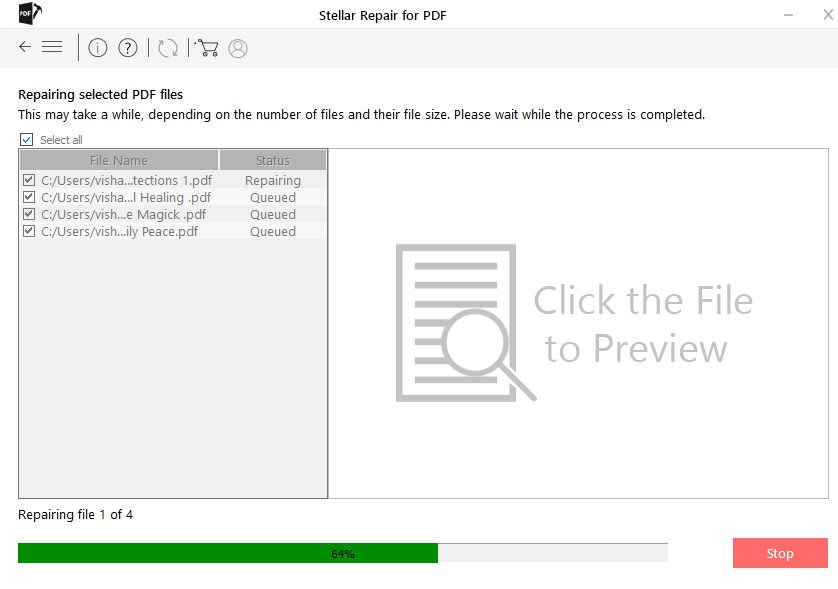
Ever opened an email attachment only to find a PDF that won’t open, shows garbled text, or throws an error? You’re not alone. Emailed PDFs can get corrupted during transfer, encoding, or even when your email client saves them. This guide is for anyone who needs to rescue an important document—whether it’s a contract, invoice, or form—from a damaged email attachment. No advanced tech skills required.
By the end of this tutorial, you’ll have a working PDF that you can open, print, or edit. We’ll cover quick fixes like trying a different reader, free online repair services, and fallback methods like extracting text. Let’s get that file back in shape.
What You’ll Need
- The email with the corrupted PDF attachment
- A computer or laptop
- An internet connection (for online tools)
- Optional: A PDF repair tool like Adobe Acrobat or free alternatives (we’ll link you)
Step 1: Save the PDF from Your Email to Your Computer
First, make sure you’ve downloaded the PDF correctly. Open your email (Gmail, Outlook, etc.), click the download icon for the attachment, and save it to an easy-to-find folder like your Desktop. Sometimes just re-downloading can fix a glitchy file.

Step 2: Try Opening the PDF in a Different Reader
Before diving into repairs, test the file with another PDF reader. If Adobe Acrobat fails, try your browser (Chrome, Edge, Firefox) or free apps like SumatraPDF. Sometimes the reader, not the file, is the issue. If you still get an error like “PDF error 109”, it’s likely a real corruption. That specific error has its own fix, but we’ll cover general repairs here. For more on that, check out our guide on how to repair pdf error 109.
Step 3: Use a Free Online PDF Repair Service
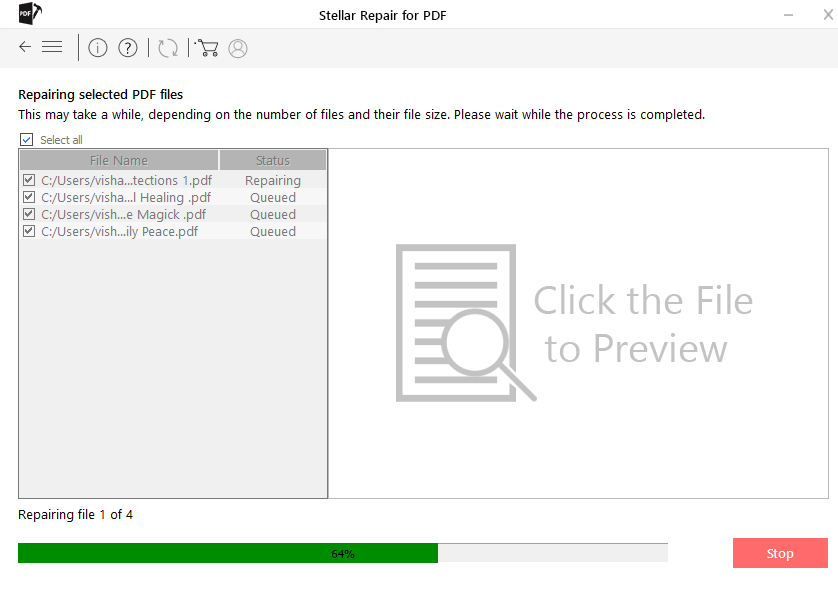
Online tools are the easiest way to fix a corrupted PDF without installing anything. Head to a trusted site like ilovepdf.com or smallpdf.com (note: avoid uploading sensitive documents). Upload your PDF, click “Repair”, and download the fixed version. This method works for many common corruption issues. For a deeper look, see our article on web based pdf repair.
Step 4: Repair with Desktop Software (Free or Paid)
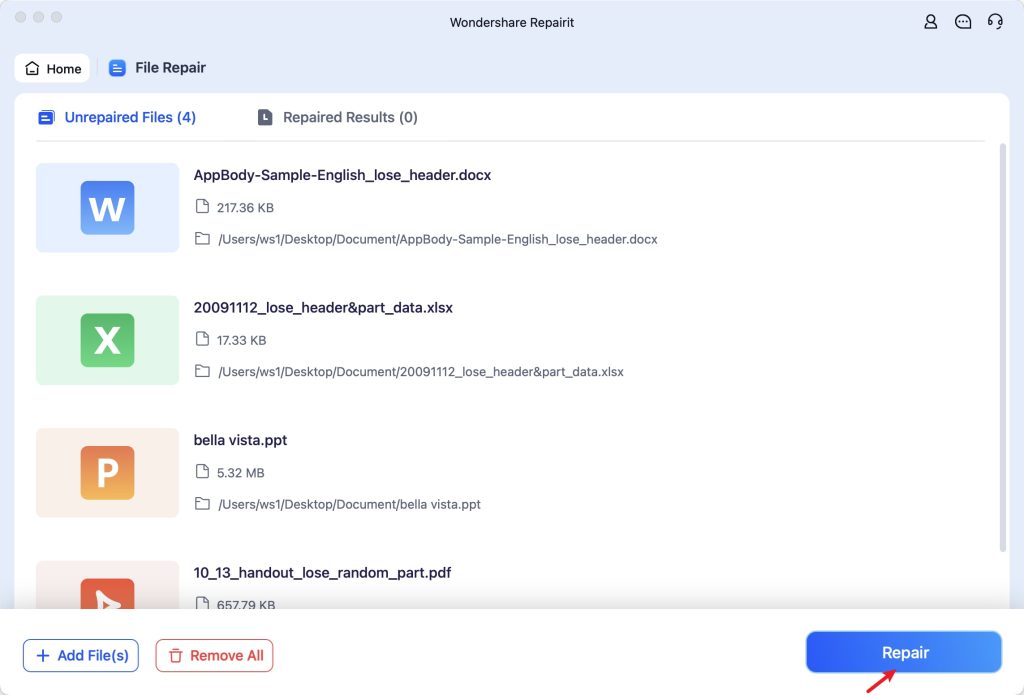
If online tools don’t work, try desktop software. Adobe Acrobat Pro has a built-in repair function: Open Acrobat, go to File > Open, select your PDF, and if it prompts, click “Yes” to repair. For a free option, try PDF-XChange Editor or use command-line tools like Poppler. Our guide on how to fix damaged pdf covers more desktop methods. Alternatively, if the file got messed up during transfer, read about repair pdf after transfer.

Step 5: Extract Content as Last Resort
If all repair attempts fail, you can still salvage the text. Open the PDF in a text editor like Notepad (right-click > Open with > Notepad) and look for readable text buried among gibberish. Or use a tool like pdftotext from Poppler. You might lose formatting, but the data is recoverable. Also, if your PDF has images, you might be able to open it in an image viewer—check our article on fix pdf not opening in chrome for browser workarounds.
Common Pitfalls
- Assuming the PDF is corrupted when it’s actually incomplete: Check the file size. If it’s 0KB or way smaller than expected, the email didn’t download fully. Ask the sender to resend or use a different email service.
- Overwriting the original file: Always work on a copy. If a repair tool fails, you might lose the original. Keep the downloaded file untouched.
- Using untrusted online tools: Some free sites upload your PDF to public servers, risking privacy. Use well-known services or offline tools for sensitive documents.
Where to Next
Sometimes the PDF arrives fine but your browser can’t open it (check fix pdf not opening in chrome). Or you might need to recover a PDF from other services like WhatsApp—see our recover pdf from whatsapp guide. For a broader look at file corruption, browse the PDF Repair & Tools category. You’ve got this!




