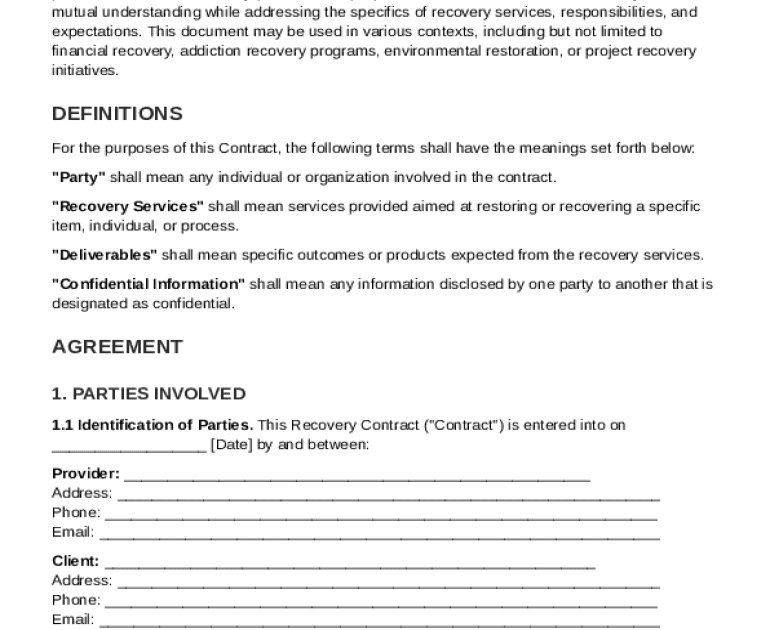
So your contract PDF won’t open, or it’s showing garbled text and missing pages? You’re in the right place. This guide is for anyone who needs to recover a contract PDF—whether it got corrupted during a download, hit by ransomware, or just randomly broke. By the end, you’ll have a working PDF (or at least extracted text) and know which tool to lean on next time.
We’re keeping it casual and practical. You won’t need a computer science degree—just a willingness to try a few things. Most steps take less than 15 minutes, and the tools we’ll use are either free or have generous trials. Let’s get that contract back.
What You’ll Need
- The corrupted or unreadable contract PDF file
- A working internet connection (for online tools)
- A backup of the file (if you have one)
- About 10–30 minutes of your time
- Optional: a hex editor (like HxD) for extreme cases
Step 1: Identify the Damage
Before you fix it, figure out what’s wrong. Is the file completely unreadable? Does it open but show weird characters? Or is it missing pages? This step helps you pick the right recovery method.
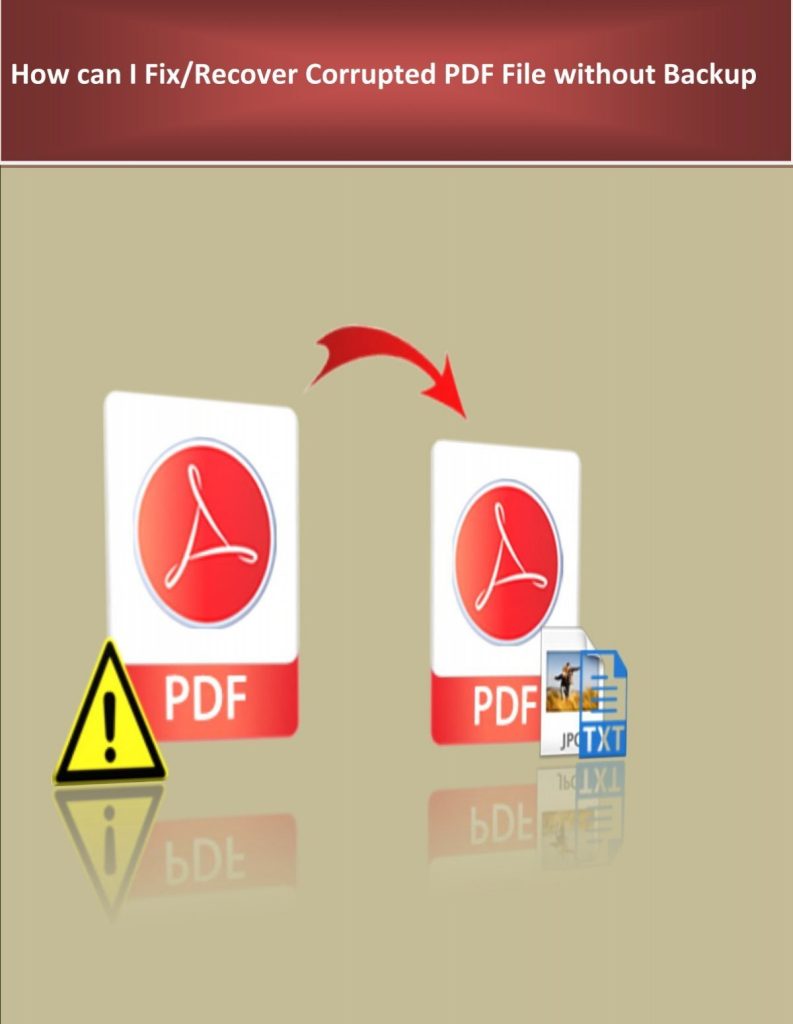
Try opening the PDF in different viewers (Chrome, Adobe Acrobat, Edge). Note any error messages like “The file is damaged and could not be repaired” or “startxref not found.” That will guide you to more specific fixes, like the ones we cover for repair pdf and recover pages.
Step 2: Use an Online PDF Recovery Tool
If you don’t want to install anything, online services are your quickest bet. Sites like PDFRepair.click (yes, we’re partial) or Smallpdf can often stitch your file back together. Just upload the contract and download the repaired version.
These tools work best for mild corruption—like a header that got scrambled or a missing end-of-file marker. For severe damage, you might need desktop software. But it’s always worth a shot, especially if you’re in a hurry.
Step 3: Try Desktop Recovery Software
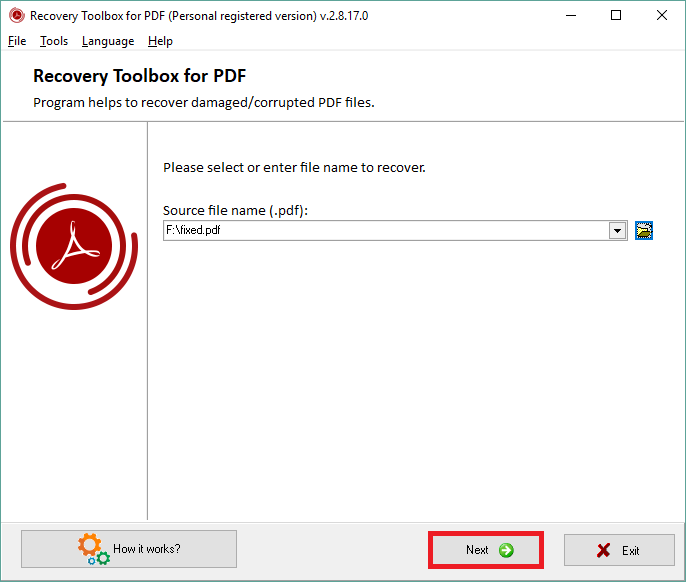
When online tools fail, bring out the big guns. Programs like PDF Repair Toolbox (Windows) or Adobe Acrobat’s built-in repair can handle deeper corruption. Install the software, open your contract PDF, and run the repair command.
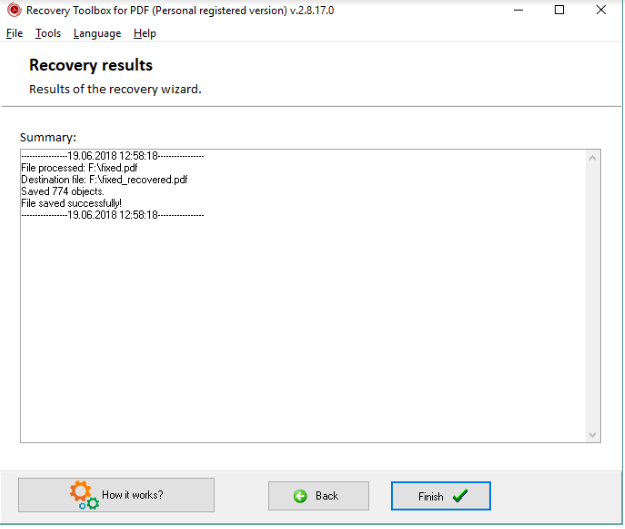
These tools often let you recover pdf document even if multiple pages are gone. They rebuild the PDF structure from the raw data. It’s especially effective for contracts that got cut off during a transfer.
Step 4: Recover from a Backup
This one sounds obvious, but you’d be surprised how many people forget they have a cloud backup. Check Google Drive, Dropbox, OneDrive, or even your email attachments. Most services keep version history.
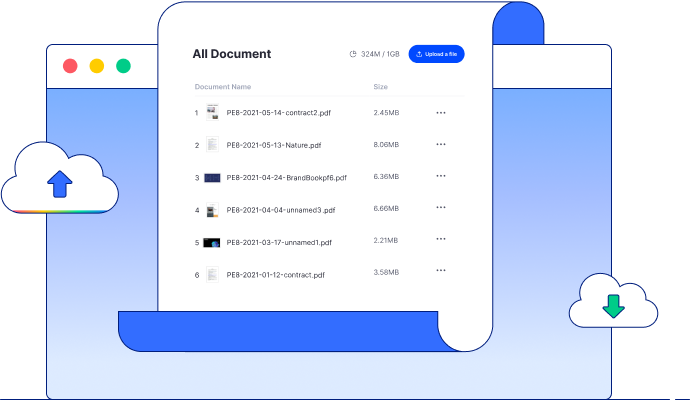
If you find an older version, download it. Then compare with the broken one. Sometimes the corruption happened after a specific edit, so reverting to a clean copy can save the day. For large files, this method is way faster than any repair, similar to a broken pdf file recovery scenario.
Step 5: Use a Hex Editor as a Last Resort
If nothing else works, you can get your hands dirty. A hex editor (like HxD) lets you view the raw bytes of your PDF. Look for the start of the file (it should start with “%PDF”). If that’s missing, you can sometimes paste it back.
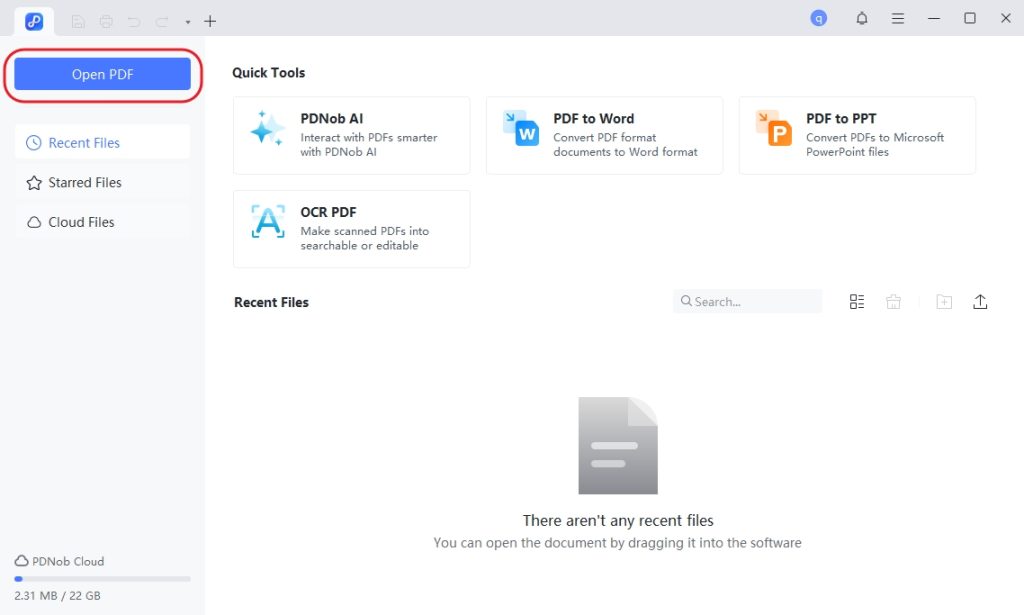
This is an advanced move—only attempt it if you’re comfortable with code. But it can rescue a contract that’s otherwise toast. Think of it as the emergency room for fix damaged pdf for printing or reading.
Common Pitfalls
- Skipping the backup check: People jump straight to repair software when the backup is a click away. Always check your cloud or local backups first.
- Using a tool that overwrites the original: Some free repairs replace your file with a partial fix, making future recovery harder. Always work on a copy.
- Giving up too early: A file that looks dead may still have recoverable text. Try a dedicated text extractor or a recover large pdf file method before calling it quits.
Where to Next
You’ve got your contract PDF back—awesome! To keep things safe, consider regular backups and PDF integrity checks. If you run into other PDF issues, check out our guides on recover pdf document or broken pdf file recovery for more tips.




