Ever been locked out of your own PDF? Maybe it’s a protected invoice you need to edit, a read-only bank statement you need to print, or a corrupted file that suddenly demands a password you never set. If you’ve got a PDF that’s locked—either by a password, permissions, or just a glitch—you’ve come to the right place. By the end of this guide, you’ll have a usable, unlocked PDF in your hands, using free tools you probably already have.
Note: This guide is for unlocking your own PDFs or ones you have permission to open. Don’t use it to bypass copyright protection or access files you don’t own. Now let’s get that PDF open.
What You’ll Need
- Your locked PDF file
- A computer with an internet connection (or Google Chrome if offline)
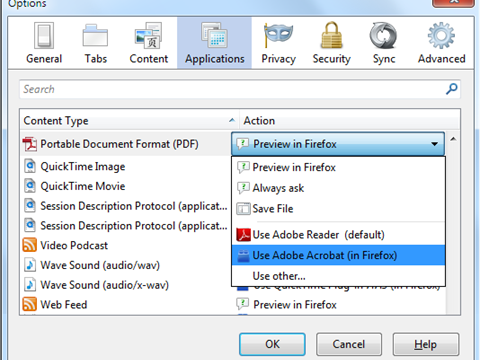
- Optional: Adobe Acrobat Reader (free) or the original password (if you know it)
- Optional: SmallPDF, ILovePDF, or similar online tool (free tier works)
Step 1: Identify the Type of Lock
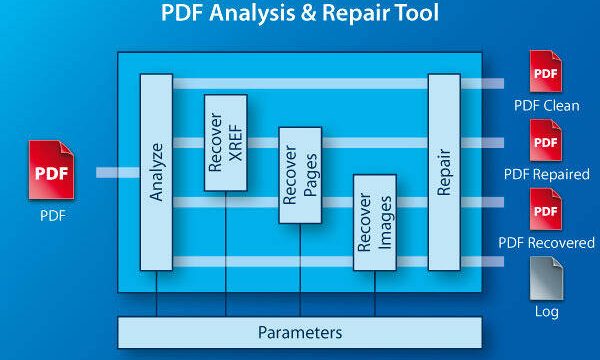
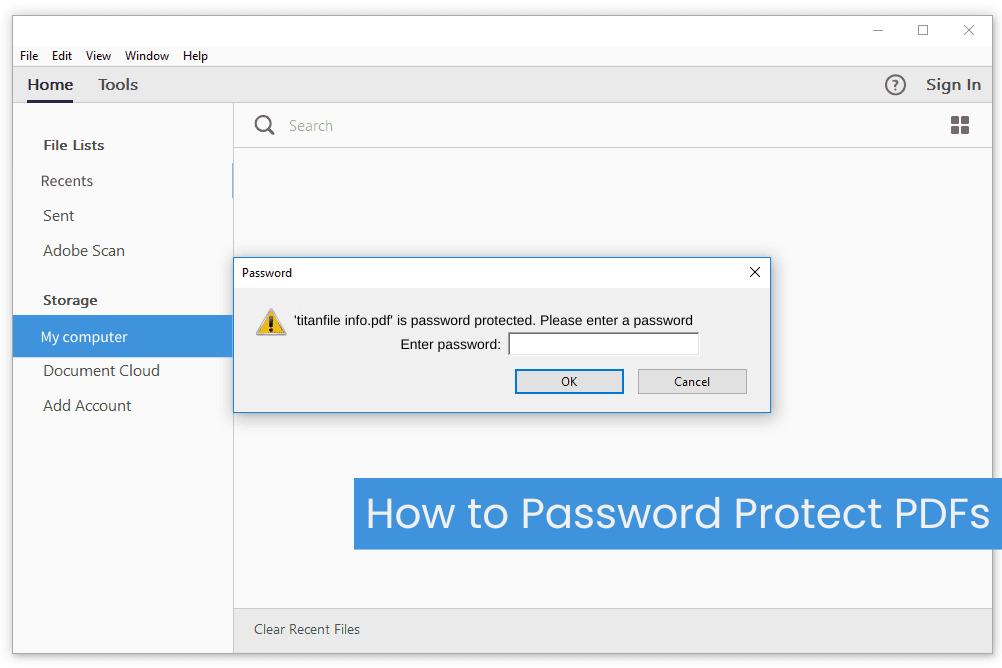
Not all locks are the same. A PDF can be ‘locked’ in three ways: open password (you need a password to view it), permissions password (you can view but not edit/print), or corruption (the file is broken but pretends to be locked). Try opening the PDF. If it asks for a password, it’s likely an open password. If it opens but you can’t edit or print, it’s permissions. If it gives an error like ‘PDF file not opening fix’, you might have corruption. For a full diagnostic, check our complete pdf repair workflow.
Step 2: Use Google Chrome to Unlock (Free & Simple)
If the PDF has a permissions lock but no open password, Chrome can remove it instantly. Drag the PDF into a Chrome tab. Click the print icon (or Ctrl+P). In the printer destination, choose ‘Save as PDF’. Click Save. The new PDF will have no restrictions. For more on browser-based fixes, see our guide on repair pdf for chrome.

Step 3: Remove an Open Password (If You Know It)
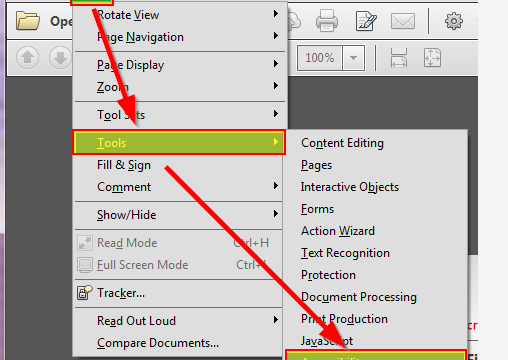
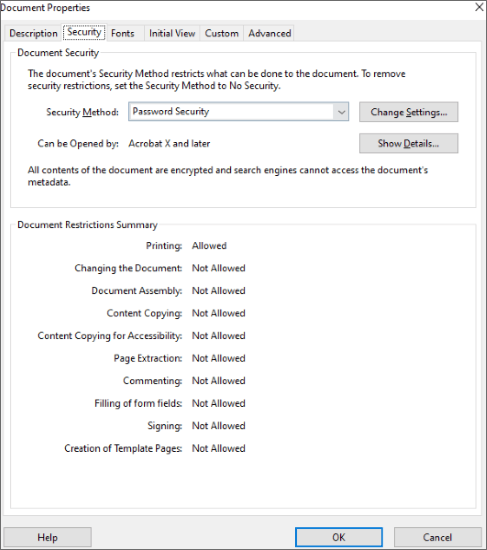
If you have the password but the file still says ‘locked’ (e.g., you can’t edit), open the PDF in Adobe Acrobat Reader. Go to File > Properties > Security tab. Under Security Method, change it to ‘No Security’. Enter the password when prompted. Save the file. Done. But if the file is corrupted on top of being locked, you may need to first repair partially corrupted pdf before unlocking.
Step 4: Use an Online Unlocker (No Password Needed)
For a stubborn open password, online tools like SmallPDF or ILovePDF can attempt to remove it. Upload your file, they’ll try to strip the password (only for simple encryptions). Download the unlocked copy. Be careful with sensitive files—remove them from the service after use. These tools can also help with pdf repair for forms if forms are locked.

Step 5: Repair Corrupted Locked PDF
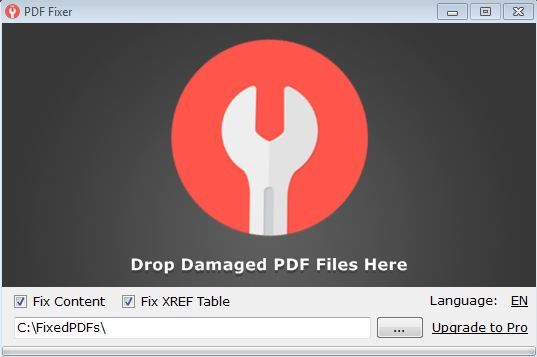
Sometimes a PDF acts locked because it’s corrupted—especially if you see errors like ‘EOF error’. In that case, try opening it in LibreOffice Draw (free). It often recovers content from broken files. Or use an online repair tool. For step-by-step fixes, refer to our guide on repair pdf eof error. After repair, the file might open without a password.

Common Pitfalls
- Online unlockers can’t handle strong encryption (256-bit AES). For those, you need the original password or a brute-force tool (not covered here).
- Saving a permissions-locked PDF via Chrome won’t remove an open password—only permissions. If it still asks for a password, try Step 4 instead.
- Corrupted PDFs that ‘lock’ may require multiple repair attempts. If one method fails, try another. See our pdf repair workflow for a systematic approach.
Where to Next
You’ve reclaimed your PDF. If it’s still giving you trouble, check out our guides on fixing common corruption issues like repair partially corrupted pdf or recovering data from pdf forms. For batches of locked files, our bulk pdf repair post might save you time. Happy unlocking!