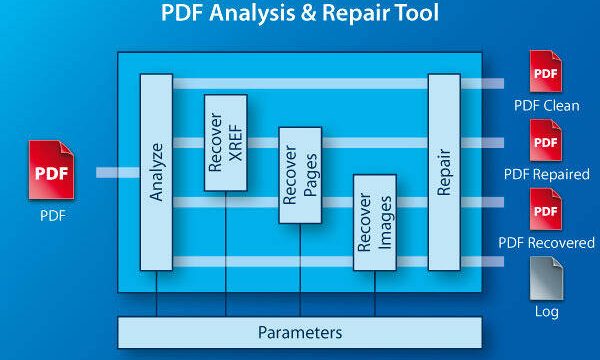
So your thesis PDF just corrupted—maybe it won’t open, shows gibberish, or skips pages. I’ve been there, and it’s a heart-stopping moment. This guide is for any student or researcher whose dissertation or thesis PDF got damaged. By the end, you’ll have a clear plan to recover your hard work, using free and paid tools. No tech wizardry required.
We’ll walk through checking the damage, trying simple fixes, using online repair tools and desktop software, and finally recovering from backups. Even if you’re not tech-savvy, these steps will help you salvage your thesis. Let’s get that PDF back in shape.
What You’ll Need
- Your corrupted thesis PDF file
- A computer with internet access
- Optional: PDF reader like Adobe Acrobat or a free alternative
- Optional: A PDF repair tool (free or paid)
- Optional: Access to your backup (cloud, external drive, or version history)
Step 1: Check the Damage
First, assess how bad it is. Try opening the file in different PDF readers. If you’re getting an error, note the exact message—like ‘PDF parse error’—which can help you choose the right fix. For a quick assessment, you can use a PDF corruption checker to see if the file is repairable.

Step 2: Try Opening with Alternative Readers
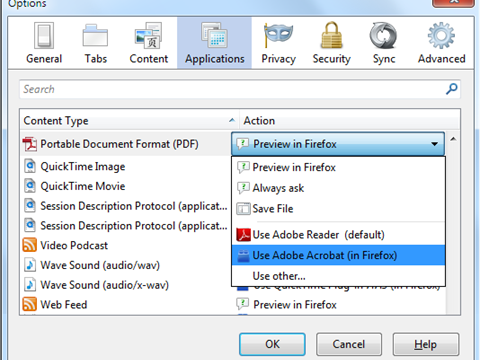
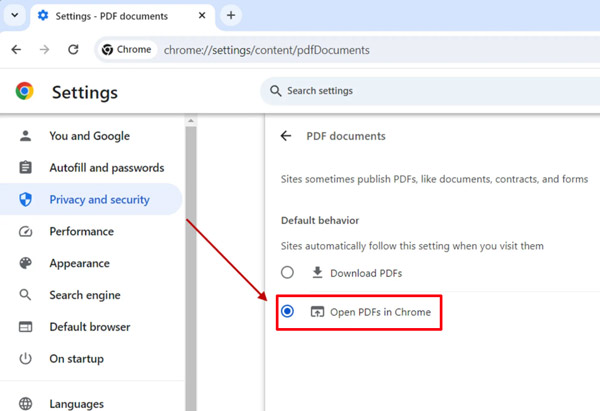
Sometimes the issue is with your PDF reader. Open the file in a different program: try browsers like Chrome or Firefox, or lightweight readers like SumatraPDF. If it opens in one viewer but not another, the PDF might be partially compatible. You can also try printing to PDF from the alternative reader, which can rebuild the file structure.
Step 3: Use an Online PDF Repair Tool
If the file opens partly, an online repair service can often fix the corruption. Websites like PDF24 or iLovePDF offer free repair features. Upload your thesis and let them rebuild it. Note: Don’t upload sensitive data to unknown sites. For a more secure online option, check out our guide on how to repair a PDF after download.

Step 4: Use Desktop PDF Repair Software
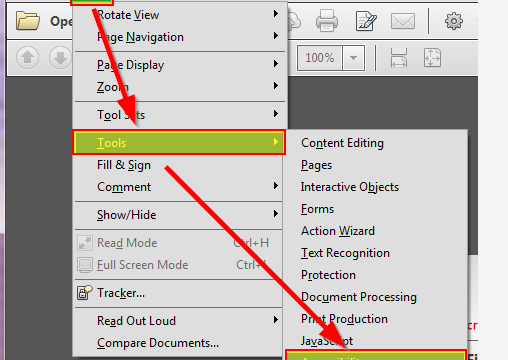
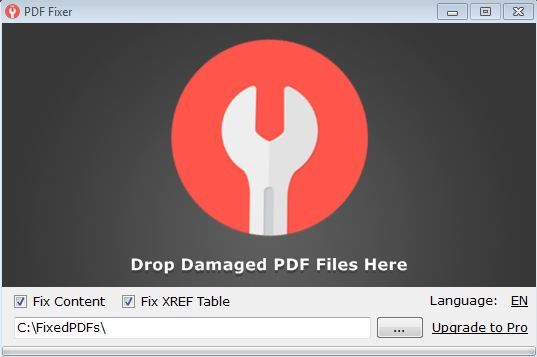
When online tools aren’t enough, turn to dedicated software. Tools like Adobe Acrobat Pro offer a ‘Optimize Scanned PDF’ feature that can fix some corruption. For more serious issues, try specialized tools like Stellar Repair for PDF or SysTools PDF Repair. These can recover text, images, and formatting. They often have a free trial so you can preview results before buying.

Step 5: Recover from Backup
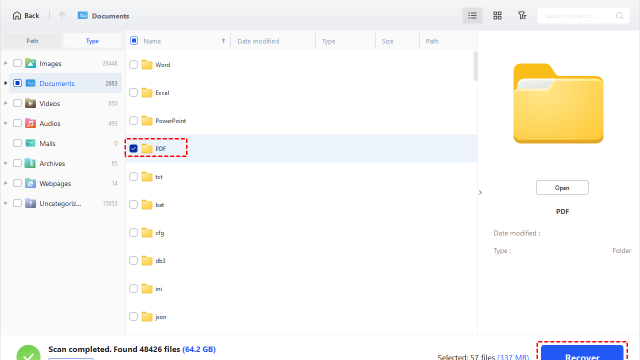
If all else fails, restore your thesis from a backup. Check cloud storage (Google Drive, Dropbox), your email attachments, or an external drive. Many universities also keep copies of submitted theses. If you don’t have a recent backup, try to recover your thesis PDF from previous versions on your computer (right-click > Properties > Previous Versions on Windows).

Common Pitfalls
- Ignoring the cause: Running repairs without understanding the corruption type can make things worse. Always check for specific errors like ‘fix blank PDF pages‘ if pages are empty.
- Trusting free online tools blindly: Some free services may strip privacy or lower quality. For sensitive thesis work, use reputable paid software or offline methods.
- Overlooking manual fixes: Simple issues like missing fonts or page size misconfiguration can be fixed by re-exporting from the original document. Don’t assume you need advanced repairs.
Where to Next
Now that your thesis PDF is repaired, take steps to prevent future corruption. Always keep multiple backups and use reliable PDF creation software. For more targeted problems, explore our guides on how to fix a corrupted PDF file or PDF repair for students. And if you’re looking to recover an older version, our article on recover your thesis PDF has detailed steps. Good luck with your defense!