So you’ve got a PDF that’s exactly 0KB. That’s like ordering a pizza and getting an empty box. Frustrating, right? But before you assume your file is gone forever, know that a 0KB PDF is a common issue with several possible causes—and often, you can recover your content. This guide is for anyone who’s staring at a zero-byte file, whether you downloaded it from an email, exported it from an app, or saved it from a website. By the end, you’ll understand why it happened and have a clear set of steps to get your PDF back.
We’ll walk through everything from basic file checks to using repair tools and even command-line tricks. Most solutions are free and don’t require advanced tech skills. So grab that stubborn 0KB file, and let’s see what we can do.
What You’ll Need
- The 0KB PDF file (keep it as-is, don’t delete it yet)
- A computer with Windows, Mac, or Linux
- A web browser (Chrome, Firefox, or Edge)
- Basic ability to open a command prompt or terminal (optional but helpful)
- Free PDF repair tools or online services
Step 1: Confirm the File Is Really 0KB
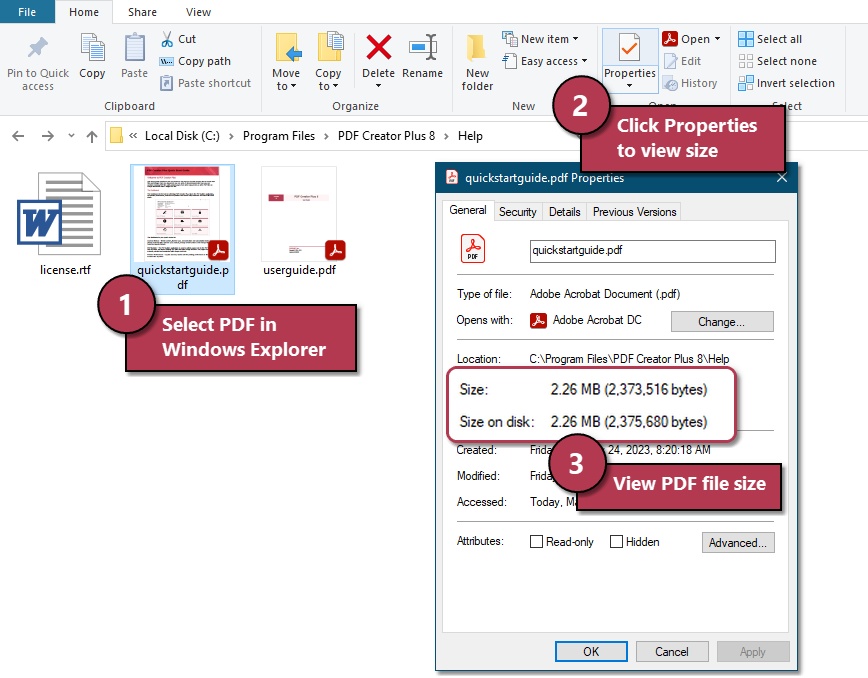
First, make sure your eyes aren’t playing tricks. Right-click the PDF file and select Properties (on Windows) or Get Info (on Mac). Look for the file size. If it says 0 bytes, then yes, it’s empty. But sometimes the file system reports 0KB even if there’s data inside—especially if the file wasn’t saved properly. So don’t give up yet.
Step 2: Check with a Command Line
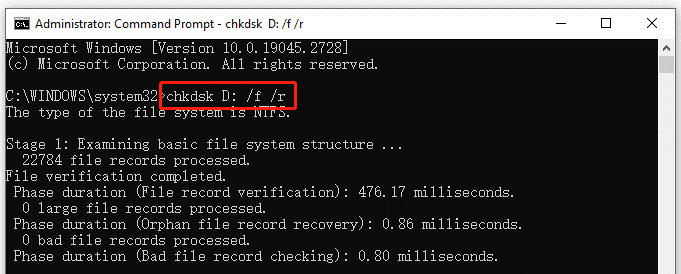
A more accurate check is to use the command line. On Windows, open Command Prompt and navigate to the folder with the file, then type dir yourfile.pdf. On Mac/Linux, open Terminal and use ls -la yourfile.pdf. If the size shows 0, the file truly has no content. But if you see a positive number, your file might be fine—just misreported by the file manager. Proceed to Step 3 to try opening it.
Step 3: Try Opening with a Different PDF Viewer
Sometimes the file isn’t actually empty, but your default PDF viewer (like Edge or Preview) doesn’t know how to handle it. Download and install a different viewer—Adobe Acrobat Reader is the gold standard. Right-click the file and select Open with, then choose Adobe Reader. If the document opens, great! If you get an error like “File is damaged and could not be repaired,” move to Step 4.
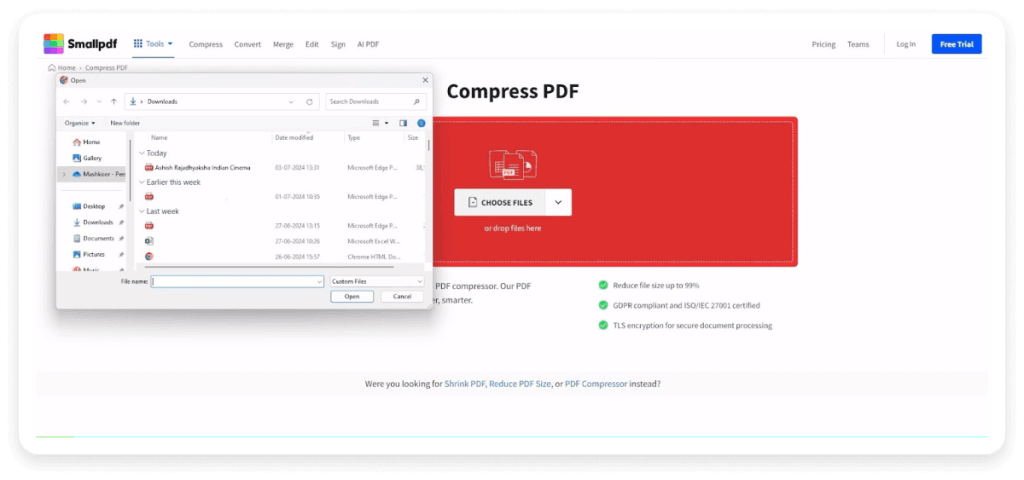
Step 4: Try a Web Based PDF Repair Tool
If the file won’t open, it’s likely corrupted. Luckily, there are free online repair services that can often stitch things back together. One popular option is to use a web based pdf repair tool like PDF24 or iLovePDF. Upload your 0KB file and see if it can be recovered. These tools work by reconstructing the PDF structure. If the tool says the file is empty, don’t worry—there’s more you can do.
Step 5: Re-download If It Came from Email
A common cause of 0KB PDFs is an interrupted download, especially from email attachments. If you got the file from a message, delete the zero-byte file and download it again. Make sure you have a stable internet connection. If your email client truncates attachments, check your download folder—sometimes the file is saved partially. Use the fix pdf attachment from email tips to ensure a complete download.
Step 6: Use Command-Line PDF Repair
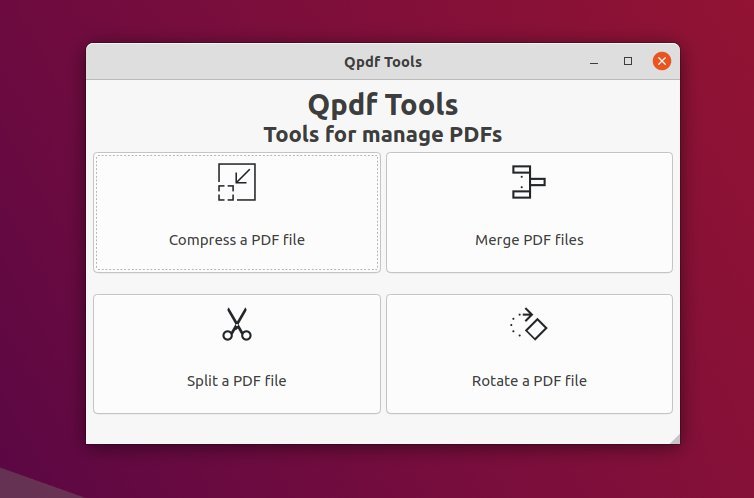
For tech-savvy folks, command-line tools can work magic. Install qpdf (free) or use Ghostscript. In your terminal, run something like qpdf --repair broken.pdf fixed.pdf. This rebuilds the internal structure. If the file is truly zero bytes, qpdf might not help, but it’s worth a shot. Check out our guide on pdf repair command line for detailed commands.
Common Pitfalls
Don’t fall into these traps:
- Assuming it’s gone forever: 0KB doesn’t mean the content vanished. Often the file is just missing its header. A repair tool can recover it even if the size shows zero.
- Overwriting the file: Never save over a 0KB file until you’ve recovered it. Doing so might overwrite residual data that could be salvaged.
- Using the wrong tool: Not all PDF repair tools are equal. Avoid sketchy software that promises miracles. Stick to reputable options like those mentioned in our fix corrupted pdf guide.
Where to Next
Now that you know why your PDF is 0KB and how to fix it, why not learn more about preventing file corruption? Check out our article on why pdf file is corrupted to understand common causes. Or if you’re dealing with more complex issues, explore our web based pdf repair and pdf repair command line guides for deeper dives.




