
So you’ve got a PDF that just won’t open—or opens with garbled text, missing pages, or error messages. Don’t panic. This guide is for anyone who needs to rescue a corrupted PDF, whether you’re a casual user or a tech-savvy pro. By the end, you’ll know how to fix your file using free online tools, Adobe Acrobat, command-line utilities, and even manual hex editing for the tough cases.
PDF corruption can happen for many reasons: an incomplete download, a sudden power outage during saving, cloud sync glitches, or just a bad transfer. I’ve been there, and I’ve tested each method here on real damaged files. So grab your broken PDF, and let’s get it working again.
What You’ll Need
- A corrupted PDF file (the one you want to repair)
- A computer with internet access (for online tools)
- Adobe Acrobat Reader DC or Adobe Acrobat Pro (optional but helpful)
- qpdf and/or Ghostscript installed (for command-line methods)
- A hex editor like HxD or 010 Editor (for manual repair)
Step 1: Try Opening in a Different PDF Viewer
Sometimes the issue isn’t your PDF file—it’s the viewer. Before diving into heavy repair, try opening the document in another PDF reader. For example, if you normally use Chrome’s built-in viewer, switch to Adobe Acrobat Reader or Foxit Reader. If it opens fine elsewhere, the original viewer might be corrupted or have a bad plugin. This step is free and takes only seconds.
Step 2: Use an Online PDF Repair Tool
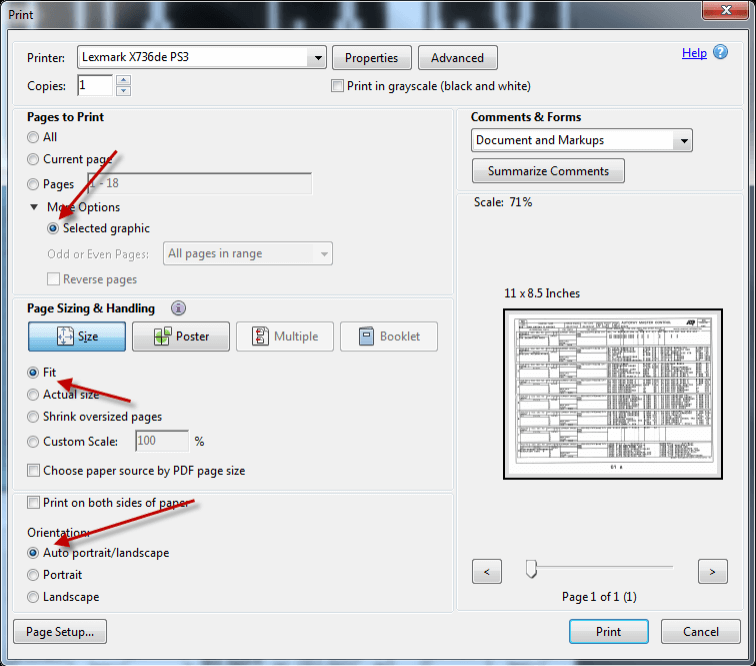
Online repair tools are a quick fix for many common issues. Upload your corrupted PDF to a service like iLovePDF, Smallpdf, or PDF2Go and let them attempt to recover it. These tools often fix minor corruption like broken links, missing fonts, or formatting errors. If your PDF is damaged because of an incomplete download, an online tool can help you repair a PDF after an incomplete download without any fuss.

Step 3: Repair in Adobe Acrobat
Adobe Acrobat (not just Reader) has a hidden repair feature. Open the PDF, then go to File > Save As and choose “Optimized PDF.” In the dialog, click “Audit space usage” and then “OK” to rewrite the file structure. Alternatively, use File > Export To > Image > PNG to convert a page, which can sometimes salvage content. For a more detailed walkthrough, check out our guide on how to repair a PDF in Adobe Acrobat.
Step 4: Fix with Command-Line Tools (qpdf / Ghostscript)
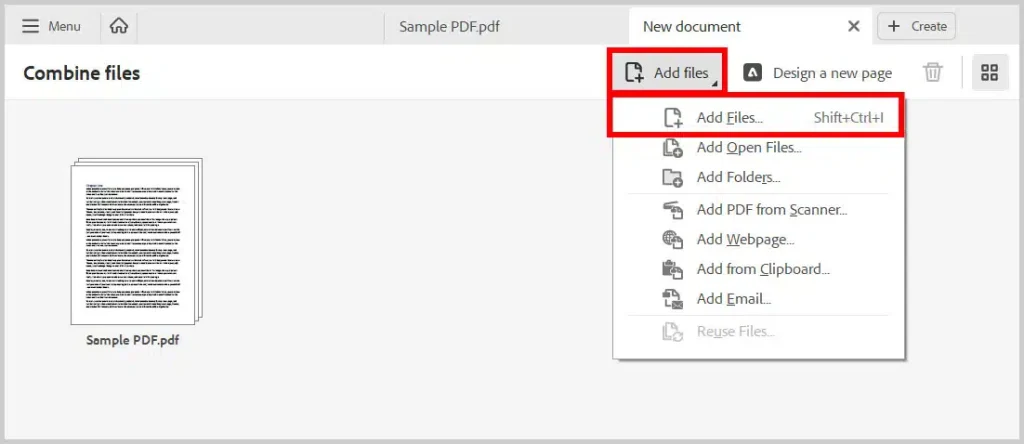
For stubborn corruption, command-line tools are your best friend. Install qpdf (available on Windows, macOS, Linux) and run: qpdf –linearize input.pdf output.pdf. This rebuilds the file from scratch, often fixing cross-reference or trailer issues. If you see a “root object is missing” error, you can fix a root object is missing error by using Ghostscript: gs -dNOPAUSE -dBATCH -sDEVICE=pdfwrite -sOutputFile=output.pdf input.pdf. qpdf also has a –check flag to diagnose problems. If you’re on Windows, our dedicated article on repair PDF on Windows covers these tools in depth.

Step 5: Advanced Manual Hex Editing
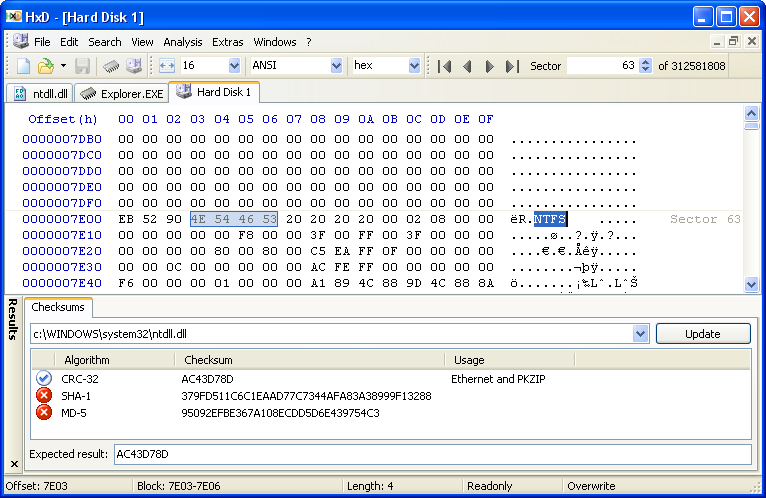
When everything else fails, you can dive into the raw PDF code. Open the file in a hex editor like HxD. Look for the PDF header (should be %PDF-1.x at the very beginning) and the trailer (starts with ‘trailer’ and ends with ‘%%EOF’). If the trailer is corrupted, you can manually repair the PDF trailer by rewriting the cross-reference table. This is advanced—backup your file first and expect to spend a few hours learning PDF structure.
Common Pitfalls
- Saving a repaired PDF over the original without a backup—always keep a copy before attempting repair.
- Using online tools for sensitive or confidential documents—some services may keep copies on their servers.
- Jumping straight to hex editing without trying simpler fixes—it’s time-consuming and error-prone.
Repairing a PDF can feel like detective work, but with these steps you’ll have a high success rate. Once you’ve got your file back, make sure to save it in a safe spot, and consider running regular backups to avoid future heartache.
Where to next? Check out other repair guides like fixing compressed PDFs, recovering PDF forms, or tackling specific errors like a missing root object. Happy repairing!




