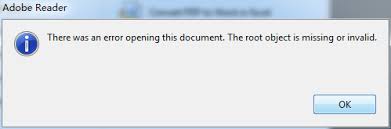
Ever tried opening a PDF only to get hit with a cryptic error like ‘Root object is missing’? It sounds scary, but it’s actually a common sign that the PDF’s internal structure got scrambled—often from a bad download, a failed save, or a sync hiccup. This guide is for anyone who’s stuck with that error and just wants their document back. By the end, you’ll have either a working PDF or a clear plan for the next step.
We’ll walk through three fixes: first, try a dedicated repair tool (the easiest route). If that fails, we’ll roll up our sleeves with a hex editor to manually patch the root object. Last resort? Use a free online PDF repair tool to let the cloud do the heavy lifting. No need to be a tech wizard—just follow along.
What You’ll Need
- Your corrupted PDF file (make a copy first!)
- A PDF repair tool (like PDF Repair Toolbox or free alternatives)
- A hex editor (like HxD for Windows or Hex Fiend for Mac)
- A stable internet connection (for the online method)
- Patience—some steps take a few minutes
Step 1: Spot the Error & Back Up
Before doing anything, confirm it’s really the ‘root object is missing’ error. Open the PDF—if you see that message, you’re in the right place. Now, immediately make a backup of the corrupted file. Just copy it to another folder. That way, if something goes wrong, you can always start fresh.
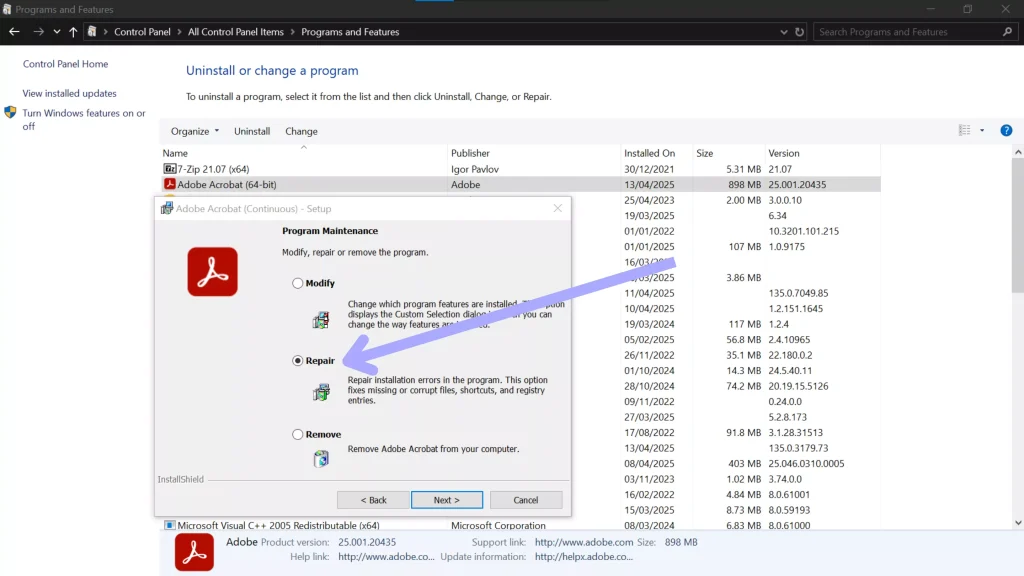
Step 2: Try a Dedicated PDF Repair Tool
The easiest fix is using software built for this. Download a reliable PDF repair tool (many have free trials). Open the tool, select your corrupted PDF, and hit ‘Repair’. These tools scan for structural issues like missing root objects and rebuild them automatically. It usually takes less than a minute. If it works, save the repaired file and you’re done!
If your tool fails, don’t give up. Some corruptions are too deep for automatic fixes. That’s where the hex editor comes in.
Step 3: Manual Hex Editing (Advanced)
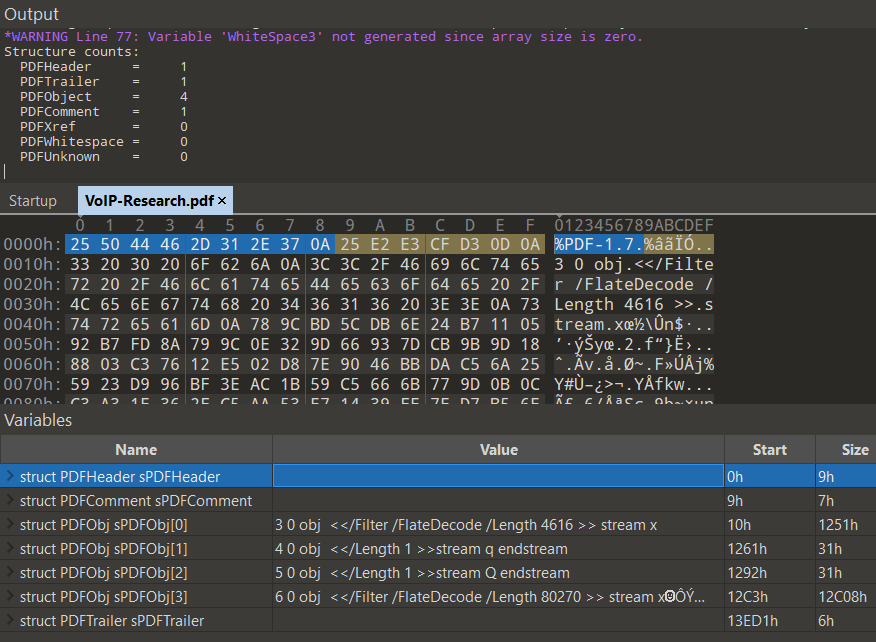
This step is for when you’re comfortable poking around in raw data. Open your PDF in a hex editor. A valid PDF starts with ‘%PDF’ and ends with ‘%%EOF’. The root object is usually the first object (object 1 0 obj). If it’s missing, you’ll see garbage at the beginning. Check if the cross-reference table (xref) still exists—if so, you can often reconstruct the root object by copying it from another PDF of the same type or creating a minimal one. Here’s a simple root object you can insert at the top:
1 0 obj
<>
endobjMinimal root object
After adding it, adjust the cross-reference table accordingly. Then save and try opening. This fix works surprisingly often for simple corruptions. But if the file looks like a mess, it’s time for the online option.
Step 4: Use an Online Repair Service
If local tools and manual editing didn’t work, upload your PDF to a reputable online repair service. Websites like those offering a free online PDF repair tool can often recover the file by sending it to servers that handle tough corruptions. They usually support files up to a certain size. After upload, wait for them to process, then download the repaired version. Keep in mind: never upload sensitive documents to a service you don’t trust.

Common Pitfalls
- **Not backing up first.** If a repair tool overwrites the original and fails, you’re stuck. Always keep a copy.
- **Using a generic file repair tool.** PDFs have a unique structure. A tool that isn’t PDF-aware can do more harm than good. Stick to PDF-specific software or the other methods here.
- **Ignoring incomplete downloads.** If your PDF errored because of a bad download, try re-downloading first. Often, that’s all you need. See our guide on repair after incomplete download for more details.
Where to Next
If none of these methods worked, your file might be beyond repair. But don’t lose hope—check out our other guides for similar issues, like fixing an invalid PDF repair issue or handling a PDF damaged and could not be repaired scenario. For files that are completely unreadable, the fix unreadable PDF online guide can offer more tricks. And if you’re dealing with a free online PDF repair tool that failed, sometimes a different tool does the trick. Good luck, and may your PDFs open smoothly!




