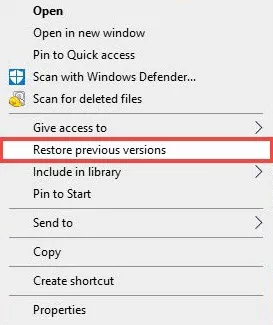
Ever been in that situation where you’re downloading a PDF — maybe an important report, a user manual, or a recipe — and your internet craps out just before the finish line? You’re left with a file that won’t open, or worse, opens as gibberish. Don’t panic. This guide is for anyone who’s dealing with a PDF that got truncated mid-download. By the end, you’ll have a working PDF, or at least know exactly what tools to try next.
We’ll walk through several methods, starting with the quickest checks, then moving to free online tools, and finally desktop software if the file is really stubborn. Most of these options cost nothing and don’t require any technical skills. Let’s get that PDF back in one piece.
What You’ll Need
- The broken PDF file
- A computer with internet access
- Optional: A different PDF reader (like Adobe Acrobat Reader, Foxit, or SumatraPDF)
- Optional: A file repair tool (like Recuva if you think the download never finished)
Step 1: Check the File Size
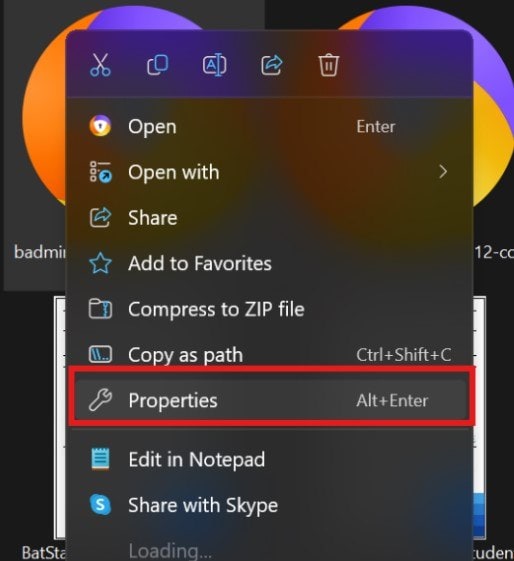
Before diving into repair, see if the download actually completed. Right-click the PDF file and select Properties (Windows) or Get Info (Mac). Compare its size to the expected size (often listed on the download page). If it’s significantly smaller — like you expected 5 MB but got 200 KB — the file is missing data. If the size is suspiciously zero, you might have a zero-byte file, which requires a different approach (check out our guide on pdf file size zero repair).
Step 2: Try Opening in a Different PDF Reader
Sometimes the issue is your PDF reader, not the file. Download a different reader like Foxit Reader or SumatraPDF (both free) and try opening the PDF. If it opens fine, your original reader might have a glitch. If it still fails, move on.
Step 3: Repair the PDF Online for Free
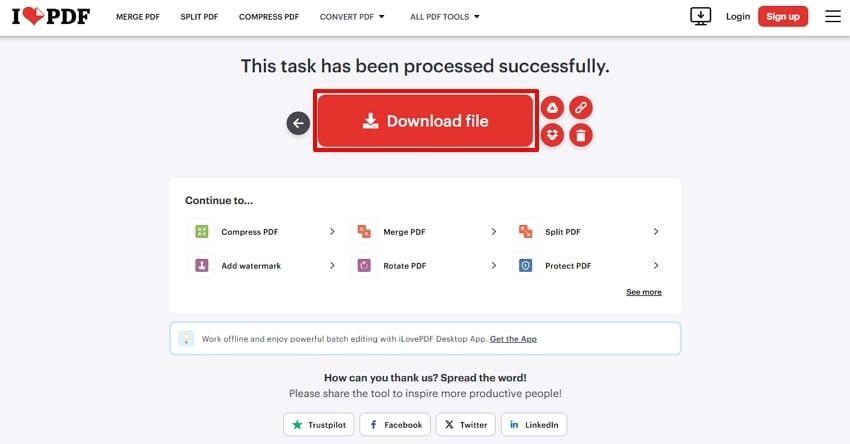
Several online services can fix a truncated PDF. One reliable option is to repair PDF online for free using tools like PDF2Go or iLovePDF. Just upload your file, wait for the repair, and download the fixed version. These services often recover missing metadata and rebuild the file structure. If you want to avoid sign-ups, look for options that repair a PDF for free without signing up. Another good free tool is the one we described in our guide to fix an unreadable PDF online.
Step 4: Use Desktop PDF Repair Software
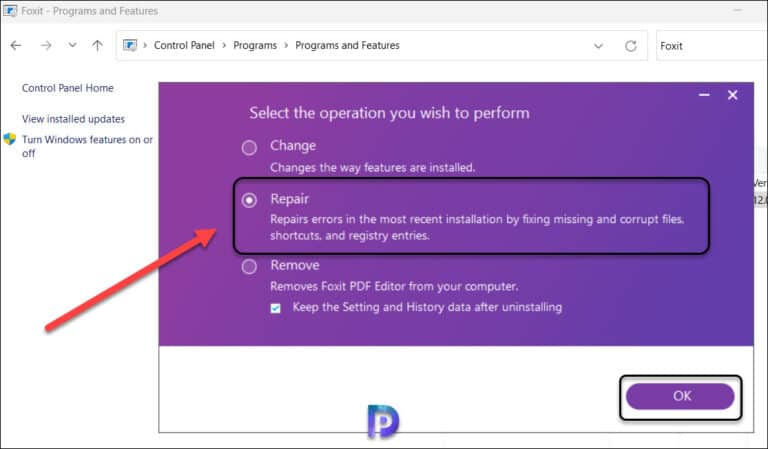
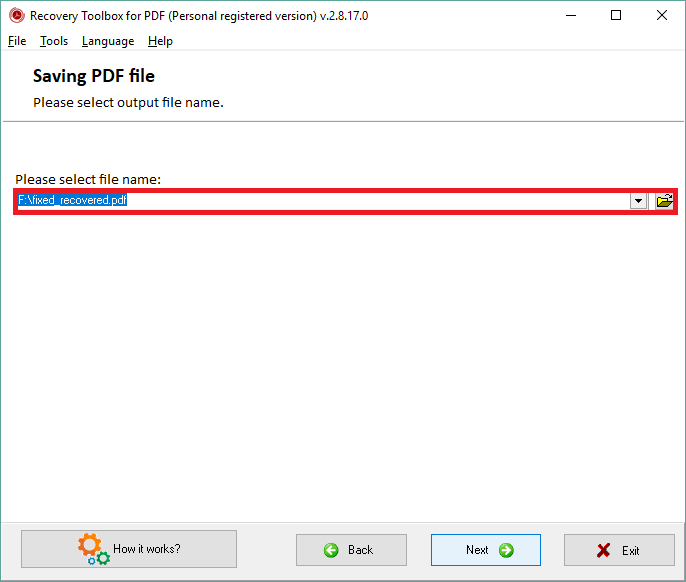
If online tools don’t work, try a dedicated desktop program. For Windows users, we have a detailed walkthrough on how to repair a PDF on Windows using software like PDF Repair Toolbox or the built-in Acrobat Pro repair feature. Mac users can try PDFRepair or Unstoppable Copier. These tools scan the raw data and attempt to reconstruct the PDF. For severely damaged files, you might need to attempt an invalid PDF repair using a hex editor, but that’s advanced.
Step 5: Re-download the PDF (If Possible)
If all else fails, try re-downloading. Use a download manager that supports resume, like Free Download Manager. Start the download again and it will pick up where it left off. If the server supports range requests, you’ll get the full file without starting over. That’s the simplest fix.
Common Pitfalls
- Pitfall 1: Thinking all online tools are safe. Some free PDF repair sites upload your file to public servers. Use only reputable services, or choose desktop software for sensitive documents.
- Pitfall 2: Ignoring the file size check. If the file is still downloading, your repair attempts won’t help. Wait for the download to fully complete or use a download manager.
- Pitfall 3: Overwriting the original. Always work on a copy. If the repair makes things worse, you still have the original to try other methods.
Where to Next
Recovering from an incomplete download is just the beginning. If your PDF has other issues — like broken forms or missing links — check out our guide on how to repair pdf forms or repair pdf links. And if you ever get the dreaded ‘There was an error opening this document’ message, we’ve got you covered. Happy reading!




